Last Updated: July 16, 2026
This guide walks you through the setup and optimization of TomTom GO on Android Auto, based on my own real-world testing and a full week of daily commuting.
Is TomTom Go compatible with Android Auto
Yes. TomTom GO Navigation has officially supported Android Auto since 2021. This native integration allows you to project the app directly onto your vehicle's infotainment screen, providing a familiar, high-performance navigation experience that leverages your car's display while keeping the heavy processing power on your smartphone.
How We Tested TomTom GO on Android Auto
To ensure this guide is authentic, I conducted a week-long testing cycle during my daily commute. I wanted to see how the app handled real-world stress, rather than testing it in a sterile environment.
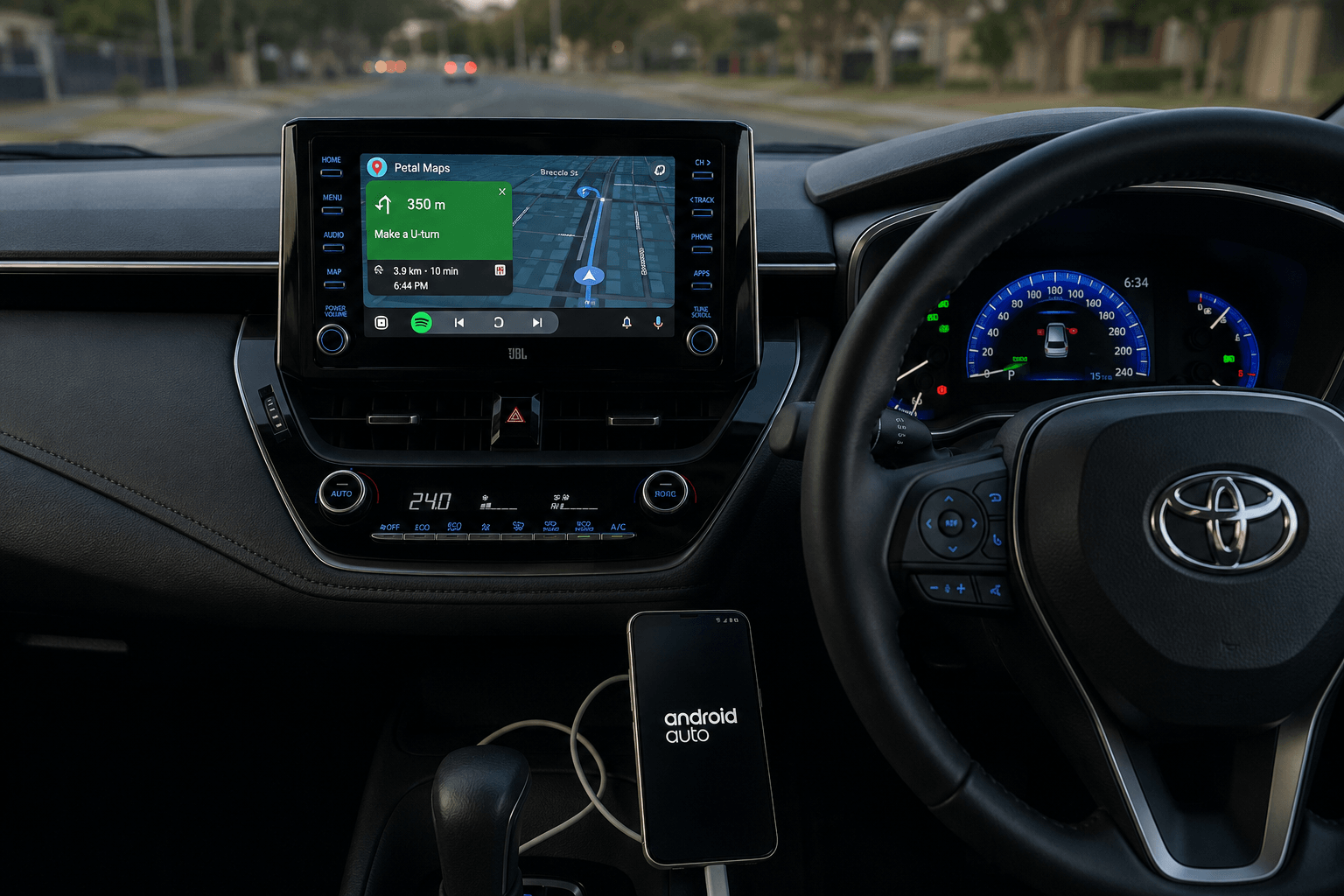
- Test Environment: 2024 Toyota Corolla (Wired Android Auto)
- Phone Configuration: Samsung Galaxy S23 running Android 14
- Software: TomTom GO Navigation v3.6.1 (Official Play Store build)
My goal was to replicate the average driver's experience, focusing on the first-run hurdles that often lead people to believe the app is broken.
How to Set Up TomTom GO on Android Auto
If you've installed the app but cannot find the icon on your car screen, you are not alone. I spent 10 minutes in my own driveway the first time I set this up, thinking the app was broken. Follow these steps to ensure a successful handshake:
- Install via Play Store: Download the official TomTom GO Navigation app.
- Complete Onboarding: Open the app on your phone before connecting to your car. You must grant "Always Allow" location permissions and download a regional map. Without this, Android Auto will fail to initialize.
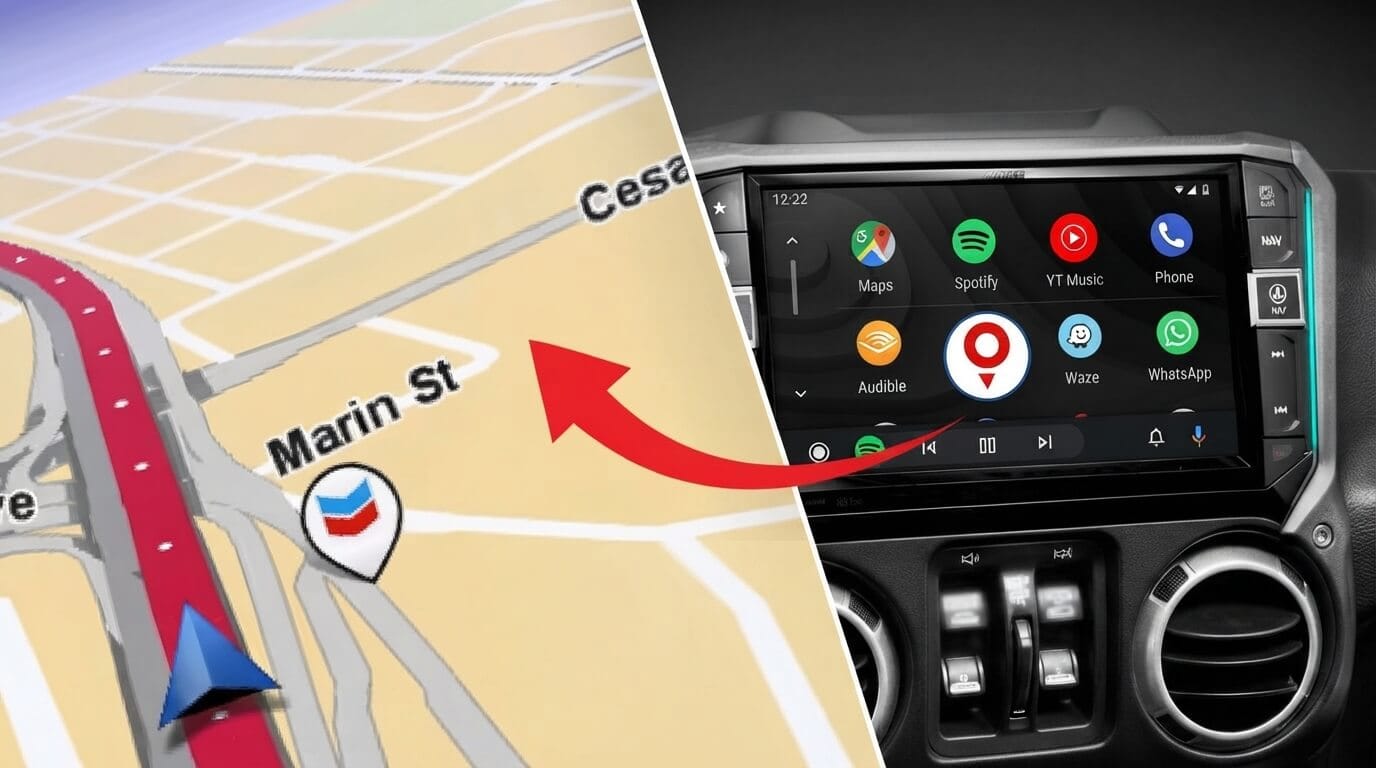
- Enable in Android Auto Launcher: Go to Settings > Connected Devices > Android Auto > Customize Launcher on your phone. If "TomTom GO" is unchecked, the system will not mirror it to your dashboard. This is the most common fix for missing icons.
- Initial Connection: Connect your phone via a high-quality data cable. You may see a brief black screen on your car display for a few seconds. This is normal behavior. It is simply the app syncing its map cache to the head unit.
How to extend TomTom GO capabilities via Screen2Auto
If your car screen does not officially support TomTom GO, you can use Screen2Auto to mirror your phone screen directly to your car. Follow these simple steps:
- Install the AAStore app on your phone and use it to install Screen2Auto.
- Go to your phone settings and give Screen2Auto permission to "Display over other apps" and "Accessibility Services."
- In the Screen2Auto settings, turn on "High-Performance Mode" for the smoothest map experience.
- Screen mirroring uses more battery. Always use a high-quality, fast-charging USB cable.
- Please keep your eyes on the road and minimize phone use while driving.
If you need clear guideline refer: https://screen2auto.com/install/aastore
Alternatively, if you prefer not to use AAStore, you can use AAAD (Android Auto Apps Downloader) to install Screen2Auto and get TomTom GO running on your car display. If you need a complete guide on how to set up Screen2Auto via AAAD
Why Doesn't TomTom GO Show Up on My Car Screen
If the app is missing, it is almost always a configuration issue. The most common cause is the "Customize Launcher" setting mentioned above. Additionally, check your location permissions. TomTom requires "Always Allow" access to track your movement in the background. If you only select "While using the app," the routing can drop out when you switch to other apps on your phone or when the screen locks.
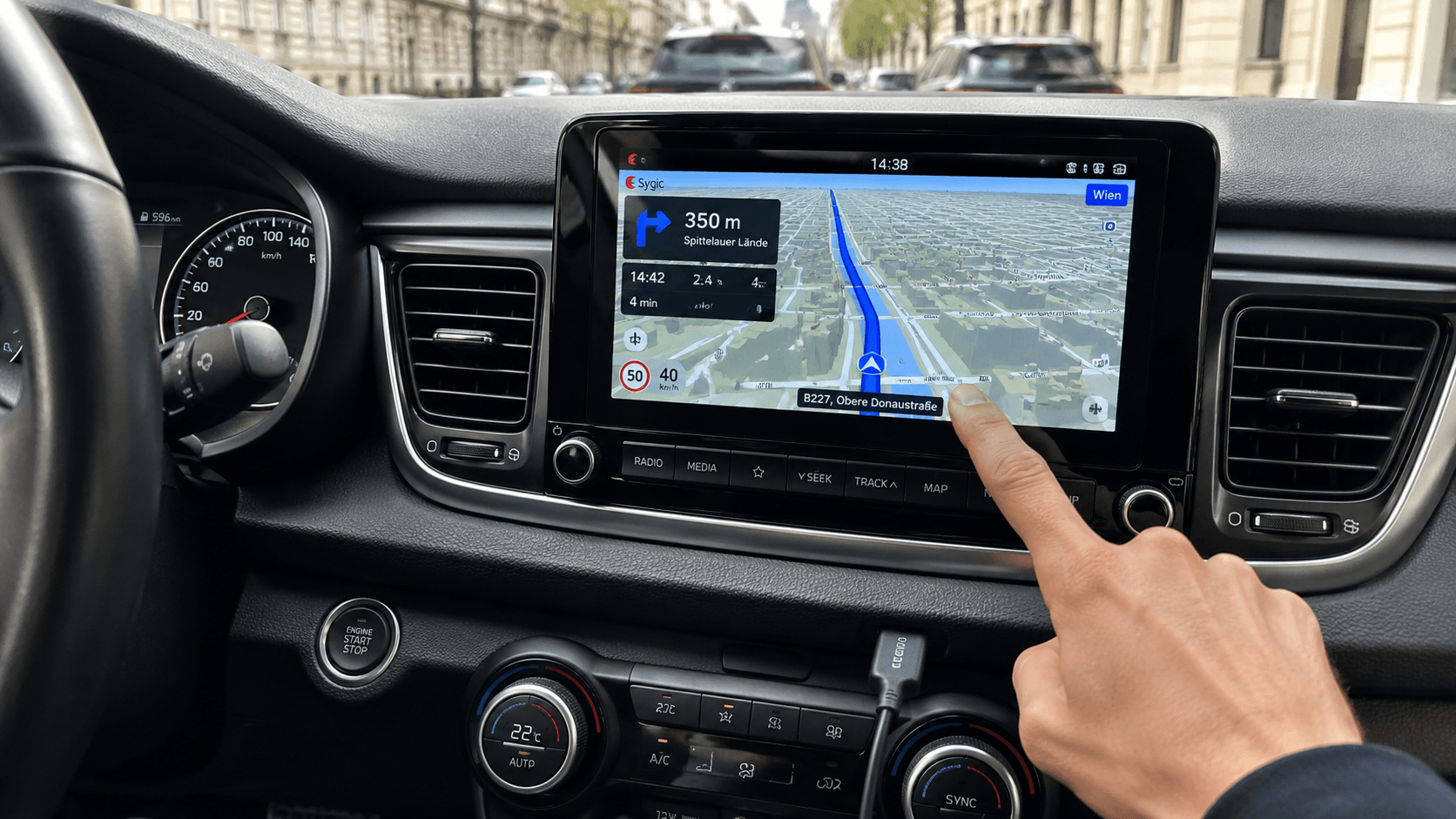
Prefer a different navigation app? See our Sygic Android Auto setup guide for another free option."
Common TomTom GO Android Auto Problems (and Fixes)
- Black Screen/Slow Wake-up: This usually occurs during the first connection of the day. It is not a crash; it is the app waking up its mapping engine. Give it 10-15 seconds to sync.
- Voice Guidance Volume: In my testing, I found TomTom's voice was drowned out by Spotify. The fix is to adjust the "Voice Guidance" volume within the TomTom app settings on your phone before you start driving.
- Search Limitations: I tried to find a specific coffee shop near my office, and the search only returned six results. I wanted to scroll to see more, but the system locked me out. This is an Android Auto safety requirement to prevent driver distraction, not a bug in the TomTom app.
- Lane Guidance Win: My favorite moment during testing was at a notoriously confusing multi-lane freeway junction. While Google Maps usually tells me to "take the exit" at the last second, TomTom displayed a clear diagram of exactly which lane to be in 800m before the turn. It felt like a much more professional, reliable co-pilot.
- Battery Optimization: If the app disconnects mid-drive, your phone's battery management might be killing the process. Go to your phone's App Info > Battery and set it to "Unrestricted." This ensures the navigation engine stays active, especially when you are running other background services.
The Technical Deep Dive: USB Cable Science
Not all USB-C cables are created equal. Android Auto is remarkably sensitive to cable quality because it requires a stable, high-bandwidth data connection. If your connection drops intermittently, replace your cable with a USB-IF certified cable that supports at least 5Gbps data transfer (USB 3.1 or higher). Avoid "charging-only" cables entirely, as they lack the necessary data pins. A shorter cable (under 3 feet) is also preferred to minimize signal degradation, which can lead to the infamous "black screen" during navigation.
TomTom GO vs. Google Maps: The Data-Driven Comparison
| Feature | TomTom GO Navigation | Google Maps |
|---|---|---|
| Routing | Offline-first (resilient) | Online-first (data dependent) |
| Lane Guidance | Advanced/Visual | Basic |
| Privacy | Non-monetized | Ad-supported |
| Cost | Subscription required | Free |
Data Consumption & Offline Architecture
Google Maps operates on a "streaming" model, constantly pulling map tiles and traffic data from the cloud. In areas with spotty cellular coverage, this leads to lag or, worse, complete navigation failure. TomTom downloads the entire map dataset to your phone. This means your route recalculations are processed locally on your device, resulting in zero-latency performance even in dead zones.
The Business Model of Privacy
Google Maps is built on a massive data-collection framework designed to serve personalized ads. TomTom's subscription-based model is, by contrast, a transaction for a service. When you pay for TomTom, you are the customer, not the product. For professional drivers, this separation between their daily movements and their digital identity provides significant value.
Pro-Tips for Professional Drivers
1. Managing Map Storage
TomTom's "Offline-First" design requires significant storage. If you find your phone is running low on space, go into the app's "Maps" settings and remove regions you don't intend to visit soon. This frees up gigabytes of storage while maintaining a fast, snappy interface.
2. Tuning Voice Guidance
Most drivers settle for the default voice volume. However, you can independently adjust navigation volume compared to music volume. During a voice instruction, use your car's master volume knob. Android Auto treats these as separate audio channels, allowing you to fine-tune the balance so your music remains enjoyable without drowning out critical turn-by-turn prompts.
3. Understanding "Clear Cache" vs. "Clear Storage"
If the app acts up, many users jump to "Clear Storage." Be careful: "Clear Storage" wipes your saved destinations, preferences, and downloaded maps. Always try "Clear Cache" first. This removes temporary files without losing your configuration. If you must clear storage, treat it as a fresh install, and make sure you are on a high-speed Wi-Fi network to re-download your maps.
Is TomTom GO Worth It on Android Auto?
If you are a professional driver or navigate complex city environments daily, TomTom GO is objectively superior. While the subscription model might be a barrier for casual drivers, the technical reliability, specifically the lane-level precision and the offline-first architecture, makes it a must-have for the serious driver. It is a tool built for those who prioritize arriving on time and stress-free over absolute cost savings.
Frequently Asked Questions
Is TomTom GO free to use with Android Auto?
The app offers a free trial, but ongoing use requires a subscription plan.
Why is TomTom GO not showing on my Android Auto screen?
Check your "Customize Launcher" settings in the Android Auto menu on your phone to ensure the app is enabled.
Does TomTom GO work offline on Android Auto?
Yes. Once you download your regional maps on your phone, you can navigate without an active data connection.
Is TomTom GO better than Google Maps for Android Auto?
It depends on your needs. If you prioritize lane precision, offline reliability, and privacy, TomTom is the better choice.
Can I use TomTom GO on multiple vehicles?
Yes, your TomTom account is tied to your phone, not the vehicle. You can use it in any car equipped with Android Auto.
How often are map updates delivered?
TomTom delivers updates to their map data regularly. You can check for updates in the app's map management menu.
Does TomTom consume more battery than Google Maps?
Because it processes maps locally, it can be demanding on your phone's processor. This is why keeping it connected to power and setting battery optimization to "Unrestricted" is highly recommended.
What happens to my subscription if I switch phones?
Your subscription is linked to your TomTom account. Simply log in on your new device to restore access.