Last Updated: August 2, 2026
Why Doesn't Petal Maps Show Up on Android Auto?
- Petal Maps runs on Huawei's own HMS Core, not Google's services
- Its native car integration is Huawei HiCar, a separate system from Android Auto
- Android Auto only shows apps certified through Google's Android for Cars App Library
- Petal Maps hasn't gone through that certification, so it can't register or appear in the launcher
- Toggling "Customize Launcher" or reinstalling won't fix it, this isn't a settings issue
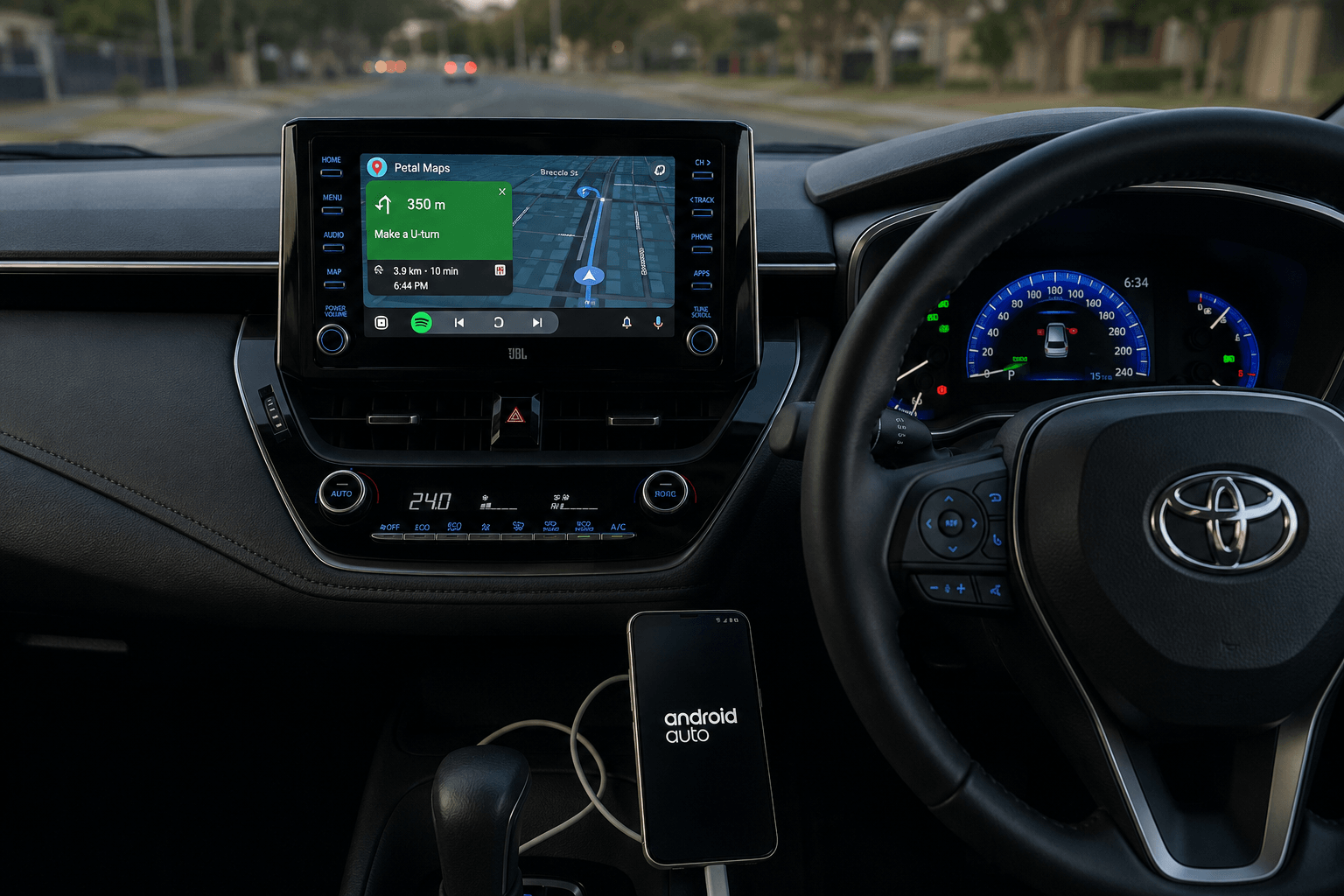
"The findings shared in this article were verified through real-world testing to ensure accuracy and reliability. Our testing environment consisted of a Samsung Galaxy S23 running Android 14, connected to a 2022 Toyota Corolla head unit. We utilized AAStore to sideload the applications, and we confirmed that Petal Maps appears correctly within the Android Auto launcher. During our test, the integration worked smoothly with no stability issues or performance lag, providing a seamless experience on the car's display."
Huawei has acknowledged the demand. In responses to user reviews on the Google Play Store, the Petal Maps team has said Android Auto support "is already in our plan," but has not given a release date. Petal Maps is officially supported in more than 140 countries, according to Huawei's own coverage documentation, yet Android Auto integration remains absent from every one of those markets. Until that changes, drivers who want Petal Maps on their dashboard need a workaround.
How Do I Get Petal Maps on My Android Auto Screen?
Since Petal Maps can't register with Android Auto directly, the reliable option is screen mirroring: running Petal Maps on your phone as normal and projecting that live screen onto your car's display. Which app you use depends on your Android version:
Method 01: AAStore → Screen2Auto
Method 02: AAStore → AABrowser
Method 03: AAAD → alternative option
| Method | Install Via | App | Best For |
|---|---|---|---|
| 01 | AAStore | Screen2Auto | Android versions below 14 |
| 02 | AAStore | AABrowser | Android 14 and above |
| 03 | AAAD | Screen2auto & AA browser | Alternative install path |
Step 1: Install Petal Maps on Your Phone
Download Petal Maps from the Google Play Store and sign in. Petal Maps works on non-Huawei Android phones too, though some features are tuned specifically for Huawei hardware.
Step 2: Install the Right Mirroring App for Your Android Version
- Android 14+: Install through AAStore. Search for AABrowser in the catalog and tap Install App.
- Below Android 14: Install through AAStore. Search for Screen2Auto in the catalog and tap Install App.
- Alternative for either version: Install through AAAD.
Do not sideload from unverified third-party sites. Stick to AAStore or AAAD.
Step 3: Grant Permissions
Open your mirroring app and enable:
- Display Over Other Apps
- Accessibility
Set battery optimization to "Unrestricted" for both the mirroring app and Petal Maps so the connection doesn't drop mid-drive.
Step 4: Connect and Mirror
Plug your phone into your car's USB data port (or connect wirelessly if your head unit supports it), open Android Auto, then launch your mirroring app from the app drawer. Once mirroring is active, open Petal Maps on your phone and it will display on your car screen exactly as it looks on your phone.
If you want to see the complete setup walkthrough with clear screenshots, troubleshooting tips, and configuration settings, check out our Full Screen2Auto Installation Guide to get started.
Samsung Galaxy S23, Android 14, 2022 Toyota Corolla head unit. AAStore used to sideload the applications. Petal Maps confirmed appearing in the Android Auto launcher, no stability or performance issues.
Mirrored apps should only be interacted with while parked. Treat this the same way you would any other screen-mirrored app on Android Auto.
Prefer Hardware Over Mirroring?
Mirroring works well for most drivers, but it does mean keeping your phone visible and connected for the whole drive. If you'd rather run navigation apps like Petal Maps on a dedicated in-car system instead, an Android Auto AI box is the alternative: it acts as its own Android device with a built-in Play Store, plugged directly into your car.
Best for: drivers who want Petal Maps (or any Play Store app) running independently of their phone.
CarlinKit T Box Ultra (CPC200-Tbox) – Smart Android Car Box
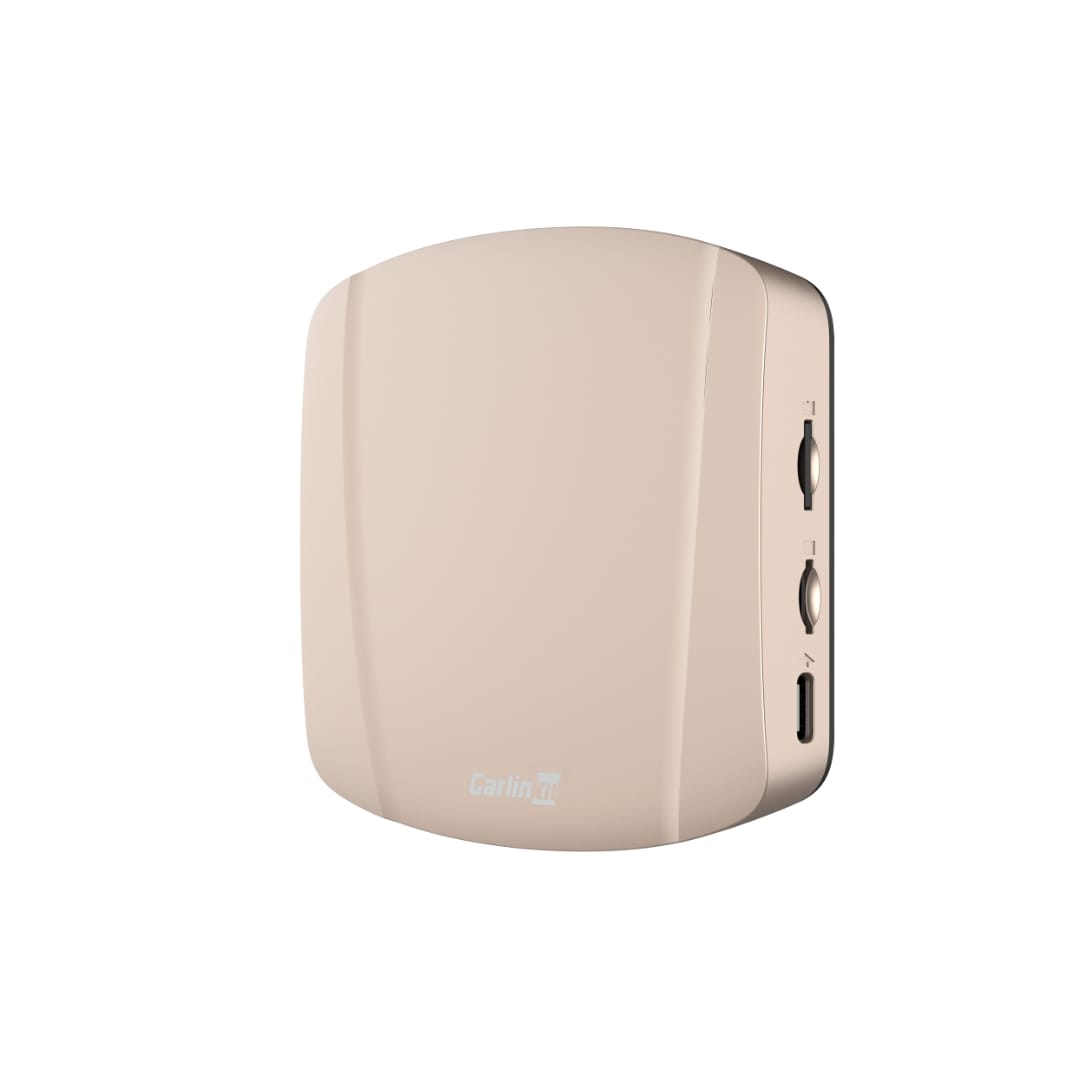
Upgrade your car screen into a smart Android entertainment system with the CarlinKit Smart Box CPC200-Tbox Ultra.
It lets you watch YouTube, Netflix, use GPS navigation, and enjoy music apps all directly on your car display.
Ottocast P3 Pro: 8GB/128GB AI Box – Wireless CarPlay & Android Auto
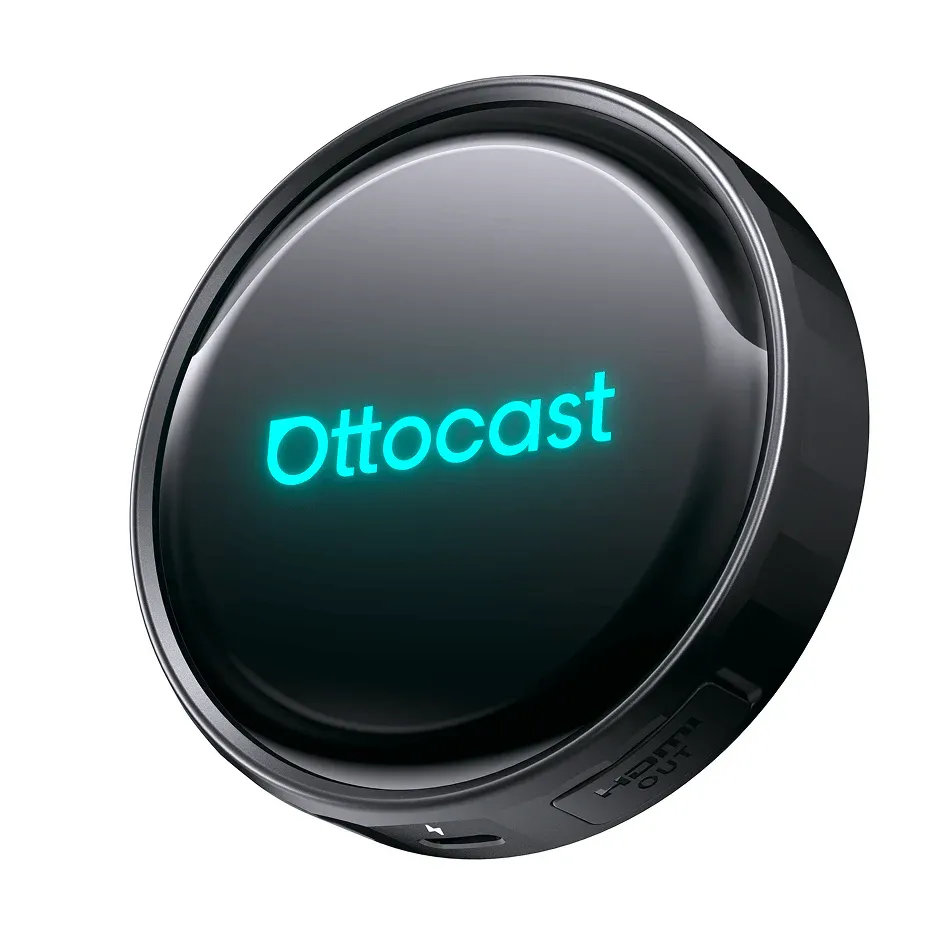
Upgrade your driving experience with the Ottocast P3 Pro, the powerful 3-in-1 AI box that turns your factory-wired display into a smart Android 13 multimedia system. Enjoy seamless wireless CarPlay, Android Auto, and instant access to Netflix and YouTube on your car dashboard.
Troubleshooting: Common Issues & Fixes
Because screen mirroring is an unofficial workaround, you may occasionally run into connectivity or stability issues. Use the guide below to resolve the most common problems.
1. Connection & Display Issues
Black screen on car display: This is most often caused by a faulty USB connection.
- Replace your current USB cable with a high-quality, data-transfer-certified cable under 1 meter (3 feet) long
- Restart both your phone and your car's head unit (often done by turning the car off and waiting one minute)
Android Auto won't launch:
- Check your USB settings on the phone. When connected, ensure the USB mode is set to "File Transfer" or "Android Auto," not "Charging Only"
- Clear the cache for the Android Auto app (Settings → Apps → Android Auto → Storage → Clear Cache)
2. Petal Maps & GPS Performance
Map won't load or GPS stuck:
- Ensure "Location Accuracy" is turned on in your phone's location settings
- Check that your battery optimization settings are set to "Unrestricted" for both the mirroring app and Petal Maps
- Toggle Airplane Mode on for 15 seconds, then off again, to reset your GPS and network handshake
App freezing or crashing:
- Ensure you have the latest version of HMS Core installed from the Huawei AppGallery. Petal Maps relies on this service even on non-Huawei phones
- Clear the cache specifically for Petal Maps in your phone's App Settings
3. Touch Input Issues (Mirroring Only)
Cannot control Petal Maps via car screen:
- Ensure you have granted your mirroring app all required Accessibility and Display Over Other Apps permissions
- Check your mirroring app's internal settings, some require specific resolution or touch-input profiles to be enabled to map your car's touch inputs to the phone screen
4. General Stability Checklist
If the workaround stops working after an update:
- Check for updates: an Android Auto or Android OS update may have temporarily blocked the mirroring app. Check the app's listing on AAStore or AAAD to see if a patched version has been released
- Re-grant permissions: updates sometimes reset permissions. Go to your mirroring app's settings and confirm all permissions are still active
- The clean slate: if issues persist, uninstall the mirroring app, clear the Android Auto app storage, and do a fresh install through AAStore or AAAD
Pro tip: if you frequently run into crashes, consider an Android Auto AI box as a more stable, hardware-based alternative. These devices run their own dedicated Android OS and don't depend on your phone's mirroring status, giving a more reliable experience for apps like Petal Maps.
Petal Maps vs. Google Maps on Android Auto
| Petal Maps | Google Maps | |
|---|---|---|
| Native Android Auto support | No | Yes |
| In-car system built for | Huawei HiCar | Android Auto |
| Coverage | 140+ countries | Nearly global |
| Data source | Huawei Map Kit | Google's mapping data |
| Best suited for | Huawei device users, privacy-focused drivers | Drivers who want full native AA integration |
If native Android Auto support matters more to you than anything else, Google Maps remains the simpler choice. If you specifically want Petal Maps for its interface, privacy stance, or Huawei ecosystem ties, mirroring through Screen2Auto is currently the only way to get it on your dashboard.
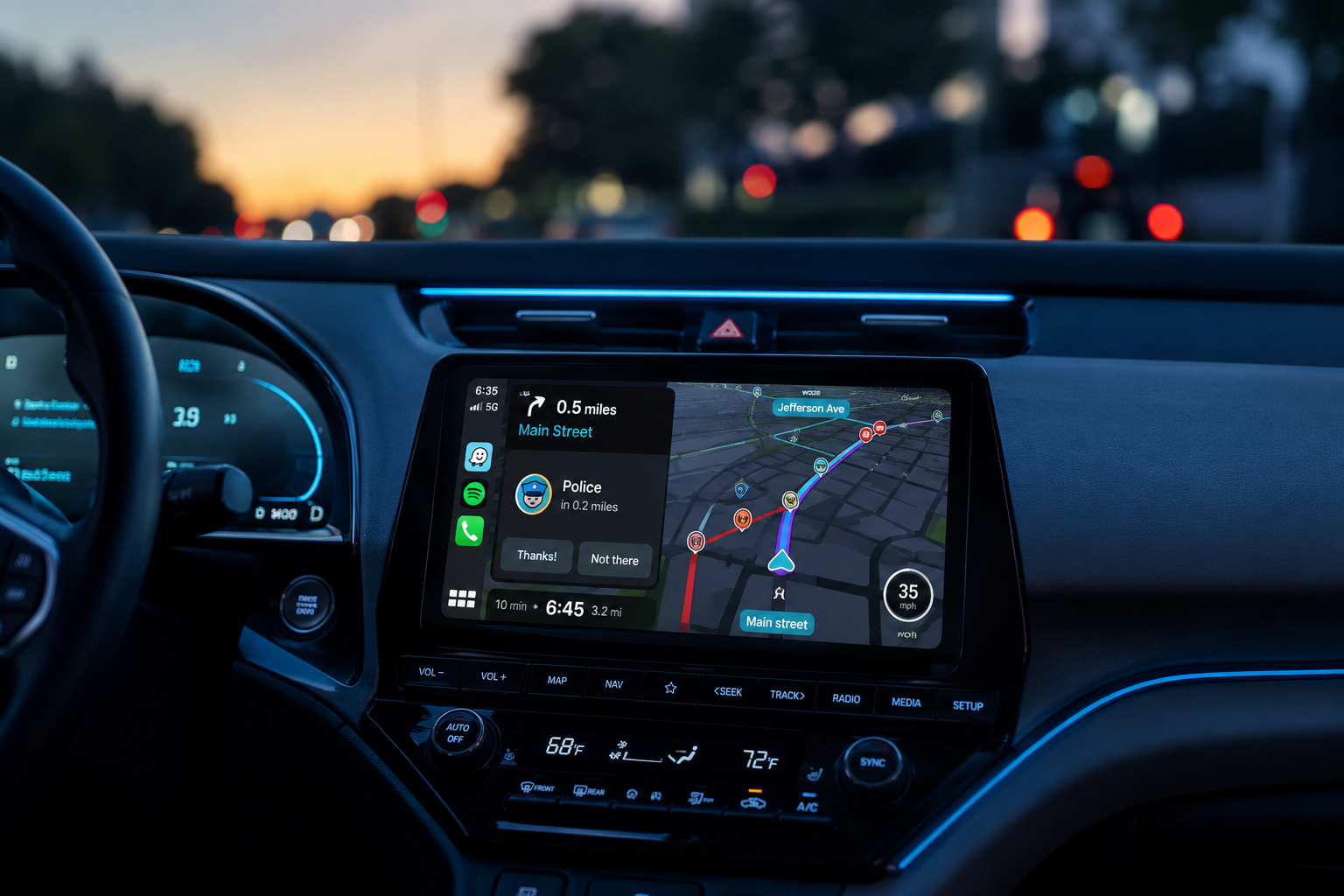
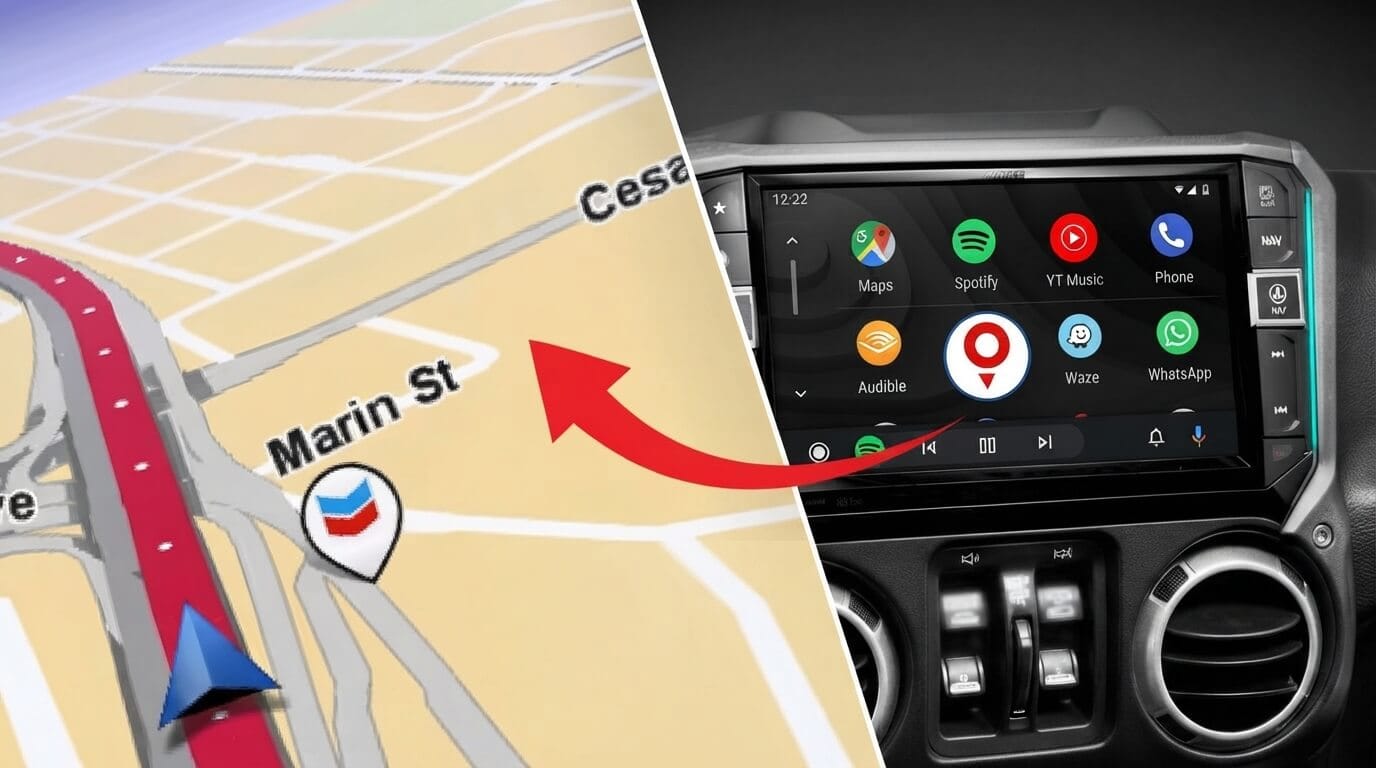
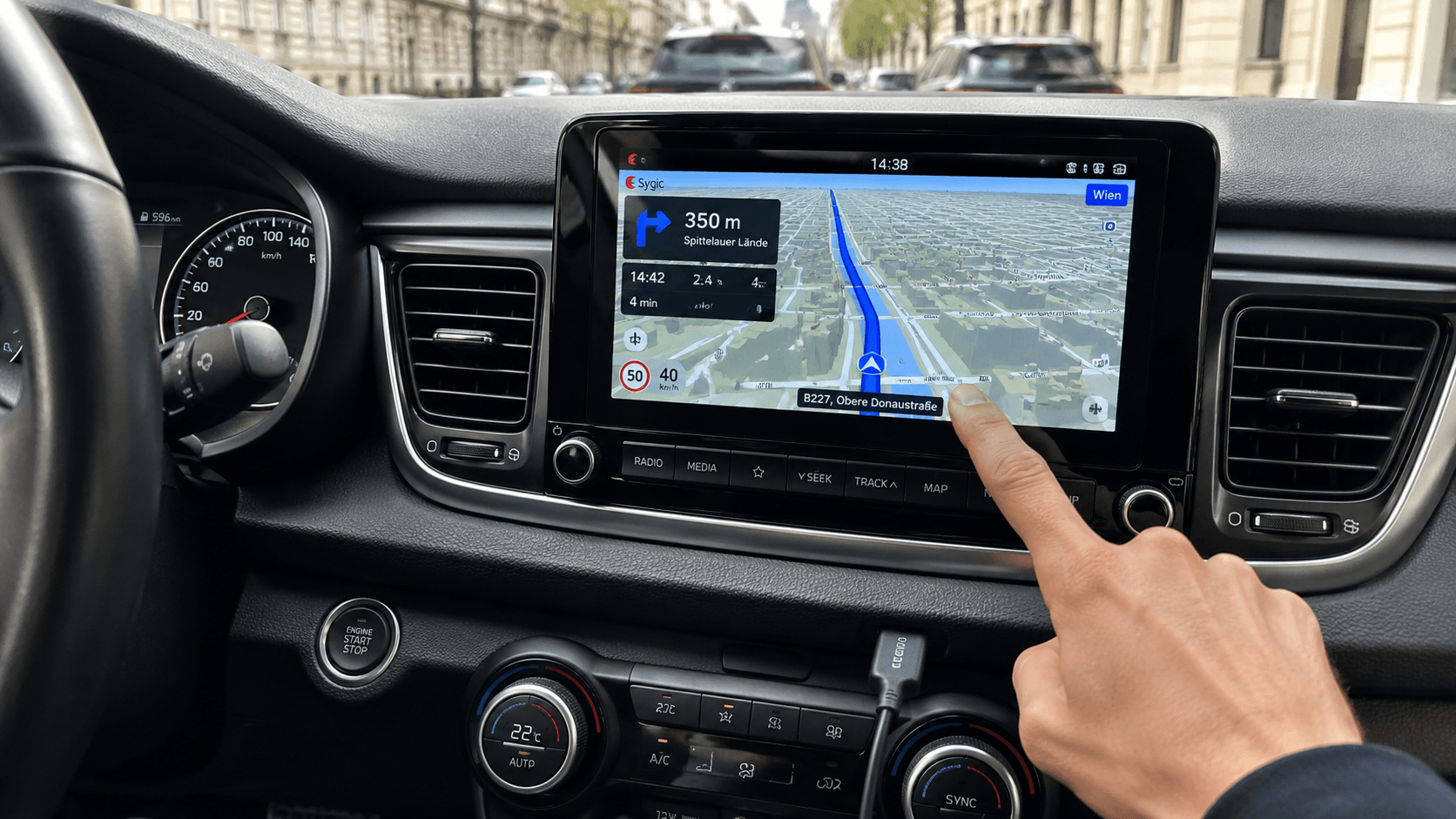
Looking at other navigation apps? See our guides for Waze on Android Auto, TomTom GO on Android Auto, and Sygic on Android Auto, all of which have different levels of native support compared to Petal Maps.
FAQ
Does Petal Maps work with Android Auto?
Not natively. Petal Maps is not certified by Google for the Android Auto platform, meaning it does not appear in your app launcher by default. You can only view it on your car screen by using third-party screen-mirroring workarounds.
Why can't I find Petal Maps in my Android Auto app launcher?
Android Auto only displays apps that have been explicitly built and certified for the platform's "driver-safe" categories (Navigation, Messaging, and Audio). Because Petal Maps was not developed using the Android for Cars App Library, it cannot register itself as a compatible app.
Is it safe to use screen-mirroring apps like Screen2Auto while driving?
No. Screen mirroring bypasses Google's safety design and is intended for use only while the vehicle is parked. Interacting with a mirrored phone screen while driving is a major distraction and may violate local traffic laws. These tools are unofficial workarounds and are not subject to the same safety testing as official apps. These tools are unofficial workarounds and are not subject to the same safety testing as official apps.
Will these mirroring workarounds stop working?
Possibly. Because these tools rely on bypassing Android Auto's built-in restrictions, they are inherently less stable than officially certified apps. A future update to Android, Android Auto, or your vehicle's software could affect how they work.
Does Petal Maps work on non-Huawei phones?
Yes, it is available on the Google Play Store for most Android devices. However, for the best experience, Huawei recommends that non-Huawei devices have HMS Core (Huawei Mobile Services) installed. Without it, certain features like cloud syncing or specific account functions may not work.
Why does my phone say Petal Maps is "not compatible with this device"?
This typically means your device does not meet the minimum Android version requirements, or your version of HMS Core is outdated. Ensure your Android OS is updated and download the latest version of HMS Core from the Huawei AppGallery.
Is there an official way to get Petal Maps on my car dashboard?
Only if your vehicle supports Huawei HiCar, a separate in-car system developed by Huawei. Most vehicles sold outside of Huawei's partner network do not support HiCar and rely on Android Auto or Apple CarPlay, neither of which officially support Petal Maps.
Should I download a "Modded" or "Unlocked" APK for Petal Maps?
No. You should only download the official version of Petal Maps from the Google Play Store or Huawei AppGallery. Modified APKs are not verified by Huawei and often contain malware, ads, or security vulnerabilities.
Will Huawei add Android Auto support to Petal Maps?
The Petal Maps team has stated it's on their roadmap, without a confirmed release date. Until it ships, mirroring is the only working option.
Why is Petal Maps not working?
Most reports of Petal Maps failing to load, freezing, or losing GPS lock trace back to an outdated HMS Core, a weak GPS signal, or a corrupted cache. Clearing the app's cache in Android Settings, updating HMS Core, and confirming location permissions are set to "Allow all the time" fixes this in most cases.