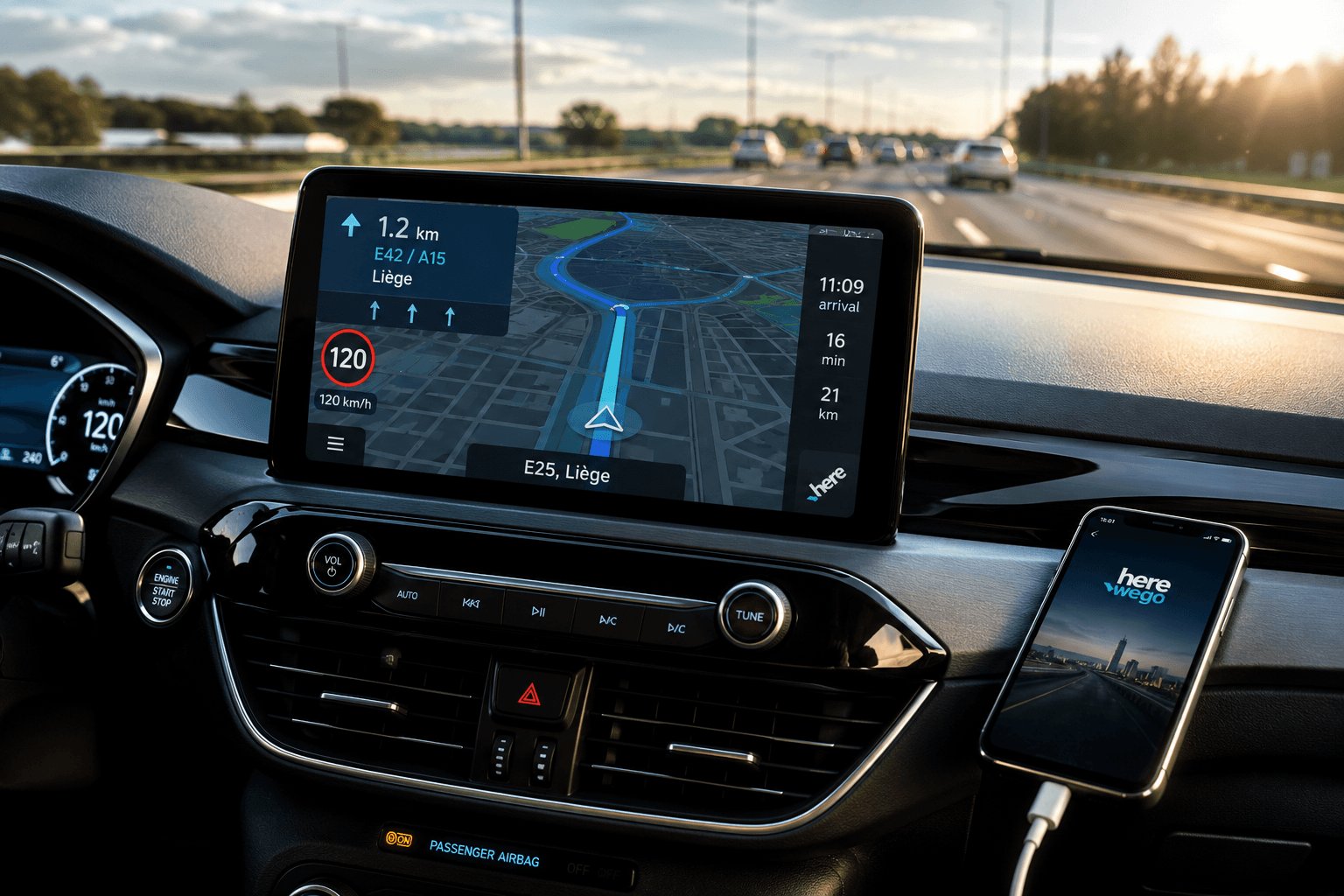
Yes, HERE WeGo supports Android Auto natively. You can run turn-by-turn navigation, view speed limits, and access downloaded maps directly on your car screen by turning on the Android Auto toggle inside HERE WeGo's settings. However, native Android Auto places safety limits on search and route customization; accessing the full mobile interface requires mirroring tools like Screen2Auto via AAStore.
Last Updated: August, 2026
How to Enable HERE WeGo on Android Auto
To get HERE WeGo running on your car display, follow this 4-step configuration sequence:
1. Update or Install HERE WeGo via Google Play Store
Required for Android Auto registration.
Download or update HERE WeGo from the official Google Play Store. Sideloaded APKs will not register with Android Auto's native launcher.
2. Enable the Android Auto Toggle in HERE WeGo Settings
Crucial configuration step.
Open HERE WeGo on your phone while disconnected from your car. Drag up the bottom drawer, select Setting, scroll down, and turn on the Android Auto toggle switch.
3. Connect Your Phone to the Car Display
Vehicle connection.
Plug your phone into your car using an OEM USB cable, or establish a connection over Wireless Android Auto.
What You Can and Can't Do on the Head Unit
While native integration works cleanly, Google enforces strict driver safety guidelines on head units, which restricts some of HERE WeGo's mobile capabilities.
| Feature | Native Head Unit App | Full Mobile App |
|---|---|---|
| Turn-by-Turn Navigation | Yes | Yes |
| Saved Collections & Favorites | Yes | Yes |
| Adding Waypoints / Rest Stops During Trip | Restricted | Yes |
| Full Route Settings & Edits | Limited | Yes |
| Complex Multi-Stop Trip Planning | No | Yes |
If you need complete access to your saved routes, detailed settings, or unrestricted app functions while safely parked, you can bypass these native head-unit restrictions using extended third-party tools.
How to Get Full HERE WeGo Access with Screen2Auto
Screen2Auto mirrors your phone's full screen directly onto your infotainment display, allowing you to use HERE WeGo exactly as it appears on your phone screen.
Installation Steps
- Download AAStore: Download the latest APK for AAStore (or AAAD as a secondary installer alternative).
- Install Screen2Auto: Open AAStore, grant app installation permissions, locate Screen2Auto, and tap Install.
- Grant Display & Overlay Permissions: Open Screen2Auto on your phone and complete the setup wizard (grant Display Over Other Apps and Accessibility permissions).
- Mirror to Head Unit: Connect your phone to your car, open Android Auto, select Screen2Auto from the launcher, and grant the screen capture prompt.
Version-Specific Guides:
Easily download and install Screen2Auto to run any app on your car screen without a computer. Choose your phone's OS version below for step-by-step instructions:
How We Tested: We tested this setup on a Google Pixel 7 running Android 14 connected via wired USB to a Sony XAV-AX5000 head unit. Screen2Auto 3.7 installed smoothly via AA Store 1.2. Non-root screen capture required accepting the one-time Android screen cast permission prompt upon connecting. Touch input response showed minor latency (~200ms) but remained responsive for parked map planning.
(Note: Always use screen-mirroring features responsibly and only when your vehicle is parked.)
Offline Maps and Data Use
HERE WeGo is widely recognized alongside Sygic, TomTom, and Waze as an offline navigation option. Unlike competitors that require active cellular signals for routing, HERE WeGo allows you to store entire countries or states locally on your device.
To avoid using mobile data while driving:
- Open HERE WeGo on Wi-Fi before connecting to your vehicle.
- Go to Download Maps and select your desired region.
- Turn on Offline Mode under the app settings menu.
Once stored, offline maps render full vector routing, speed limit indicators, and voice guidance directly on your car screen without requiring an active mobile connection.
Troubleshooting HERE WeGo on Android Auto
If HERE WeGo isn't launching or behaving correctly on your car's head unit, work through these proven fixes for the most common issues:
1. App Icon Missing in Android Auto App Launcher
- Check the In-App Setting: Open HERE WeGo on your phone while unplugged from the car, go to Settings, and confirm the Android Auto toggle is enabled.
- Re-enable Launcher Icon: On your phone, go to Settings > Connected devices > Android Auto > Customize launcher. Ensure HERE WeGo is checked.
2. Fixing Black Screen or Crashes
- Disable Battery Optimization: Android often kills navigation apps running in the background. On your phone, go to Settings > Apps > HERE WeGo > Battery (or App Battery Usage) and switch the setting to Unrestricted.
- Clear App Cache: Go to Settings > Apps > HERE WeGo > Storage & Cache > Clear Cache.
3. Sideloaded APK Not Showing Up
- Reinstall via Google Play Store: Android Auto enforces strict digital signatures for third-party navigation apps. Sideloaded APKs from outside the Play Store are automatically hidden from the head-unit launcher. Uninstall the sideloaded package and install HERE WeGo directly from the Play Store.
4. GPS Signal Loss or Route Lagging
- Set Location to "Allow All The Time": Go to Phone Settings > Apps > HERE WeGo > Permissions > Location. Select Allow all the time and ensure Use precise location is turned on.
Frequently Asked Questions
Why is the HERE WeGo app icon missing on my car screen after installation?
The icon won't appear on your car display automatically because the Android Auto integration toggle is turned off by default. Open HERE WeGo on your phone while unplugged from your car, open the app's Settings menu, and manually turn on the Android Auto toggle. Once enabled, reconnect your phone to the vehicle.
Does HERE WeGo work offline on Android Auto without mobile data?
Yes, but you must download your target maps and set the app to Offline Mode on your phone before connecting to your vehicle. Open HERE WeGo, go to Download Maps, select your continent/country, and toggle the app to Use App Offline. The head unit will then render full maps and turn-by-turn guidance without cellular signal.
Can I use the HERE WeGo app on my phone and car display at the same time?
No. Android Auto protocol restricts HERE WeGo from running on both the phone screen and the car's head unit simultaneously. To plan complex routes or edit collections on your phone while connected, exit HERE WeGo on your car screen first, update your settings on the phone, and re-launch it on the car display.
Why did I get a black screen when launching HERE WeGo on Android Auto?
A black screen is usually caused by Android's background battery optimization killing the app process. To fix this, go to Phone Settings, then Apps, then HERE WeGo, then Battery (or App Battery Usage), and switch the setting from Optimized to Unrestricted. Also, ensure Location permissions are set to Allow all the time.
Why can't I add intermediate stops/waypoints on my car screen?
Google places driver-safety limits on head-unit app interfaces. Currently, HERE WeGo on Android Auto allows starting single-destination routes and selecting saved collections, but adding waypoints or altering deep route preferences must be done on your phone prior to starting navigation.