Quick Answer
Orion North – July 10, 2026
Why Doesn't Netflix Work on Android Auto?
Google deliberately restricts video streaming apps including Netflix, Disney+, and YouTube from running natively on Android Auto. It is an enforced safety decision, not a technical limitation. There is no official Netflix app for Android Auto and there will not be one through the Play Store.
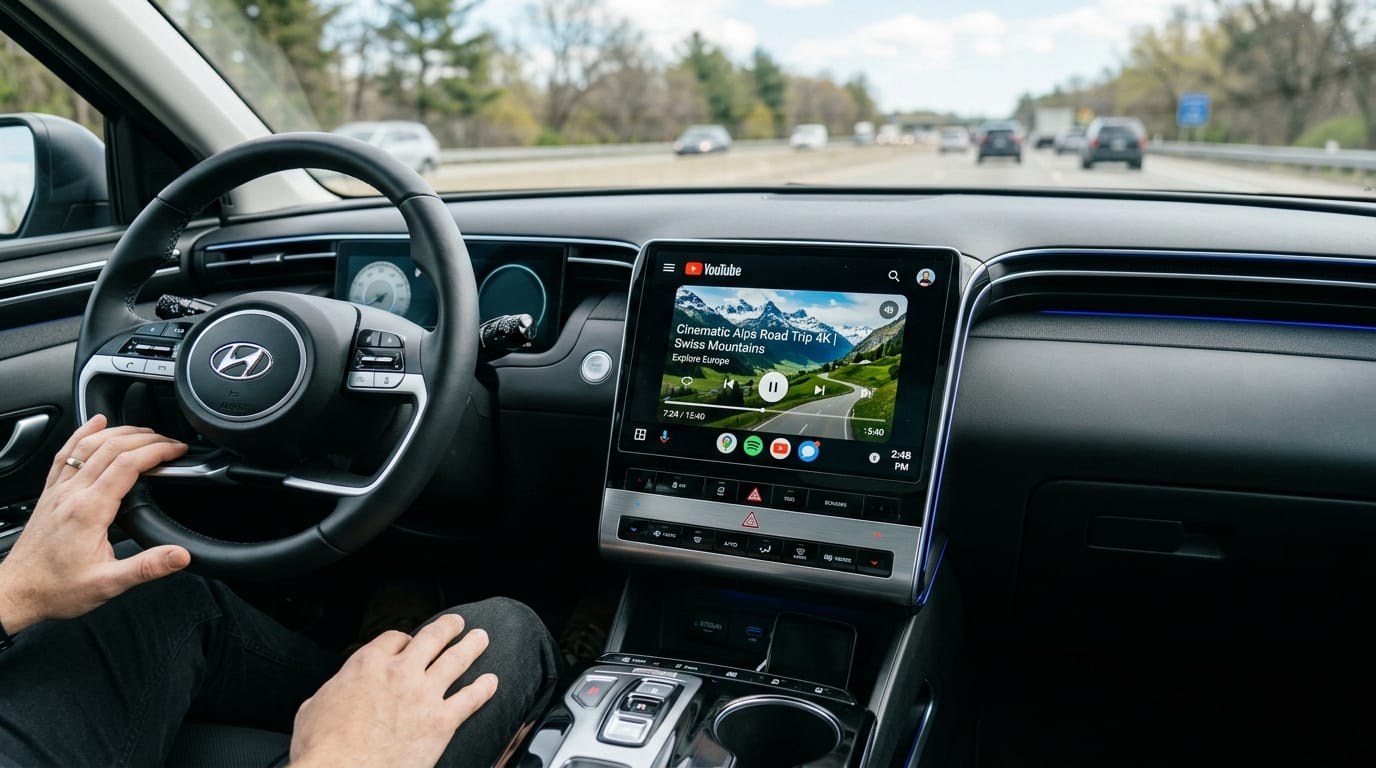
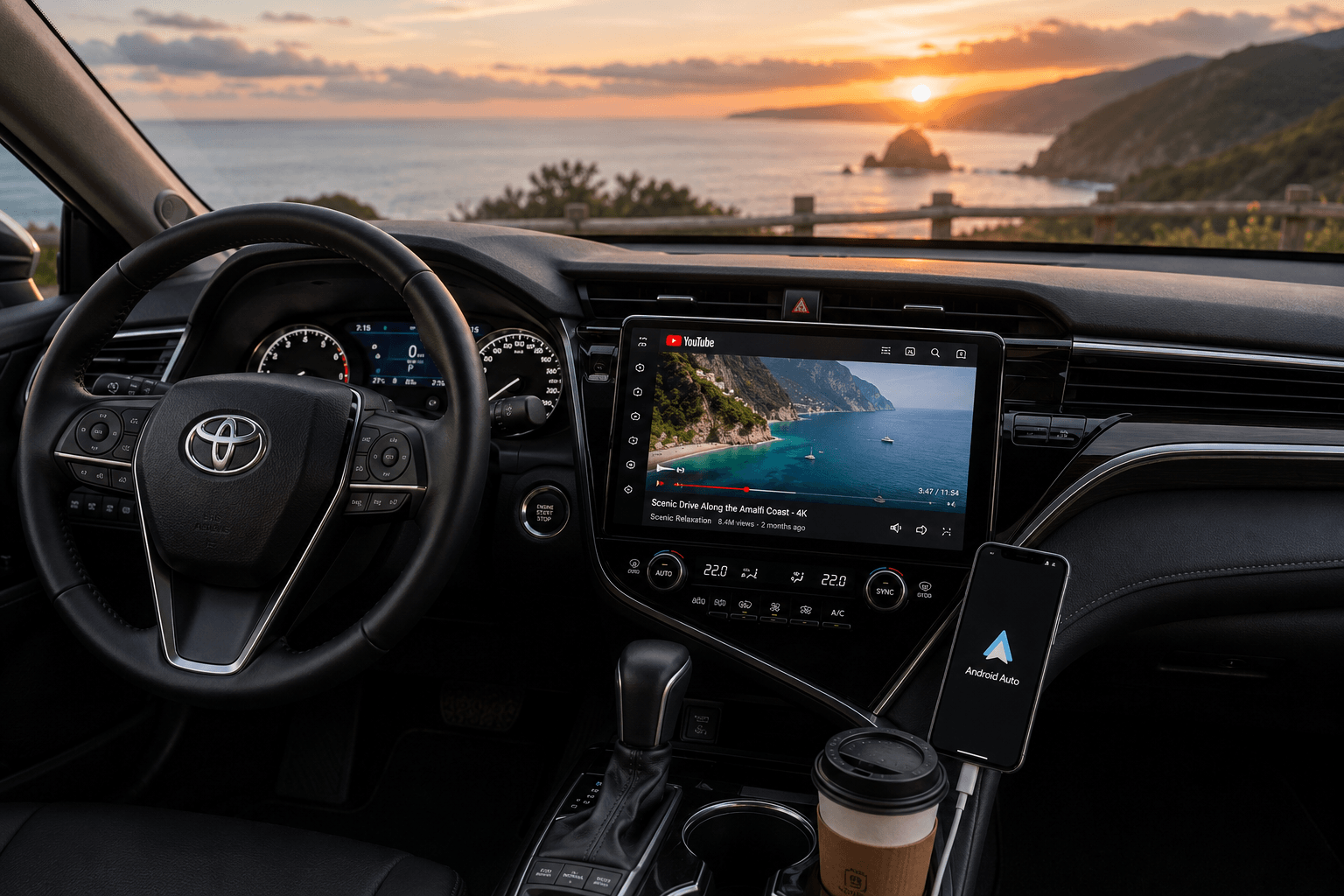
Android auto Netflix is for parked vehicles only. Watching while moving is dangerous and illegal in most regions. If YouTube is what you want on your dashboard, follow our guide to play YouTube on Android Auto.
Method 1: Screen Mirroring with Screen2Auto (Recommended No Root, No APK Hassle)
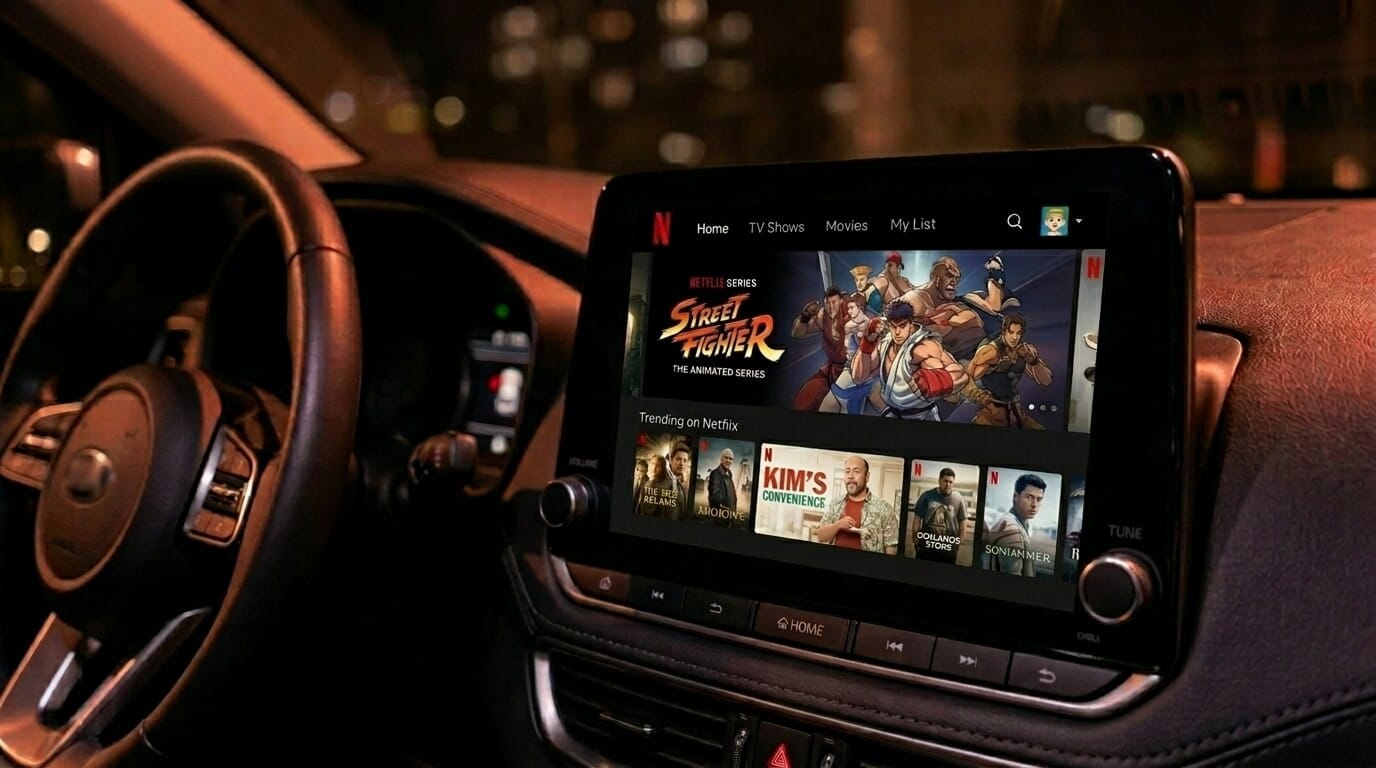
Screen mirroring is the most accessible software method for getting Netflix onto your Android Auto display. Instead of running Netflix inside Android Auto directly, a mirroring app projects your phone's screen onto the car's head unit.
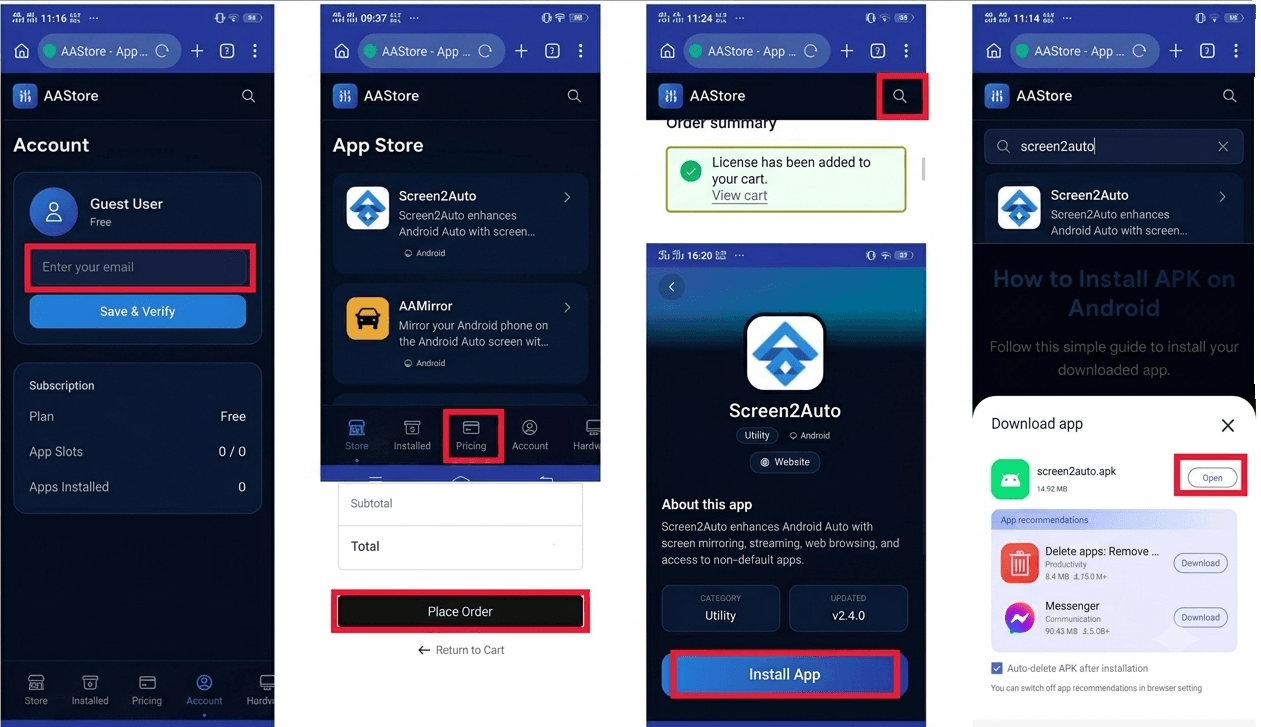
Screen2Auto is the best mirroring app for Android Auto. It's purpose-built for Android Auto screen mirroring without root, actively maintained, and available through AAStore the dedicated app store for Android Auto sideload apps. You do not need to root your phone, modify your car stereo firmware, or touch any system files.We tested Screen2Auto on a Samsung Galaxy S23 running Android 14 connected to a Sony head unit setup took under five minutes.
This is how to mirror your Android phone to your car screen safely, without voiding your warranty or compromising your device. need more details refer installation guide
What You Need
- Android phone running Android 6.0 or later
- Android Auto installed and connected to your car stereo
- Screen2Auto installed via AAStore or AAAD
- USB cable (for initial connection)
- USB Debugging enabled on your phone
Method 2: AAAD Netflix Workaround (Alternative Safe Download for Screen2Auto)
AAAD (Android Auto Apps Downloader) is an alternative distribution channel and the second official way to get Screen2Auto. It's a safe, vetted source not a random APK site. This is the AAAD android auto safe download path used by users who prefer it over AAStore.
AAAD is also one of the best apps for AAAD Android Auto users because it provides access to a range of sideloaded Android Auto apps beyond just Screen2Auto. If you are already using AAAD as your app source, this is a clean Netflix workaround for Android Auto that requires no additional tools.
One limit to know: AAAD allows each app to be downloaded once per month on the free tier. If you need to reinstall or update more frequently, AAStore has no such restriction and is the primary recommended source.
Fermata Auto
Fermata Auto is another app that bypasses Google's Android Auto restrictions. Unlike Screen2Auto which mirrors your phone screen, Fermata Auto runs as a standalone layer that allows apps including Netflix to operate directly within an Android Auto-like interface on your car stereo.
We verified Fermata Auto on a Sony head unit setup takes longer than Screen2Auto but the result is a cleaner in-car interface. It handles DRM differently from pure screen mirroring, which means fewer black screen issues on compatible setups.
Download Fermata Auto through AAAD or AAStore and check compatibility with your specific head unit before installing. Setup is slightly more involved than Screen2Auto but the result is a cleaner in-car app environment for streaming video.
How Do I Fix the Screen2Auto Black Screen on Netflix
The most common issue when mirroring Netflix on Android Auto is audio playing but the screen going black. This is the Screen2Auto black screen Netflix problem, and it's caused by Netflix's DRM (Digital Rights Management) protection. Newer versions of the Netflix app detect screen mirroring activity and block the video output.
Screen2Auto bypass for Netflix black screen – two options:
Option A – Downgrade the Netflix APK
Download an older version of the Netflix APK (version 8.x or earlier works for most devices). Install it over your existing Netflix app. The older version does not trigger the DRM block, so Screen2Auto can mirror the video without going black.
Option B – Use a Hardware AI box
Hardware AI boxes handle DRM at the chip level. Netflix cannot detect or block them the same way it blocks screen mirroring software. This is the cleanest fix if you don't want to manage APK versions. See Method 4 below.
Method 4: Hardware AI Box (Most Reliable – No Phone Setup Required)
For users who want the safest way to stream video on Android Auto without any phone configuration, a hardware AI box is the cleanest option. These devices connect directly to your Android Auto car stereo's USB port and run Android independently of your phone.
AI boxes solve the DRM problem entirely because they handle content decryption at the hardware level. This is why hardware is the most reliable way to display your phone screen or any Android content on your car dashboard without software conflicts.
These are two tested options that work well for Netflix on Android Auto:
Mekede CarPlay Android Auto AI Box
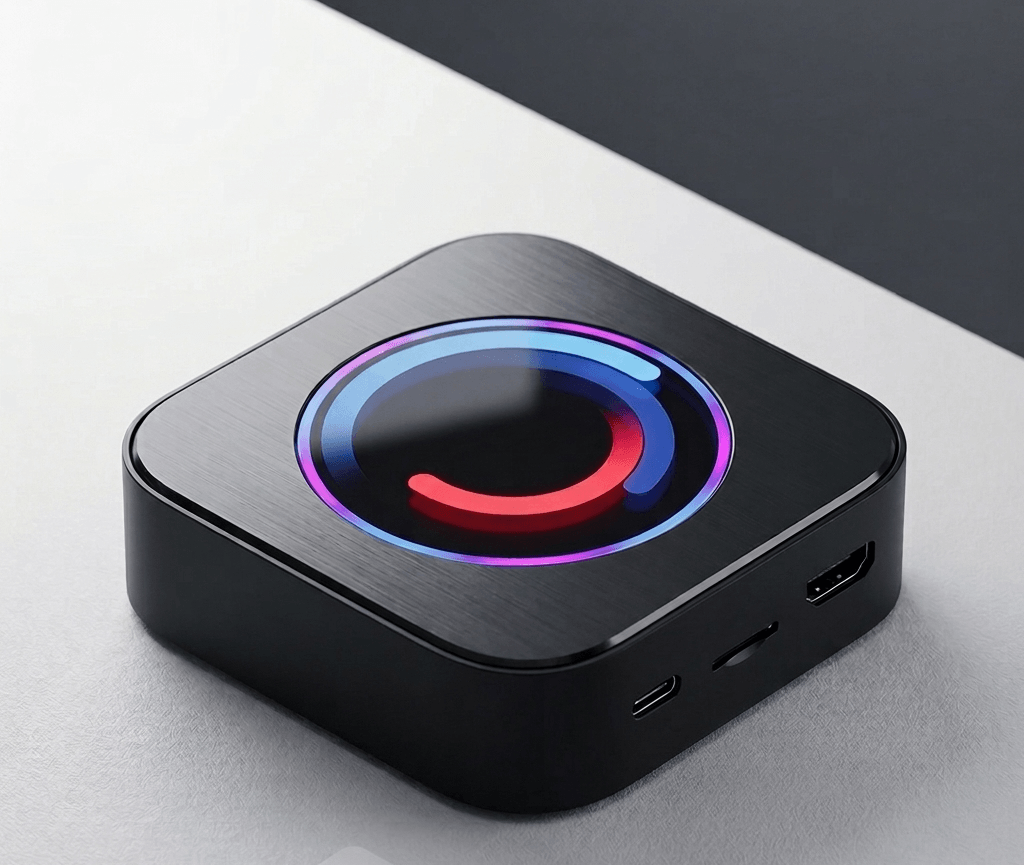
Mekede CarPlay Android Auto AI Box
- Runs a standalone Android system on your dashboard.
- Wireless Android Auto
- No Netflix Black Screen
- Safest way to watch Netflix without rooting your phone.
- Easy Screen Mirroring:
- Works great with BMW and modern USB head units.
Ottocast A2 Air Pro – Wireless Android Auto Dongled
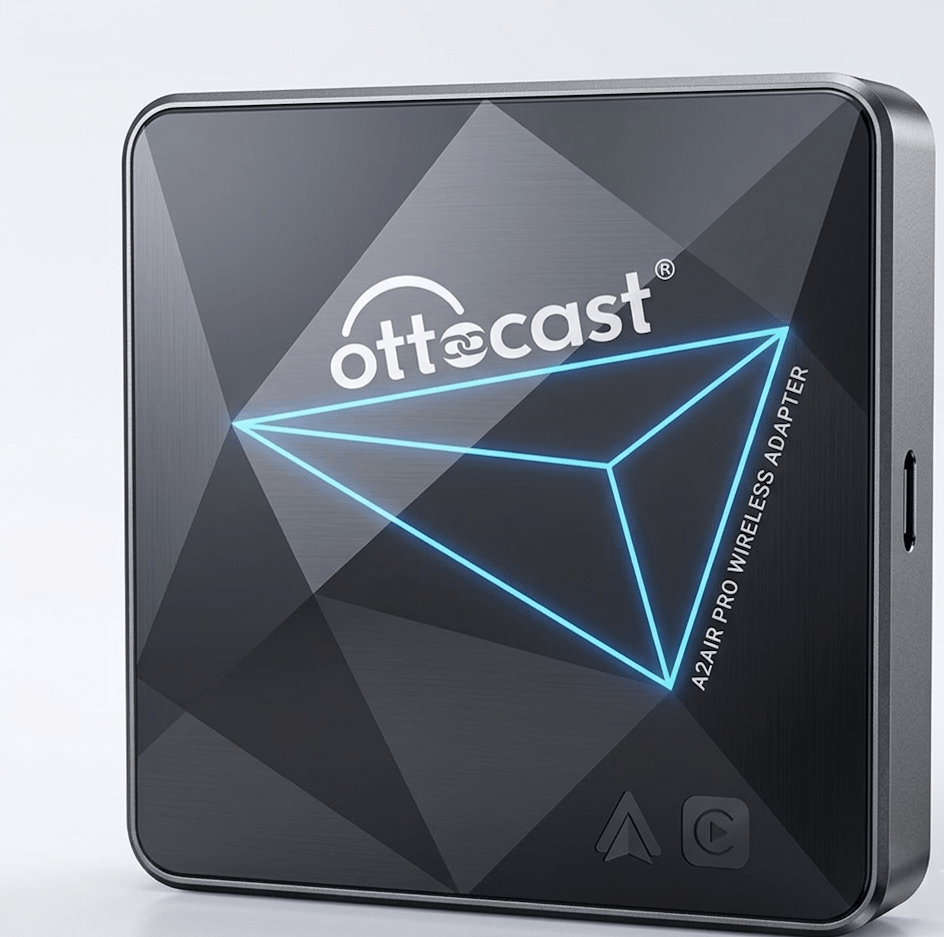
Ottocast A2 Air Pro
- Wireless Conversion
- Plug and Play:
- Includes built-in apps for Netflix and YouTube.
- No Rooting Required
- Works with any car that has factory wired Android Auto.
How It Works
- Plug the AI box into your car's USB Android Auto port
- Connect to your car's infotainment via the box's wireless or wired bridge
- Set up the box's own Android environment (one-time process, about 10 minutes)
- Install Netflix directly on the box from the Play Store or APK
- Launch Netflix from the box's interface on your car stereo display
Software vs Hardware: Which Method Is Right for You
| Situation | Recommended Method |
|---|---|
| Want no root, free, quick setup | Screen2Auto via AAStore |
| Already using AAAD as your app source | Screen2Auto via AAAD |
| Getting black screen with Netflix | AI Box or Netflix APK downgrade |
| Want Fermata Auto Netflix experience | Fermata Auto via AAAD |
| Want zero phone configuration | AI Box |
| Want to display phone screen on car dashboard permanently | AI Box |
| Multiple passengers using different apps | AI Box |
| Not comfortable with APK sideloading | AI Box |
The safest way to watch Netflix on Android Auto is Screen2Auto, downloaded from AAStore or AAAD, with no root needed and the vehicle parked. If you hit the black screen issue, downgrade the Netflix APK or move to a hardware AI box. If you want a full app environment rather than phone mirroring, Fermata Auto is the alternative worth trying. For hardware, the Mekede AI Box and Ottocast A2 Air Pro are both solid options.
Frequently Asked Questions
How do I watch Netflix on Android Auto without root?
Use Screen2Auto. It is the best no-root method for Android Auto screen mirroring. Download the Screen2Auto no root APK from AAStore or AAAD enable USB Debugging in Developer Options, connect your phone via USB, and launch the app from your Android Auto interface. No rooting required at any step.
What is the safest way to watch Netflix on Android Auto?
The safest way is using Screen2Auto via AAStore or AAAD when the vehicle is fully parked. Both are safe, vetted download sources for the Screen2Auto APK. For the safest hardware option with no phone configuration needed, an AI box connected to your car stereo is the most reliable choice.
How do I fix the Screen2Auto black screen Netflix issue?
This is caused by Netflix's DRM blocking screen mirroring. To fix it: sideload an older Netflix APK (version 8.x or earlier) which doesn't trigger the DRM block, or use a hardware AI box which handles DRM at the hardware level and works with current Netflix versions.
Is AAAD safe for downloading Android Auto apps?
Yes. AAAD is a vetted, official distribution channel for Screen2Auto and other Android Auto apps. Download only from the official AAAD link, not from third-party mirrors.
What is the difference between AAStore and AAAD for Android Auto?
AAStore is the primary app store for Screen2Auto and related Android Auto apps. AAAD is an alternative safe download channel with a limit of one free download per app per month. Both are official sources; AAStore is recommended for most users.
What are the best apps for AAAD Android Auto?
Screen2Auto is the most popular app available through AAAD for Android Auto screen mirroring. Fermata Auto is another strong option for users who want a full app environment rather than pure mirroring. Both are available through AAAD and AAStore.
Does Screen2Auto work with all Android Auto car stereos?
Screen2Auto is compatible with most Android Auto-enabled head units. Compatibility depends on your car stereo model, your Android version, and the version of Android Auto installed. Vehicles running Android Automotive OS (AAOS) rather than standard Android Auto have a different setup path. Check the Screen2Auto compatibility notes on AAStore for your specific head unit.
How do I display my phone screen on my car dashboard?
The easiest method is Screen2Auto via AAStore or AAAD. Enable Developer Options and USB Debugging on your Android phone, install the Screen2Auto APK, connect via USB, and the app mirrors your phone screen directly onto the car's dashboard display through Android Auto. No root required.
Can I use Fermata Auto to watch Netflix on Android Auto?
Yes. Fermata Auto supports Netflix and other streaming apps on Android Auto. It works differently from Screen2Auto -- rather than mirroring your phone screen, it provides a standalone app layer within Android Auto. Download it through AAAD or AAStore and verify compatibility with your head unit before setup.
Is it legal to watch Netflix on Android Auto?
Watching Netflix on a parked vehicle is generally not a legal issue. Watching while the vehicle is in motion is illegal in most regions and dangerous regardless of the method used. Always confirm local regulations for video content on dashboard displays.