Last updated: July 23, 2026
What is CarTube for Android Auto
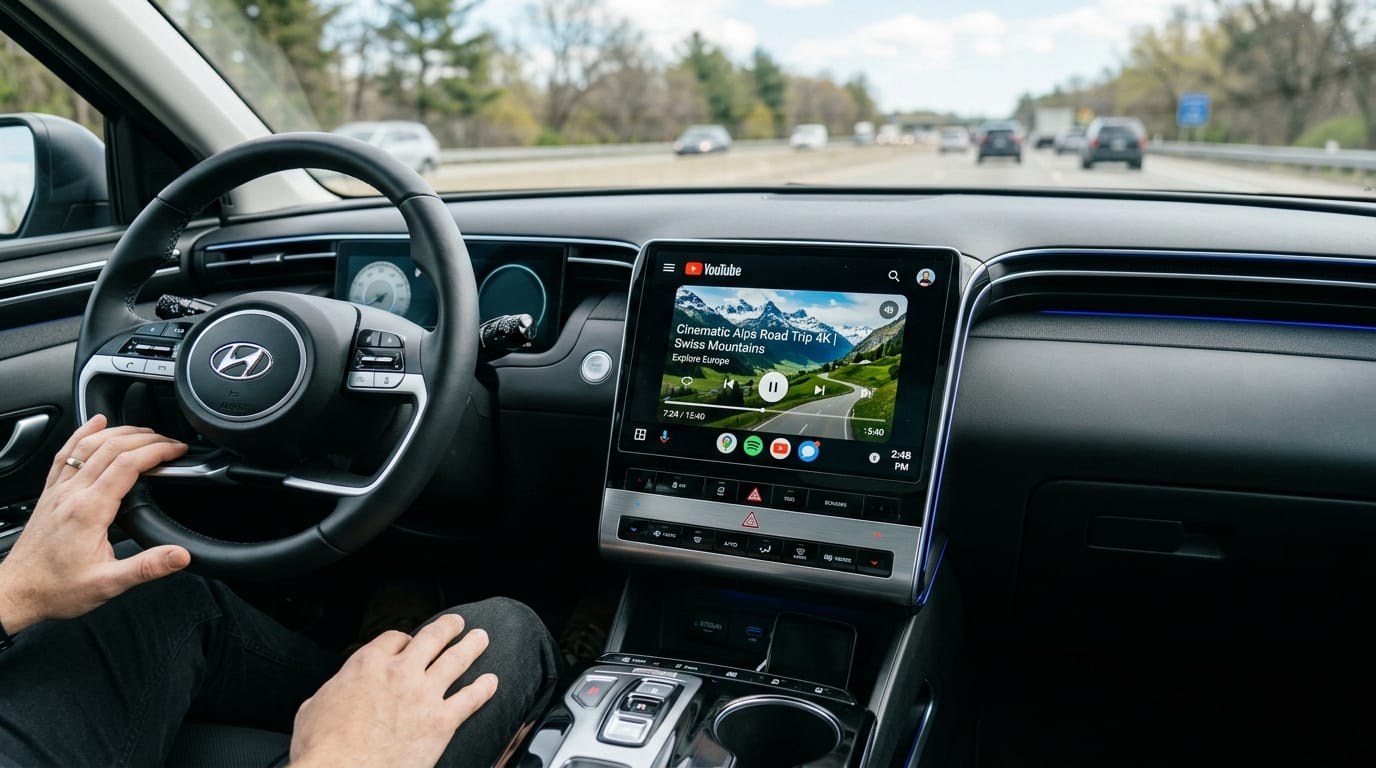
CarTube is a standalone app built specifically to bring YouTube playback to your car's Android Auto screen. Unlike Android Auto's native video restrictions, which block most video apps by default, CarTube is designed from the ground up to run on the head unit display. It is not a mirroring tool: it runs as its own dedicated client, optimized for car screens rather than a phone-shaped interface. If you want to compare it against other ways to watch YouTube on Android Auto, our full guide covers every method side by side.
How to Connect Cartube to your Android Auto
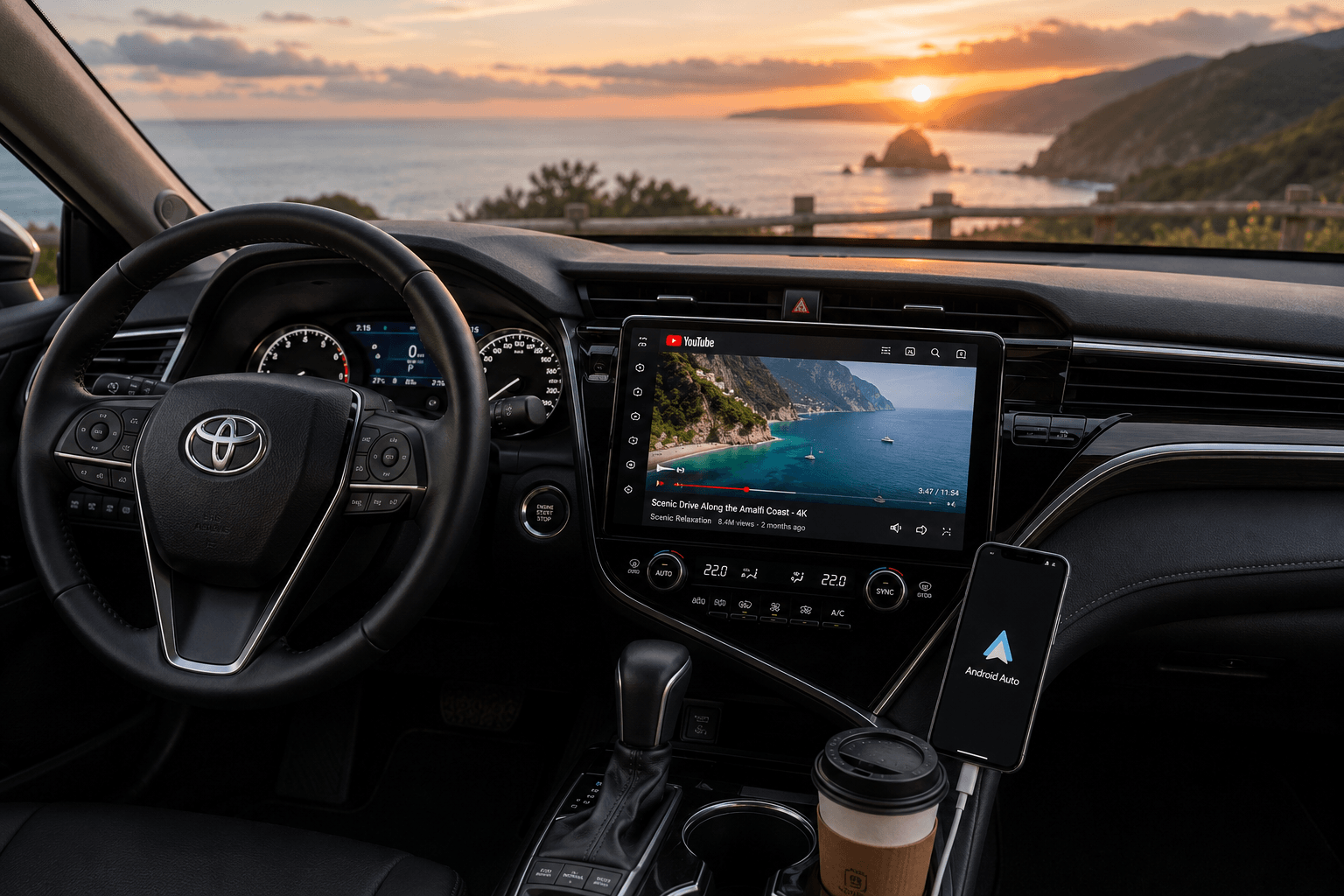
Here is the exact setup process, tested on a Toyota Camry running Android Auto with a Redmi 12 .
Step 1: Download AAStore
Scan the QR code from the official AAStore site using your Android device, or visit aastore directly to download the AAStore app.
Step 2: Install CarTube
Open AAStore, find CarTube in the app list, and tap "Unlock to Install."
Step 3: Grant Permissions
On your phone, go to Settings > Apps > Special App Access, and make sure CarTube has both "Display over other apps" and "Accessibility" permissions enabled. Without these, the app will not appear on your car screen.
Step 4: Connect to Your Toyota Camry
Plug your phone into the Toyota Camry Android Auto USB port using a high-quality data cable. Wired connections gave the most stable, lag-free playback in testing. Once connected, the CarTube icon appears in your Android Auto app launcher, ready to use while parked.
Only use CarTube while your vehicle is safely parked. Video playback while driving is unsafe and is not the intended use of this app.
How We Tested
- Device: Redmi 12 (model 23053RN02A)
- OS: Android 15, build AP3A.240905.015.A2, Xiaomi HyperOS
- Vehicle: Toyota Camry, factory Android Auto
- Connection tested: Wired USB
In our testing, CarTube installed cleanly through AAStore and appeared on the Camry's display without issues once the two required permissions were granted. Streaming over a wired connection was stable with no noticeable lag or dropped frames. We did not test a wireless connection on this setup, wired is what we recommend for the most consistent results.
Common Issues and Fixes
- CarTube not appearing on Android 15 and above
While CarTube works for many users, on Android 15 and newer these third-party apps may not appear automatically in your Android Auto menu. This is due to Google's strict security restrictions on non-Play Store apps. If you run into this, make sure "Developer Mode" is enabled in your Android Auto settings and that "Unknown Sources" is checked. If CarTube still will not display after trying the fixes above, AA Browser is the recommended alternative for Android 15+ users. you can easily install using this button.
It lets you access the YouTube website directly on your car screen, so you can keep watching videos while parked even when CarTube itself will not show up.
| CarTube | AABrowser | |
|---|---|---|
| Type | Dedicated YouTube client | Browser-based |
| Best for | Primary YouTube playback on Android Auto | Android 15+ users who need a fallback way to watch YouTube |
| Install method | AAStore or AAAD | AAStore |
| Root required | No | No |
- CarTube icon not showing on the car screen
This almost always means one of the two required permissions is missing. Go to Settings > Apps > CarTube > Permissions and confirm "Display over other apps" and "Accessibility" are both turned on.
- Choppy or laggy video playback
Switch from wireless to a wired USB connection. A wired cable removes the variability of a Bluetooth or Wi-Fi link and was the most reliable option in our testing.
If You Need a Hardware Solution
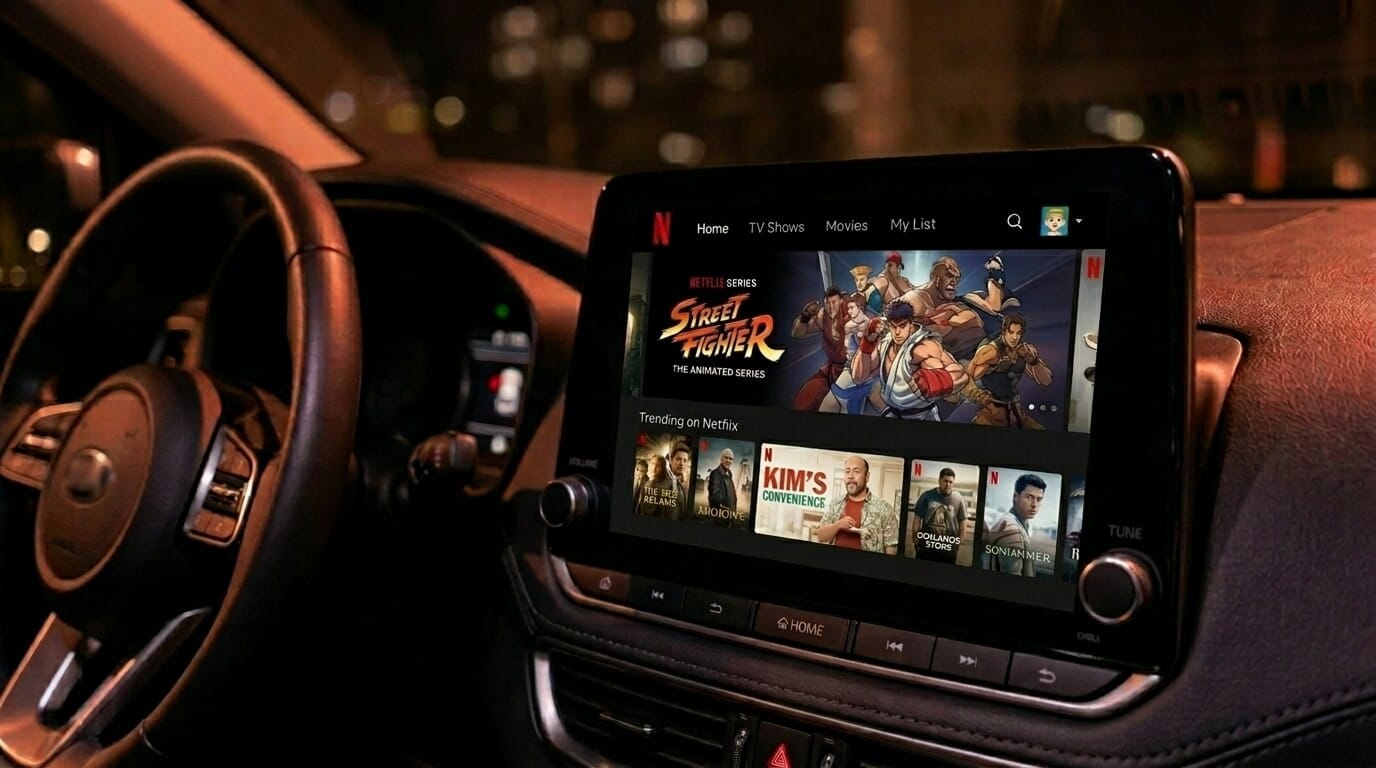
If you want a more reliable, plug-and-play way to enhance your driving experience beyond phone mirroring, consider these two premium AI box options. These same devices are also the go-to fix for DRM-blocked apps, like watching Netflix on Android Auto.
1.Makeda CarPlay Android Auto AI Box
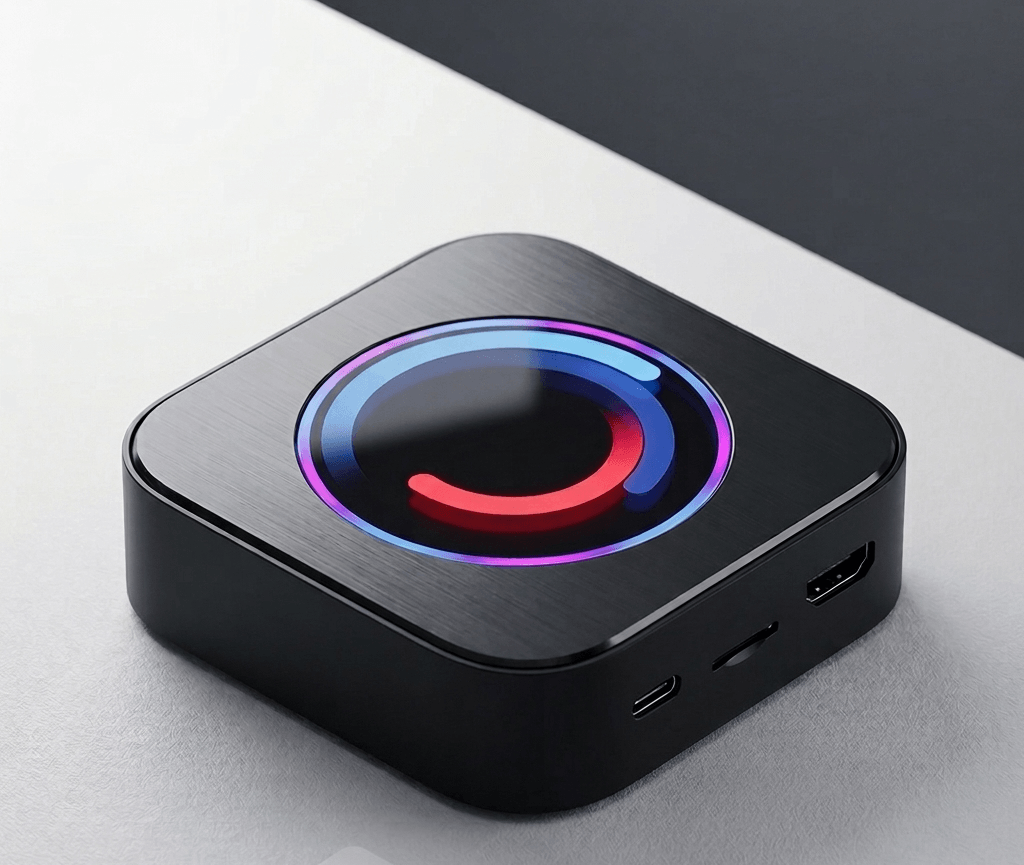
Brings full Android functionality to your vehicle's infotainment system with a seamless setup.
2.Ottocast P3 Pro
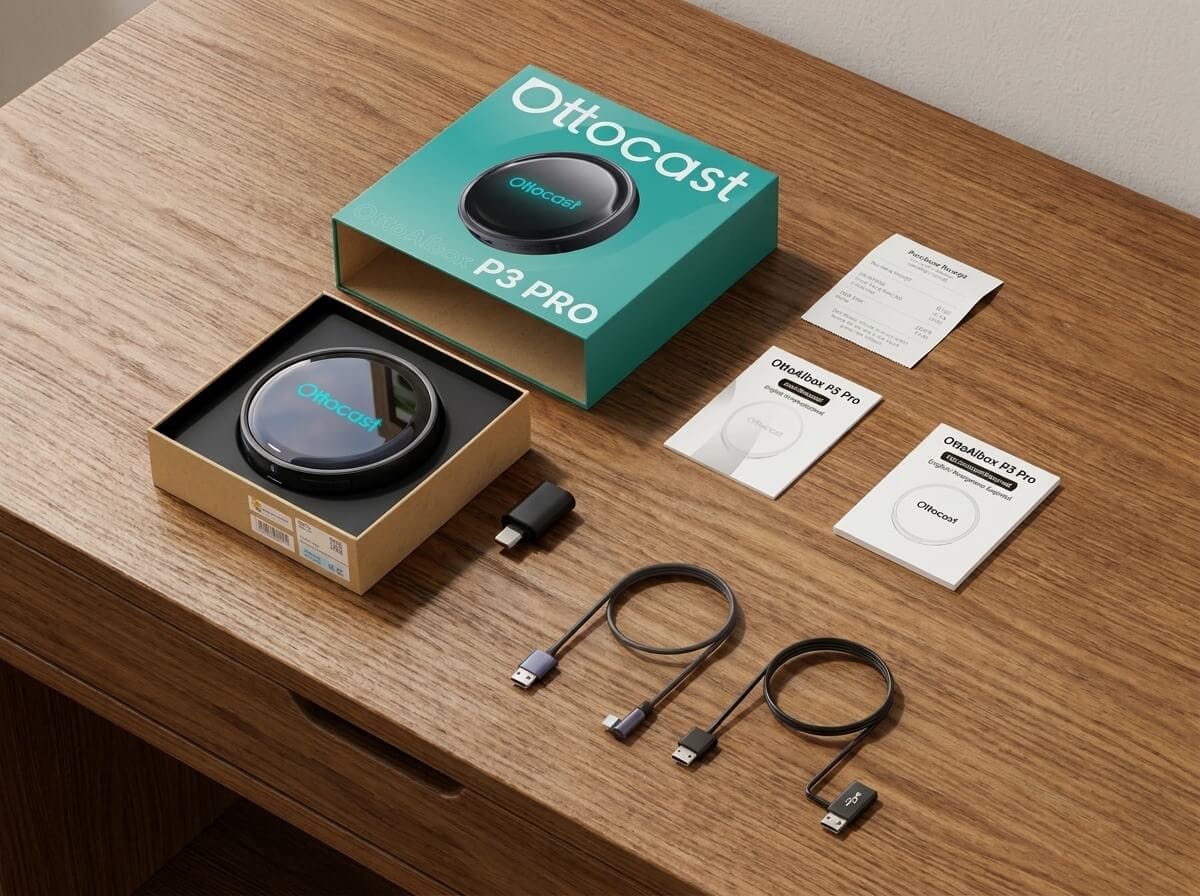
A high-performance AI box built for smooth streaming of Netflix, YouTube, and similar platforms directly on your car's display.
CarTube is a solid way to bring YouTube to your Android Auto screen, especially once permissions are set up correctly through AAStore. If you run into trouble on Android 15 or newer, AABrowser or a hardware AI Box will get you back up and running.
Frequently Asked Questions
Does CarTube work on Android Auto without root?
Yes. CarTube installs through AAStore or AAAD and does not require a rooted phone.
Can I use CarTube while driving?
No. CarTube is intended for use only while your vehicle is parked. Watching video while driving is unsafe.
Is CarTube safe to install?
Yes, when downloaded from official sources like AAStore or AAAD. Avoid modified APKs from unverified third-party sites.
Why is the CarTube icon invisible on my Android Auto screen?
This is usually a permissions issue. Make sure you have manually enabled "Display over other apps" and "Accessibility" services in your phone's system settings for CarTube. Also verify that "Unknown Sources" is checked in your Android Auto Developer Settings.
Are there alternatives if CarTube stops working?
Yes. Many users successfully use Fermata Auto or AABrowser can serve as alternatives for web-based video playback.. If software workarounds fail, an AI Box is the most reliable option, since it functions as an independent Android device plugged into your car and bypasses phone-side restrictions entirely.