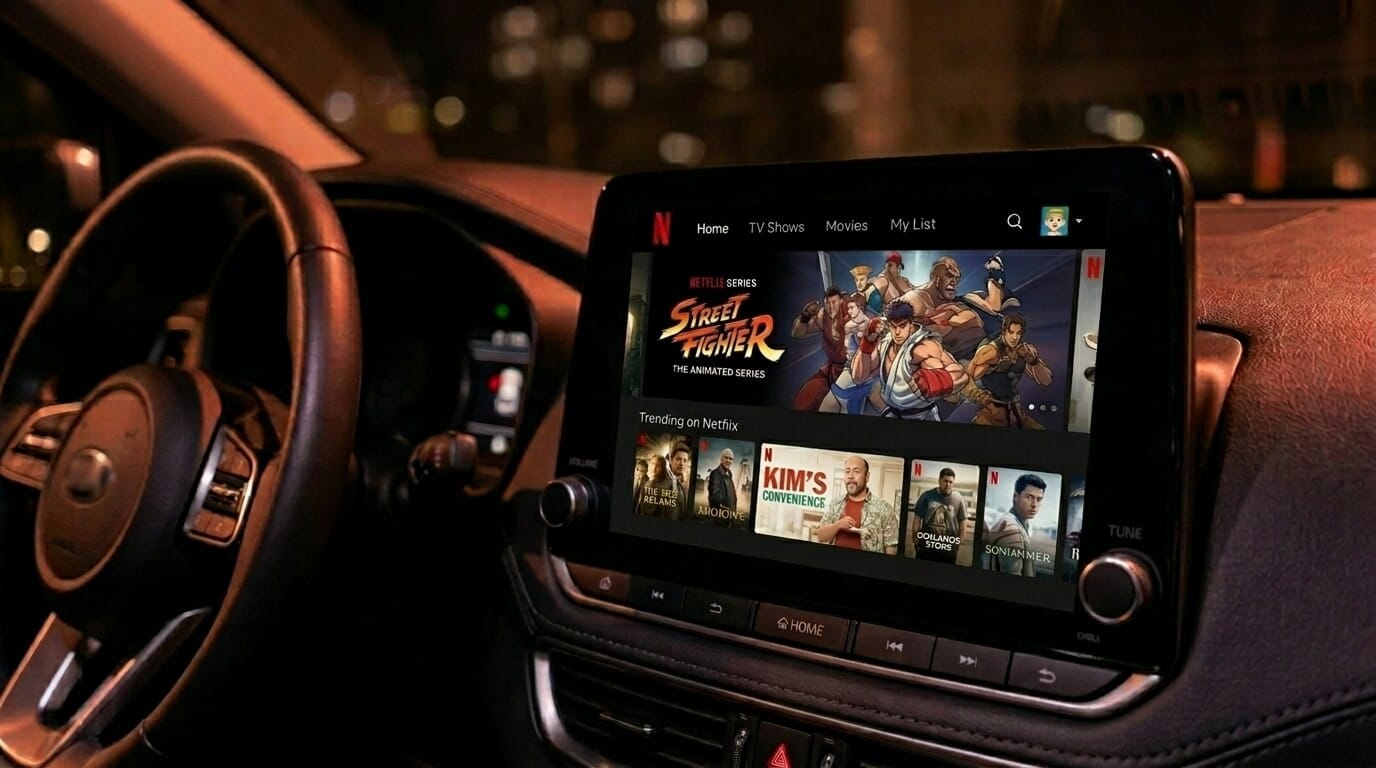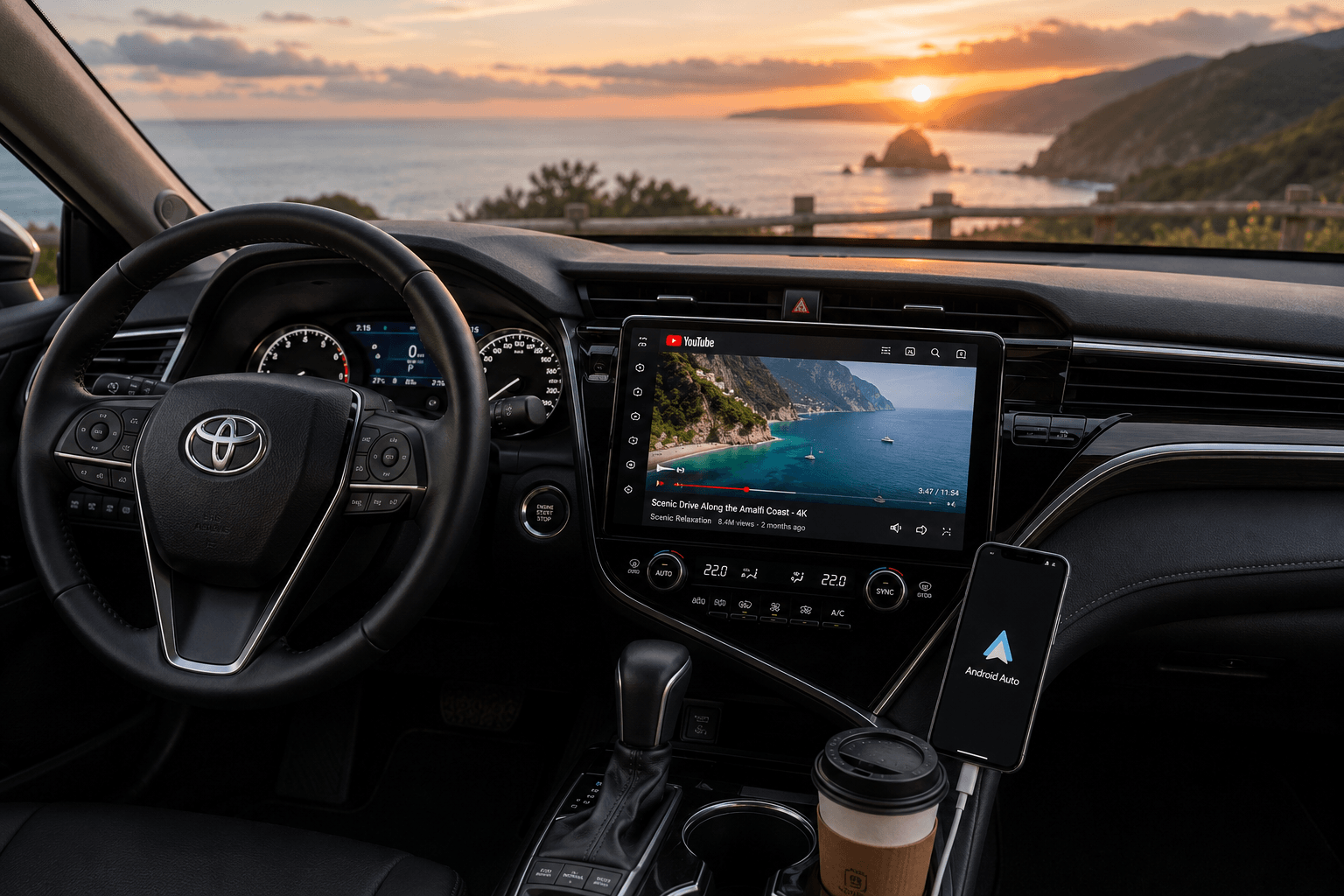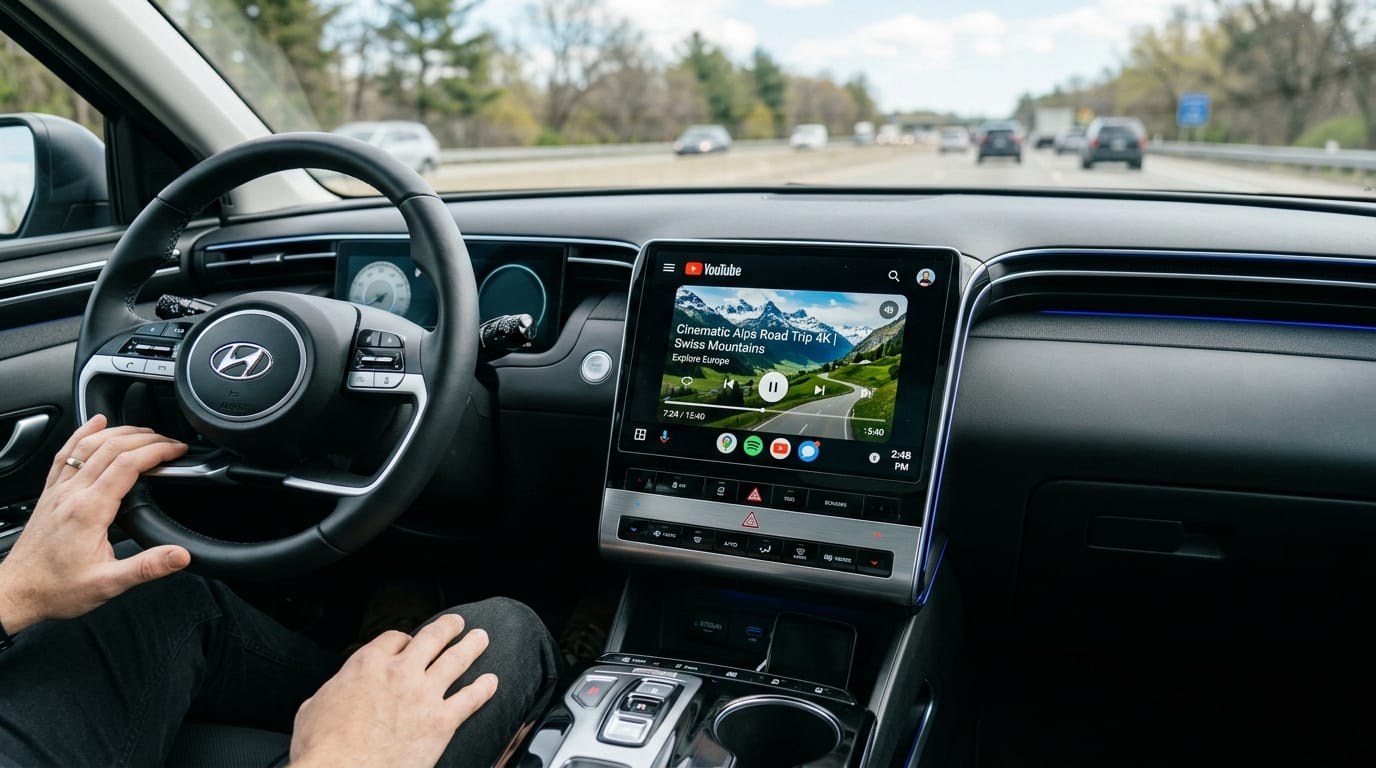
You can watch YouTube on Android Auto in under 10 minutes. No root required. Screen2Auto is an Android app that mirrors your full phone screen to your car's Android Auto display, bypassing Google's built-in restrictions on video playback. Google blocks native video streaming apps on your car screen. To bypass this, use AAStore or AAAD to download Screen2Auto, then connect your phone to your car YouTube plays instantly on your dashboard.
Pick your path below and follow the steps. By the end of this guide, YouTube will be playing on your car screen.
Last Updated: June 26, 2026
Quick Answer
How Do You Mirror Your Phone Screen to Android Auto
Screen2Auto is a powerful screen mirroring app for Android Auto. It lets you stream YouTube, Netflix, and YouTube directly onto your car display screen exactly like your phone. It fully bypasses standard restrictions, enabling high-quality video playback and touch-screen control right from your vehicle's head unit.The same setup works for streaming services too. Our guide to Netflix on Android Auto covers the extra step Netflix needs.
How to install Screen2Auto
You can easily download and install it using two popular methods:
- Install via AAStore: Best installation path with no download limits, a wider app catalog, and frequent updates.
- Install via AAAD: Standard alternative downloader path, but limited to 1 download every 30 days on the free version.
Install Screen2Auto vis AAStore
You can use AAStore to quickly download and install Screen2Auto. It is an easy way to get the app onto your phone without searching for manual download links online.
Here is a quick summary of the steps:
- Scan the QR Code: Visit AAStore on your phone's Chrome browser.
- Add to Home Screen: Tap the three dots ( ⋮ ) in Chrome and select Add to home screen to install the AAStore web app.
- Complete Checkout: Choose a Single App or Three-pack plan and complete the one-time purchase.
- Activate Your Account: Open AAStore, go to the Account tab, enter your checkout email, and tap Save & Verify.
- Find Screen2Auto: Browse or search the AAStore catalog to find the Screen2Auto app page.
- Download the APK: Tap the Install App button and wait for the APK to download.
- Install the APK: Tap Install when the Android installer opens, then tap Done.
- Connect to Your Car: Plug your phone into your car, open Android Auto, and launch Screen2Auto from the display!
📘 Need Full Details? If you want to see the complete setup walkthrough with clear screenshots, troubleshooting tips, and configuration settings, check out our Full Screen2Auto Installation Guide to get started.
Install Screen2auto via AAAD
If you are already using AAAD (Android Auto Apps Downloader), you can install Screen2Auto directly through it. You do not need to switch to any other tools.
Here is a quick summary of the steps:
- Open AAAD App: Launch the AAAD installer on your Android phone.
- Select Screen2Auto: Find Screen2Auto from the home screen app list.
- Download & Install: Tap the app name and wait for the Android installer prompt to pop up.
- Confirm Installation: Click Install, then tap Done once the process finishes.
- Set Permissions: Open Screen2Auto on your phone and grant Display Over Other Apps access.
📘 Need Full Details? If you want to see the complete setup walkthrough with clear screenshots, troubleshooting tips, and configuration settings, check out Full AAAD Installation Guide for Screen2Autoto get started.
AAStore Vs. AAAD Comparison
| Feature | AAStore | AAAD |
|---|---|---|
| Download Limits | Unlimited | 1 download / 30 days (free) |
| App Catalog | Wider selection | Standard list |
| Updates | Frequent | Standard cycle |
| Setup Method | Web app (Chrome) | APK installer |
| Best For | Users who want full access and regular updates | Users already set up on AAAD |
| Recommended | Yes start here | Secondary option |
New to this? AAStore is the recommended starting point – no download limits, wider app catalog, and faster updates. Download Screen2Auto via AAStore
Important Android Version Note:
- Android 14: Sideloading requires extra steps due to security blocks. Check our Screen2Auto on Android 14: Sideload & Restricted Settings Guide to fix this.
Screen2Auto still installs through AAStore on Android 14 and later, while some mirroring apps now require a Play Store beta signup. See how Screen2Auto and ScreenOnAuto handle Android 14+ installs.
- Android 15: Media projection permissions must be set manually. Follow our Screen2Auto on Android 15: Media Projection & Setup Guide for a smooth setup.
- Android 16 & Future Updates: As Google introduces stricter API safety measures in upcoming Android 16 builds, standalone mirroring apps might face newer restrictions. Keep an eye on the latest setup workarounds or hardware alternatives if you plan to update.
What Are the Best YouTube Apps for Android Auto Without Root
Prefer YouTube running as a native Android Auto interface rather than a mirrored phone screen? These two apps do exactly that both install through AAStore or AAAD, no root required. For options beyond YouTube, see our full list of Screen2Auto alternatives.
CarStream -YouTube Player for Android Auto
CarStream loads YouTube's full player inside an Android Auto-formatted interface. Log in to your account, access your subscriptions and playlists, search, and play video directly on the head unit.
Install CarStream from AAStore the same way as Screen2Auto. No additional permissions required beyond what Android Auto developer mode already has enabled.
Best for: Users who want a clean, YouTube-only experience on the head unit without screen mirroring.
Known limitation: Volume controls may not respond on some head unit models while CarStream is playing. Switch to another audio app briefly, adjust volume, then return to CarStream.
Fermata Auto -All-in-One Media Player
Fermata Auto combines YouTube playback, local video files, IPTV streams, and a web browser in a single app. It is the stronger choice if you want one app covering all in-car entertainment rather than YouTube alone.
Available through AAStore . On Android 14 and later, follow the in-app permissions prompt after installation. If the prompt does not appear, restart your phone and reconnect to Android Auto.
Best for: Users who want YouTube plus local media and web browsing in one place.
Which AI Box Lets You Watch YouTube on Android Auto Without a Phone
AI Boxes plug into your car's USB port and run a full Android OS directly on your head unit no phone, no sideloading, no developer settings. YouTube installs straight from the Google Play Store. This is the most stable way to watch YouTube on Android Auto, especially on newer Android versions.
Carlinkit AI Box
Plug into your car's USB port and your head unit runs full Android. Install YouTube, Netflix, or any Play Store app directly on the device.
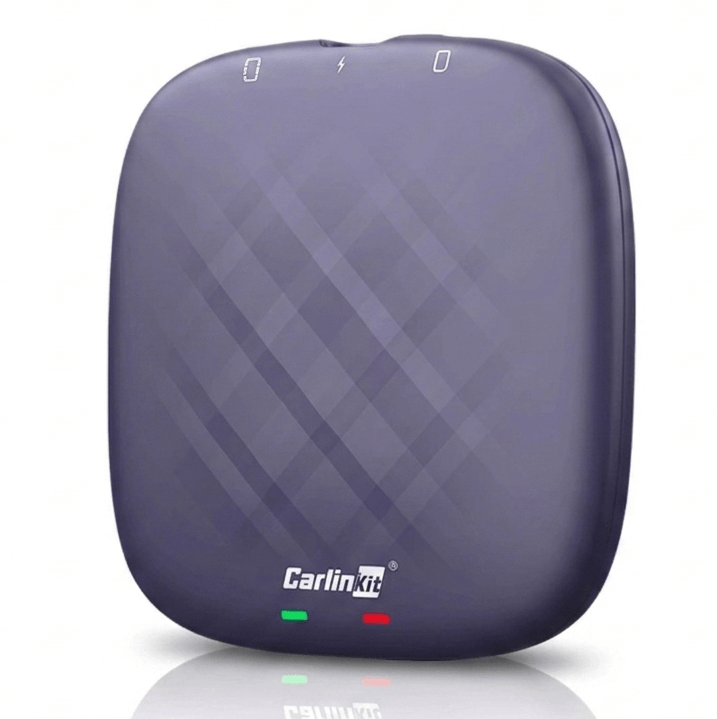
Carlinkit
- Full Android system, no phone required
- YouTube and streaming apps from Google Play Store
- Keeps original car controls (steering wheel, knobs, touch screen)
- 4G SIM card slot + Wi-Fi hotspot support
- Plug-and-play setup
Setup Steps
- Plug the Carlinkit AI Box into your car's USB/CarPlay port
- Wait 15 to 30 seconds for Android to boot on your head unit
- Connect to Wi-Fi or insert a 4G SIM card
- Open Google Play Store and install YouTube
- Log in and start watching
Pros
- No root or sideloading required
- Full Google Play Store access
- Works with most 2016 to 2026 vehicles with factory wired CarPlay.
Cons
- Requires separate data (SIM card or phone hotspot)
- 15 to 30 second boot time on cold start
MMB MAX 5.0 AI Box
The MMB MAX 5.0 runs full Android 14 on your head unit via wireless CarPlay. Pre-installed with YouTube, Netflix, Disney+, and Google Play Store.
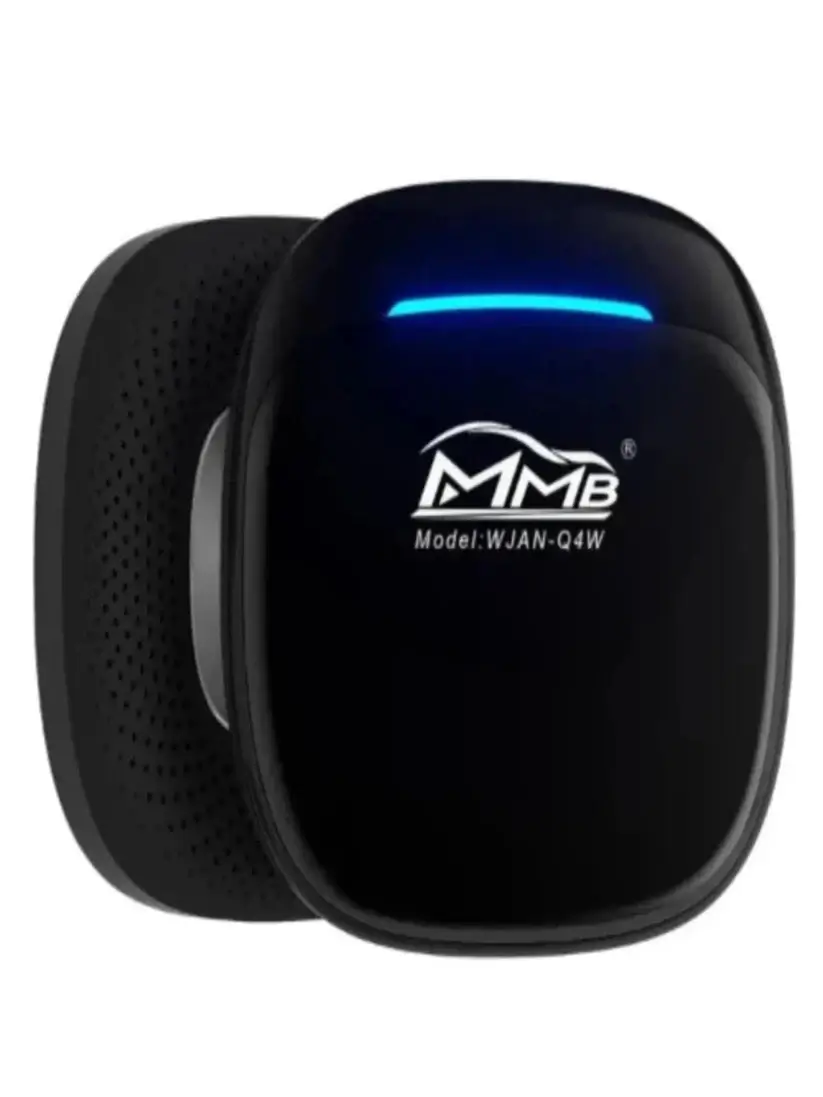
MMB MAX 5.0 AI Box
- Android 14, 8GB RAM, 128GB storage
- Connects in under 15 seconds
- Keeps original steering wheel controls and touch screen
- HDMI output for rear-seat monitor
- 4G SIM card slot + Wi-Fi
Setup Steps
- Plug the MMB MAX into your car's USB port
- It auto-connects via wireless CarPlay on boot
- Connect to Wi-Fi or insert a 4G SIM card
- Open YouTube from the home screen and log in
- After first setup, reconnects automatically every start
Pros
- Fastest boot time in its class
- Pre-installed YouTube and streaming apps
- HDMI output for passenger screens
- Integrates with original car controls
Cons
- Does not work with BMW vehicles
- Higher price point
Frequently Asked Questions About YouTube on Android Auto
1. Why is Screen2Auto not showing on my car screen?
This happens a lot. It usually means you did not turn on Android Auto Developer Mode. To fix this, open Android Auto settings on your phone. Tap the Version text 10 times. This opens Developer settings. Then, tap the three dots in the top corner and check "Unknown Sources." Finally, restart your phone and connect it to your car again.
2. How do I fix the "Black Screen" error?
If the app opens but shows a black screen, your phone is blocking it. Go to your phone Settings, open Apps, and find Screen2Auto. Make sure you turn on "Display Over Other Apps" and "Accessibility" permissions. If you use a newer phone, you might also need to enable "Restricted Settings" on that page.If the black screen only happens in Netflix, see our Netflix Android Auto guide for the fix.
3. Do I need to root my phone to use Screen2Auto?
No, you do not need to root your phone. If you install the app using AAStore or AAAD, it works on normal phones. But remember, it works best on older Android versions. Newer Android versions have stronger security blocks from Google. Check out our guide on whether Screen2Auto is safe to use.
4. Why is there no sound when playing videos?
If you see the video but hear no sound, check your Bluetooth. Your phone must be connected to the car via Bluetooth for audio, even when the USB cable is plugged in. If the volume controls freeze, switch your car screen to an app like Spotify, change the volume there, and then open your video app again.
5. Is it safe to use AAStore or AAAD? Will it ruin my car warranty?
Yes, it is safe. These apps are installed only on your phone, not on your car. They do not change your car's hardware or system files. Because of this, your car’s factory warranty is completely safe.
6. What is the best option if software apps stop working?
If Google updates block these software apps completely, the best choice is an Android Auto AI Box Adapter. This is a hardware device that plugs into your car's USB port. It runs its own Android system with a built-in Google Play Store, bypassing all phone blocks.
Ready to watch YouTube on Android Auto
Screen2Auto is the fastest way to get your phone screen on your car display. No root, no complicated setup just download and connect.
Get Screen2Auto via AAStore Recommended Or install via AAAD if you're already set up there.