Last updated: August 2026
This guide walks you through adding Samsung Music to Android Auto step by step. It explains why the app randomly disappears from your car display, outlines the exact native fixes, and shows how Screen2Auto provides a permanent fallback.
Does Android Auto Support Samsung Music?
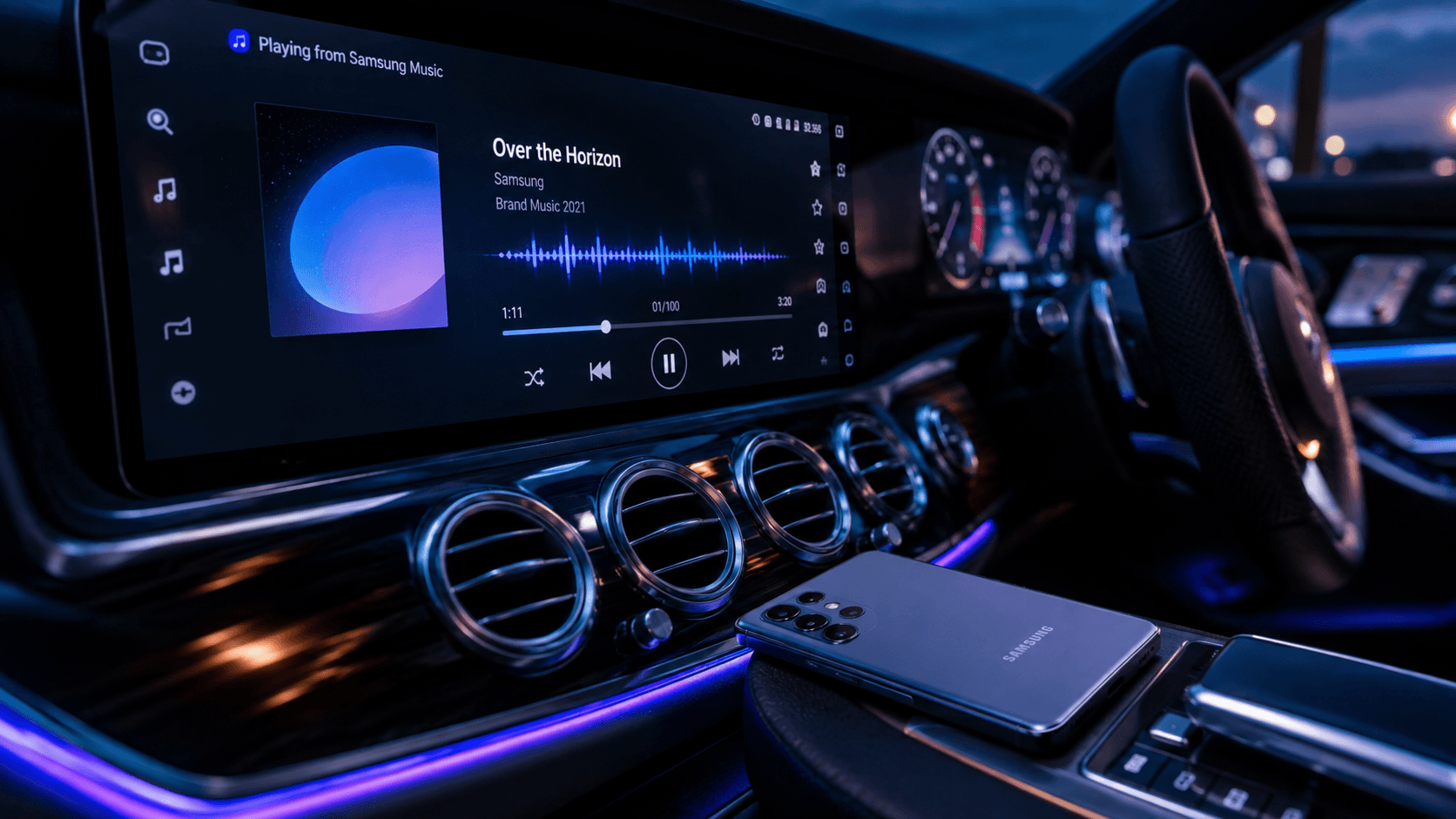
Yes, Samsung Music natively supports Android Auto. It plays local MP3, AAC, FLAC, and WAV files through your car's screen, with playlist browsing, album art, and steering-wheel or Google Assistant controls. Because it plays files stored on your phone, it works fully offline without using mobile data.
Despite this, Samsung Music often vanishes from the launcher or stops playing. The cause is a conflict between One UI's power management and Android Auto's background service requirements:
- Background Service Hooks: Android Auto needs an active Media Browser Service to detect the app.
- Aggressive Battery Savings: One UI flags unused audio apps for sleep.
- Automatic Disconnection: Once asleep, Android Auto drops the app until it's manually re-awakened.
If background settings don't fix it, Screen2Auto or AAStore offer a fallback.
How to Add Samsung Music to Android Auto
Follow these three steps in order. Each takes about a minute.
- Update Samsung Music and Android Auto.
Open the Samsung Music app on Google Play and check for updates. Also update Android Auto and Google Play Services from the Play Store.
Android Auto lives inside your phone's system settings on Android 10+, it has no separate app icon.
- Turn on Samsung Music in Customize Launcher. Go to Settings > Connected devices > Android Auto > Customize launcher. Find Samsung Music in the list and check the box next to it.
- Set permissions and battery to Unrestricted. Go to Settings > Apps > Samsung Music > Permissions and allow Music and audio access. Then open Battery on the same page and set it to Unrestricted.
If Samsung Music Still Won't Work, Here's What Actually Does
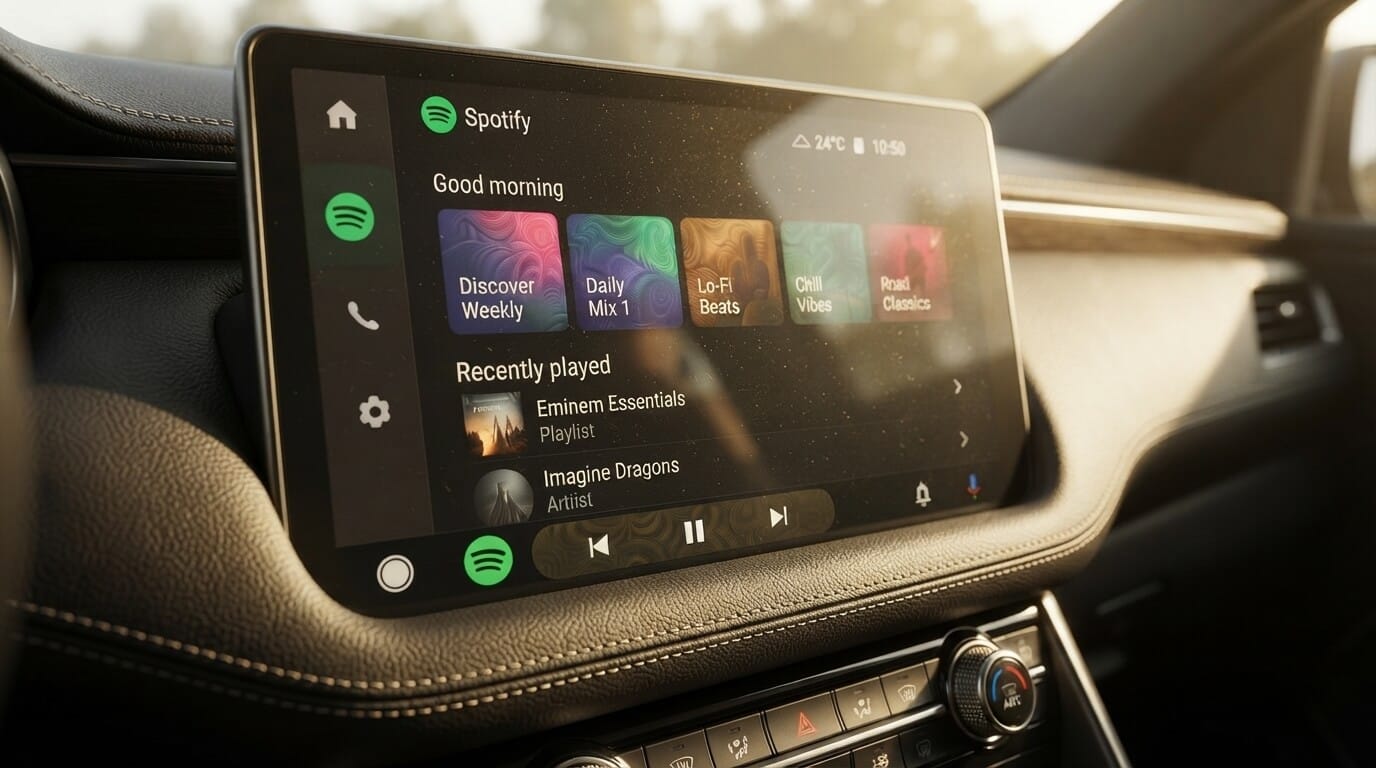
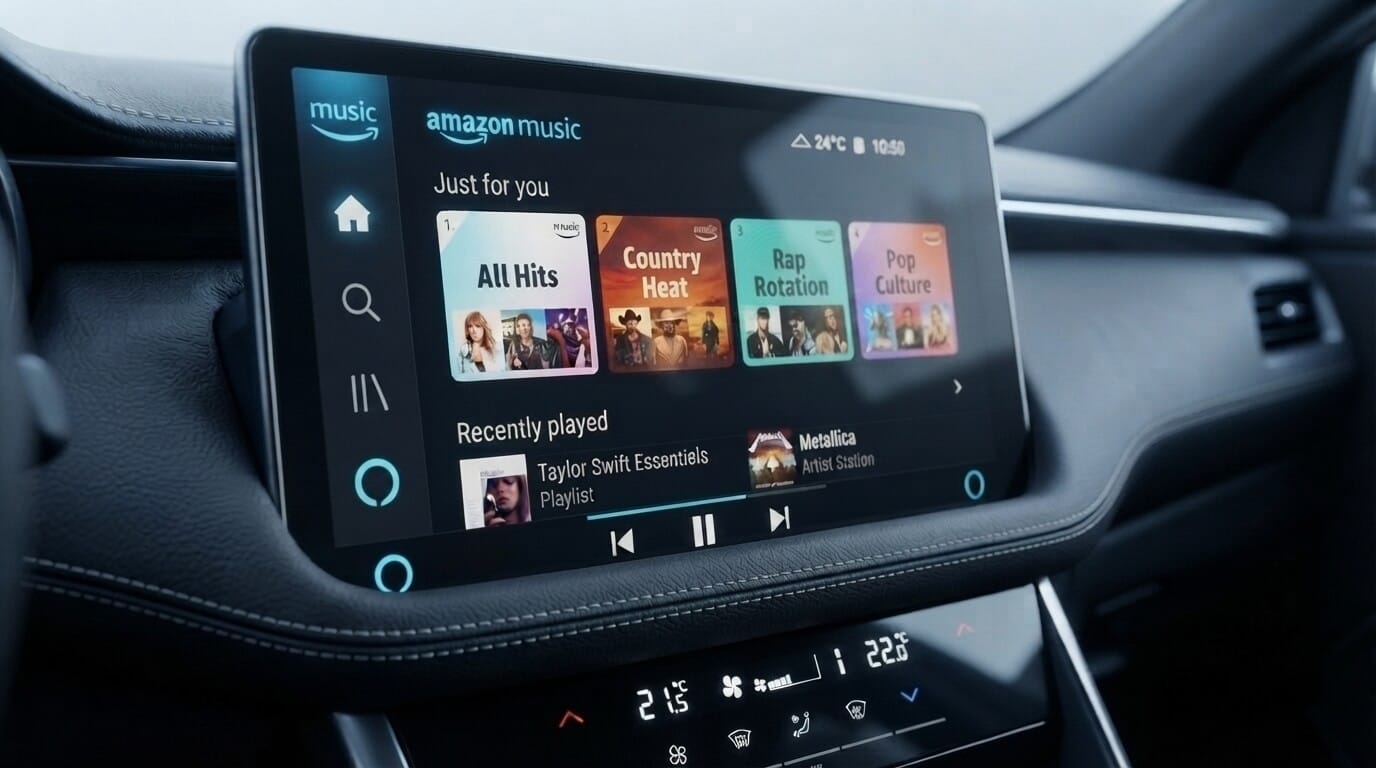
If you prefer to move away from offline local files and switch to cloud platforms, our complete guides on Spotify on Android Auto and setting up Amazon Music on Android Auto cover those streaming setups in detail.
However, if native system hooks continue to fail for local audio due to persistent firmware bugs, third-party utilities provide a direct workaround by forcing app integration or screen mirroring onto your head unit display.
1. AAStore (Primary Sideloading Path)
If native One UI settings fail to keep Samsung Music visible on your dashboard due to persistent background service bugs, third-party utilities and hardware workarounds offer a permanent solution to mirror and control your local music library.
Method 1: Install Screen2Auto or AA Browser Using AA Store
Step-by-Step Installation:
- Unlock Android Auto Developer SettingsOpen Settings on your Samsung Galaxy phone and navigate to Connected devices > Android Auto. Scroll to the bottom, tap the Version header 10 times until a pop-up confirms Developer Mode is enabled. Tap the three-dots menu (top right) > Developer settings, and check Unknown sources.
- Download & Install AAStore Download the official AAStore . When prompted by Samsung One UI, allow your browser permission to "Install Unknown Apps".
- Install Screen2Auto or AABrowser Open AAStore on your phone and choose the app matching your Android version:
- Android 14 or Lower: Locate Screen2Auto and tap Install.
- Android 15 or Higher: Locate AABrowser and tap Install.
- Grant Essential System Permissions Go to Settings > Apps > (Your Installed App) and configure the following:
- Enable Display Over Other Apps.
- Enable Accessibility Services.
- Tap Battery and select Unrestricted so One UI does not kill background services while driving.
⚠️ Important Android Version Note:
System testing points to a clear OS divide: legacy screen-mirroring apps like Screen2Auto often face display loading issues on newer OS builds (such as Android 15 / One UI 7.0) due to strict background security policies. Users running Android 14 or lower should select Screen2Auto, while users on Android 15 or above must select AA Browser to safely navigate web-based media platforms on their car display.
If you're weighing mirroring options, see Screen2Auto vs AA Mirror.
Method 2: Install via AAAD
- Prepare Your Device Navigate to Settings > Security & Privacy > Install Unknown Apps on your Samsung phone and verify that your browser or file manager is authorized to install external APK packages.
- Download AAAD : Grab the latest stable APK from the AAAD Installation Guide and install it on your phone.
- Compile & Install Screen2Auto : Open AAAD, select Screen2Auto from the utility lineup, and allow AAAD to compile and inject the necessary application signatures into Android Auto. (Note: Devices on Android 15+ generally require web-framework workarounds like AA Browser instead).
- Launch on Your Dashboard : Connect your Samsung Galaxy phone to your vehicle via USB or wireless adapter. Open the Android Auto app drawer on your vehicle's display, tap Screen2Auto, and launch Samsung Music directly from your mirrored phone screen.
Why Does Samsung Music Keep Disappearing From Android Auto?
If Samsung Music worked previously but suddenly vanished from your car display, one of the following root causes is responsible. If you have experienced another app disappearing from Android Auto, similar One UI background restrictions are usually at fault. Apply the relevant fix block below:
Cause 1: One UI Battery Optimization Putting the App to Sleep
The Problem: Samsung battery saver marks Samsung Music as an inactive background application, removing its service hook from Android Auto.
The Fix: Go to Settings > Battery > Background usage limits. Open Never auto-sleeping apps, tap the + icon, and select Samsung Music to prevent One UI from disabling it.
Cause 2: App Store Source Mismatch and Registration Flags
The Problem: Updating Samsung Music exclusively through the Galaxy Store can sometimes lead to missing Android Auto ecosystem registration flags required by Google Play Services.
The Fix: Uninstall Samsung Music, open the Google Play Store, search for Samsung Music, and perform a fresh installation. Installing directly from the Play Store ensures that Android Auto validates the media service properly.
Cause 3: Android Auto Cache Corruption
The Problem: Saved launcher configurations inside Android Auto become stale after OS upgrades.
The Fix: Go to Settings > Apps > Android Auto > Storage. Tap Clear Cache and Clear Data. Reconnect your USB cable or wireless adapter to rebuild the launcher menu.
How We Tested
Testing Setup: Evaluation was conducted using a Samsung Galaxy S24 Ultra (One UI 6.1) and a Galaxy S23 (One UI 7.0) connected via USB and wireless adapters to a standard Android Auto head unit.
Key Observation: In testing scenarios where Samsung Music disappeared following a system update, adding the app to One UI's "Never auto-sleeping apps" list restored launcher visibility without requiring a device restart.
Driving Safety Warning: Screen-mirroring tools like Screen2Auto display full phone interfaces and unapproved video content on your car head unit. Operating screen-mirroring applications while driving is dangerous, violates distracted driving laws in most jurisdictions, and poses serious legal liability. Only configure or view mirrored screens while your vehicle is parked safely in a stationary location.
Frequently Asked Questions
Is Samsung Music officially supported on Android Auto?
Yes, Samsung Music natively supports Android Auto. However, aggressive battery optimization settings in Samsung One UI often hide the app from your car display until background restrictions are removed. Screen2Auto offers a complete fallback if native options fail.
Why isn't Samsung Music showing up in my Android Auto app list?
This usually occurs when One UI puts Samsung Music into deep sleep or when Android Auto launcher cache fails to refresh after an update. Enabling the app under Settings > Connected Devices > Android Auto > Customize Launcher and adjusting battery permissions restores visibility.
Do I need to reinstall Samsung Music to fix Android Auto issues?
Not always, but reinstalling Samsung Music directly from the Google Play Store (rather than the Galaxy Store) often resolves communication issues between Google Play Services and Samsung's media engine.
Can I use Samsung Music on Android Auto without a data connection?
Yes. Samsung Music plays local audio files (such as MP3, FLAC, and WAV) stored directly on your phone's internal storage or SD card. It operates completely offline without using mobile data.
Conclusion and Next Steps
Playing local audio in your car should not require downloading extra bloatware or paying for streaming subscriptions. While Samsung Music is natively compatible with Android Auto:
- Enable the app in Customize Launcher under Android Auto settings.
- Add Samsung Music to Never Auto-Sleeping Apps in One UI battery settings.
- Reinstall from the Google Play Store if launcher toggles fail to register.
If persistent system glitches keep hiding the app on your vehicle display, tools like AAStore or AAAD and Screen2Auto offer a reliable fallback path for in-car local playback.