1. Enable compatible apps inside Customize launcher.
2. Use Screen2auto via AA store.
You install an app on your phone, plug into your car, and open the launcher only to find the icon is missing. Android Auto only shows apps built for car screens and hides apps installed outside Google Play unless you change your settings. With the right setup, you can control your launcher layout, surface sideloaded car builds or run unsupported phone apps on your head unit.
Which method do you need?
Choose your method based on the type of app you want on your infotainment screen and whether you need screen mirroring.
| What you want on the car screen | Method | Root needed? | Time it took us |
|---|---|---|---|
| Play Store apps that support Android Auto | Method 1: Customize launcher | No | ~1–2 minutes |
| Any phone app such as YouTube, browser, or games | Method 2: AA Store | No | ~3–2 minutes |
How do you add apps to Android Auto Customize launcher?
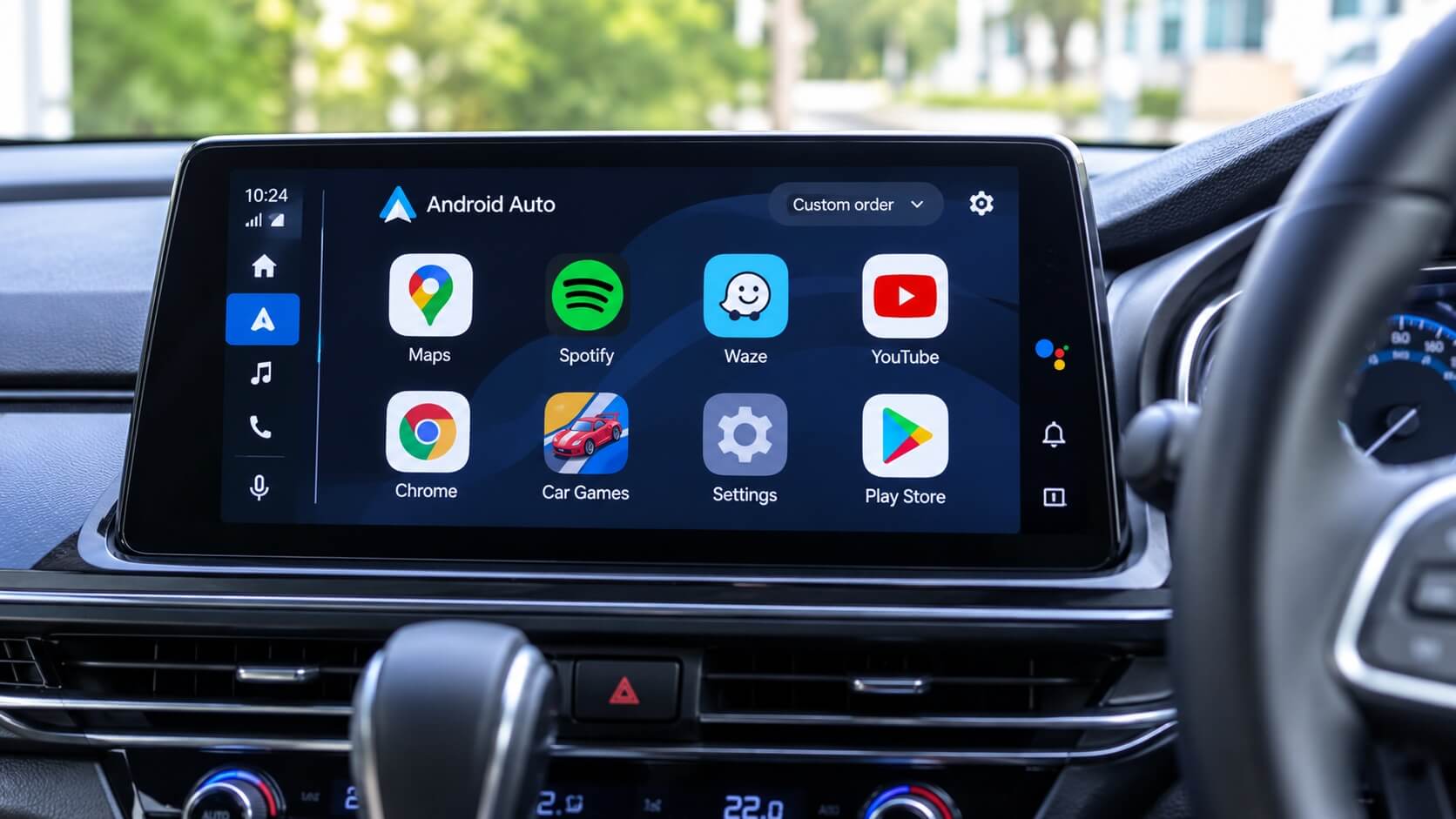
Customize launcher lets you choose which compatible apps appear in the Android Auto launcher and set their display order. Only apps built for Android Auto appear in this menu, so normal phone-only apps will not show up here. Follow these steps to add apps to Android Auto from Google Play:
- Install the app on your Android phone from the Google Play Store.
- Open the app once on your phone and sign in if an account is required.
- Open your phone's Settings app and search for Android Auto.
- Tap Android Auto in the search results.
- Scroll to Display and tap Customize launcher.
- Check the box next to each app you want on the car screen, then reconnect your phone to your vehicle.
Limit: If an app does not appear in Customize launcher, it does not support Android Auto natively. Move to Screen2Auto below if you need to run an unsupported app. For setup details on specific compatible apps, see our guides on Spotify on Android Auto, WhatsApp on Android Auto, and Waze on Android Auto.
Where is Customize launcher on Samsung and Pixel?
If you prefer navigating menus directly instead of searching, use the path for your device:
- Samsung Galaxy: Open Settings > Connected devices > Android Auto > Customize launcher. For music setup, see Samsung Music on Android Auto.
- Google Pixel: Open Settings > Connected devices > Connection preferences > Android Auto > Customize launcher (or check Settings > Apps > See all apps > Android Auto > Additional settings in the app on devices where it is nested there).
How do you add unsupported apps to Android Auto?
What is AA Store?
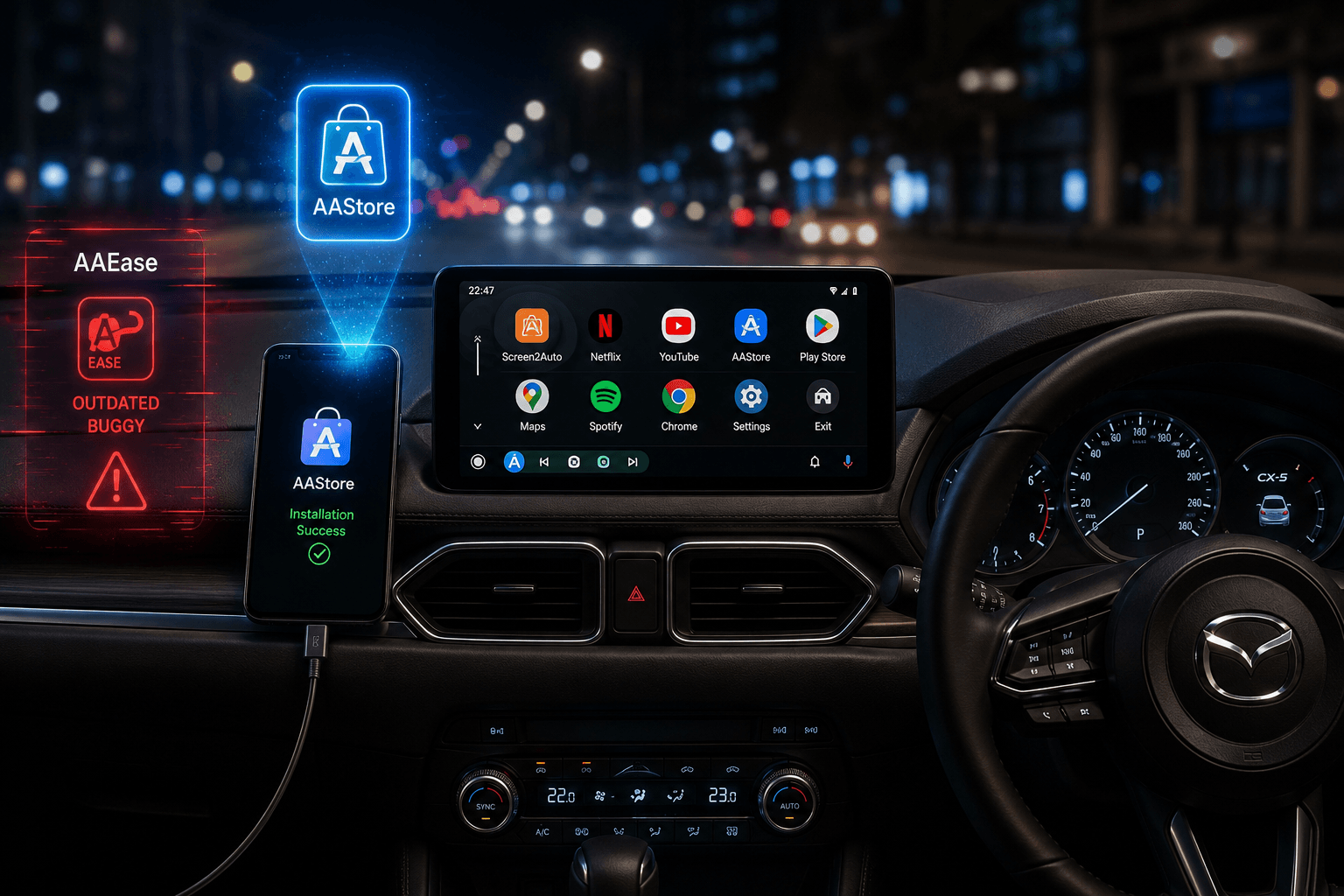
AAStore is an app store. It helps you get apps like Screen2Auto, AA Browser, CarStream, and Fermata Auto without rooting your phone.
Screen2Auto is a best tool that mirror your phone screen onto your car display and sends head unit taps back to your phone through touchback.
How to install Screen2Auto through AA Store
- Open AAStore in Chrome on your Android phone.
- Add the site to your home screen for quick access.
- Complete plan and activation if prompted
- Download and install Screen2Auto.
- Grant Display over other apps permission when prompted.
- Grant Accessibility permission to Screen2Auto.
- On Android 13 and newer, allow restricted settings for the app if blocked by Android.
- Configure Alternative touch, tapping Cancel on any extra prompt that appears.
- Connect your phone to your car and open the Screen2Auto tile on the infotainment screen.
Prefer AAAD? You can also get Screen2Auto from the AAAD store. For more details, see the full Screen2Auto installation guide.
Which apps can you run with Screen2Auto?
In our hands on test, we launched apps that do not appear in the standard launcher, including a video app, a web browser, and a game, and checked how each rendered on the head unit. Use a reliable data cable or a stable wireless adapter for a steady connection and check out our guides on how to watch YouTube on Android Auto, Netflix on Android Auto, and Torque Pro on Android Auto.
Safety reminder: Only use video, browser, or game apps on your car screen while parked or for passengers. Read more about whether Screen2Auto is safe.
Why are my apps not showing on Android Auto?
Check the table below when an app is missing or acting up on your display.
| Problem | Likely cause | Fix |
|---|---|---|
| App not in the Customize launcher list | App is not built for Android Auto | Use Screen2Auto via AAStore, or try the AAAD store |
| Sideloaded Android Auto app missing | Unknown sources is off | Enable Unknown sources in Developer settings |
| App in the list but not in the car | App is unchecked or session needs refresh | Check the app in Customize launcher and reconnect |
| App disappears after a few days (Samsung) | Phone puts the app to sleep to save battery | Remove it from Sleeping apps and add it to Never sleeping apps[cite: 1] |
| App icon faded on the phone | Android archived the app | Tap the icon to restore it and disable unused-app archiving |
| Apps load slowly or drop out | Weak cable or wireless connection | Switch to a solid data cable, re-pair Bluetooth, or clear Android Auto cache |
| Screen2Auto tile missing or black screen | Display or setup issue | Check common Screen2Auto issues |
Which method is better : Customize launcher vs. Screen2Auto?
| Method | Pros | Cons |
|---|---|---|
| Customize launcher |
|
|
| Screen2Auto via AAStore |
|
|
FAQs
Can you install apps directly on Android Auto?
No. You install apps on your Android phone, and Android Auto projects compatible apps onto your car display. It does not install standalone apps onto the car's Android Auto interface.
Why don't all Android apps work on Android Auto?
Google limits native Android Auto apps to driving-safe categories, and each developer must build support for the car screen. If an app lacks native support, you can use Screen2Auto while parked.
How do I refresh apps in Android Auto?
Unplug or disconnect your phone and reconnect to your car. If an app still does not appear, restart your phone and check Google Play for updates to both Android Auto and the app.
Does Android Auto detect new apps automatically?
Yes, compatible Google Play apps usually appear automatically the next time you connect your phone. Sideloaded apps require Unknown sources to be turned on in Developer settings first.
Can I add YouTube to Android Auto?
Yes, while parked, you can use Screen2Auto through AAStore to access YouTube on your display. Follow our full walkthrough on how to watch YouTube on Android Auto.
Can you add games to Android Auto?
Yes, for parked play depending on your setup and Android version. Some lightweight car games also appear through Play Store car categories.
Can I rearrange or hide apps on Android Auto?
Yes. Open Customize launcher in Android Auto settings, switch Launcher sorting to Custom order, drag apps to reorder them, and uncheck any app you want to hide.
Do I need root to add apps to Android Auto?
No. You do not need root access for Customize launcher, Unknown sources, or Screen2Auto via AAStore. Root is only needed if you want lower-level display options or lower latency in Screen2Auto.