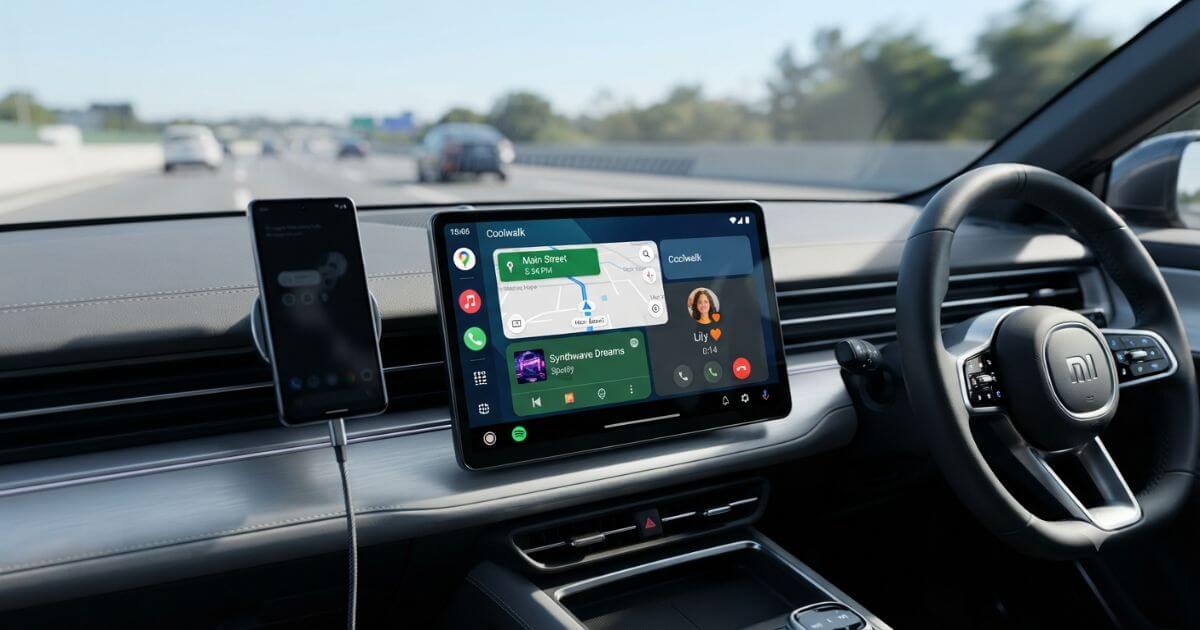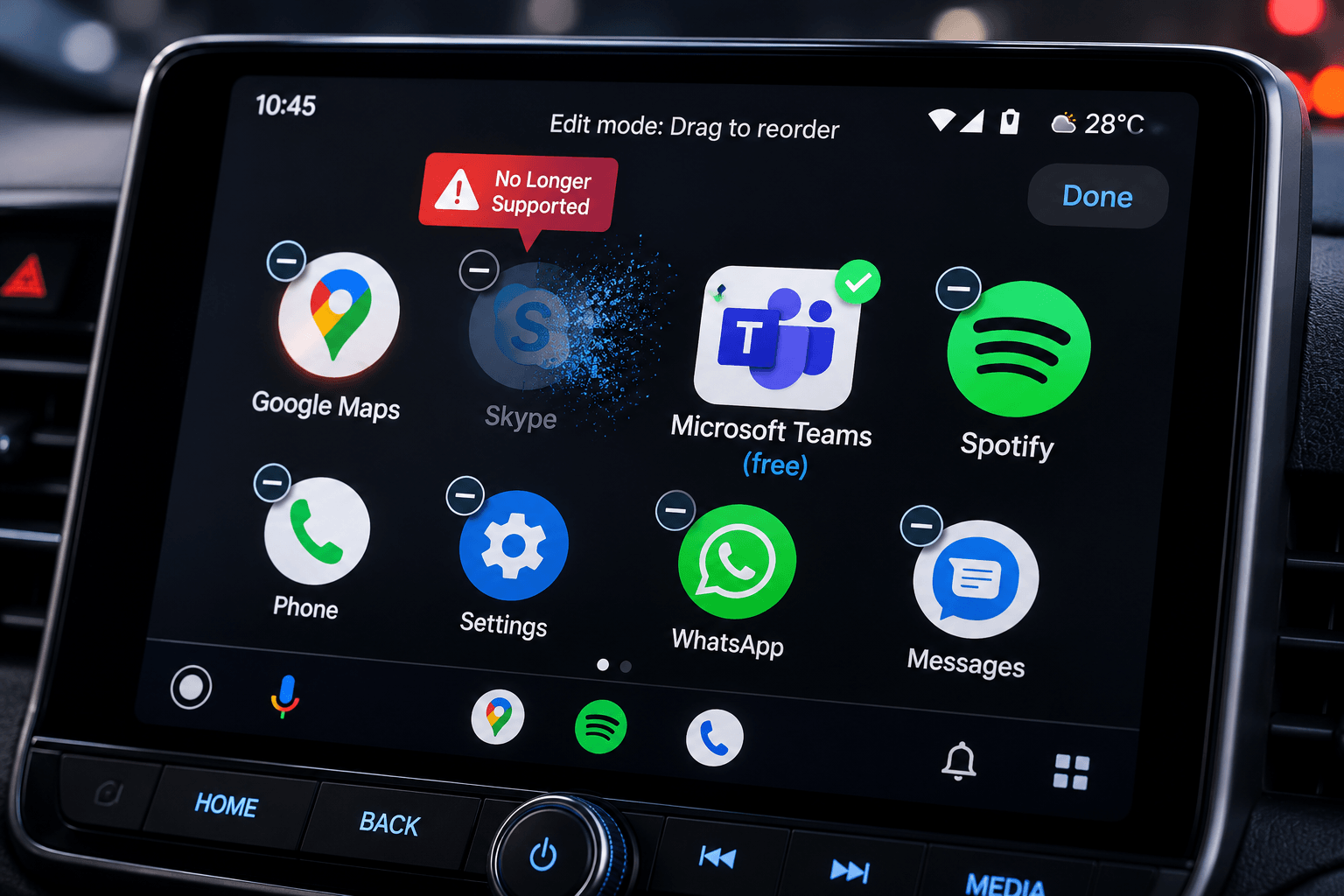
Skype was retired by Microsoft on May 5, 2025, and no longer functions on any platform, including Android Auto. Microsoft has transitioned users to Teams (Free), which offers native calling support on your car display. For users wanting extended functionality like video calling while parked, third-party screen mirroring tools like Screen2Auto provide a viable workaround.
Last Updated: August 7, 2026
Why Skype No Longer Works on Android Auto
Microsoft officially retired the classic Skype consumer service on May 5, 2025, meaning the application is no longer active or supported for personal use.
Even prior to its shutdown, Skype had a very restrictive footprint in vehicle dashboards. It only ever supported text message notifications on Android Auto and never supported native voice or video calls. Because the entire service has sunsetted, users searching for Skype integration are actually looking for migration paths or modern replacements for in-car communication. For more details on supported communication tools, check out our guide on setting up messaging apps on Android Auto.
What Happens to My Skype Contacts and Chats?
With the shutdown of Skype, Microsoft has guided consumer and business users toward Microsoft Teams as the primary ecosystem replacement.
You do not necessarily lose your digital footprint. Users can sign into Teams (Free) directly using their existing Skype credentials. While direct chat history migration depends on your account type and timing, your core contact identity transitions smoothly into the Teams architecture. You can also explore how other third-party navigation and communication tools adapt by reading our Petal Maps and integration overview.
How to Use Microsoft Teams on Android Auto (Native Support)
Microsoft Teams is the official communication app that replaces Skype on Android Auto, providing a safer, hands-free experience while driving.
- Join Meetings from Your Calendar: View your upcoming Microsoft Teams meetings directly on your car's display and join audio meetings with a single tap.
- Access Speed Dial and Call History: Quickly reach your favorite contacts or recent calls through Android Auto's simplified, driver-friendly interface.
- Hands-Free Voice Control: Use Google Assistant to place Teams calls, join meetings, or contact coworkers using voice commands without taking your hands off the wheel.
- Designed for Safe Driving: Android Auto limits Teams to audio-only communication while driving, helping you stay focused on the road and comply with safety guidelines.
Why You Can't Video Call on Android Auto Natively
Google enforces strict platform-level restrictions across Android Auto to prevent driver distraction. By design, native applications are blocked from displaying video streams or complex visual interfaces while the vehicle is in motion.
While voice calls and audio meetings are fully permitted, true video conferencing is locked out by safety protocols. This structural limitation sets the stage for specialized mirroring solutions if visual communication is strictly required while stationary.
How to Get Full Video Calling on Your Car Screen with Screen2Auto (While Parked)
Third-party dashboard utilities bridge the gap for users needing unrestricted access.
- Installation Path: AAStore serves as the primary installation gateway for custom head unit apps, offering a stable environment for side-loading utilities. AAAD functions as a secondary alternative.
- Screen2Auto Setup: Once installed via your preferred downloader, Screen2Auto mirrors your phone display directly onto the car dashboard.
- Android 15+ Users: If your phone is running Android 15 or later, Screen2Auto is no longer supported due to Android Auto security restrictions. Instead, install AA Browser, which provides a compatible solution for opening web-based content and supported applications on Android Auto.
Need the Complete Setup Guide?
Looking for a step-by-step walkthrough? Our Full Installation Guide includes detailed installation instructions, annotated screenshots, troubleshooting tips, Android version compatibility, and recommended configuration settings to help you get everything working smoothly.
This setup should strictly be used while parked to maintain safety compliance and avoid distracted driving regulations.
For further reading on installing and optimizing custom applications, check out our YouTube-on-Android-Auto guide, which includes a full AAStore setup walkthrough.
Skip the Phone Entirely: AI Box Alternatives for Video Calling in the Car
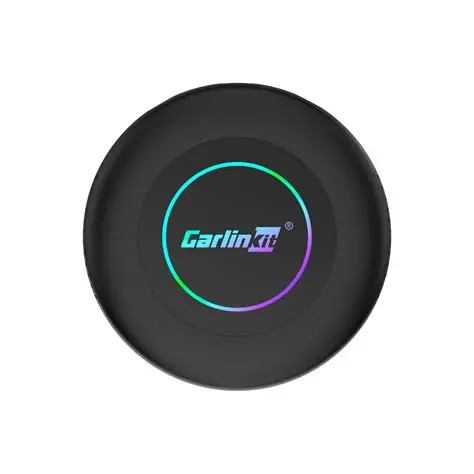
CarlinKit TBox Ultra 2 – Android 15 Flagship AI Box (8GB RAM + 128GB ROM)
- Next-Gen Android 15 Powerhouse
- Massive Flagship Storage
- Expandable Memory up to 512GB
- Independent 4G LTE & Dual-Band Wi-Fi
- True Wireless Freedom
- Easy Plug-and-Play Setup
- Continuous FOTA Updates
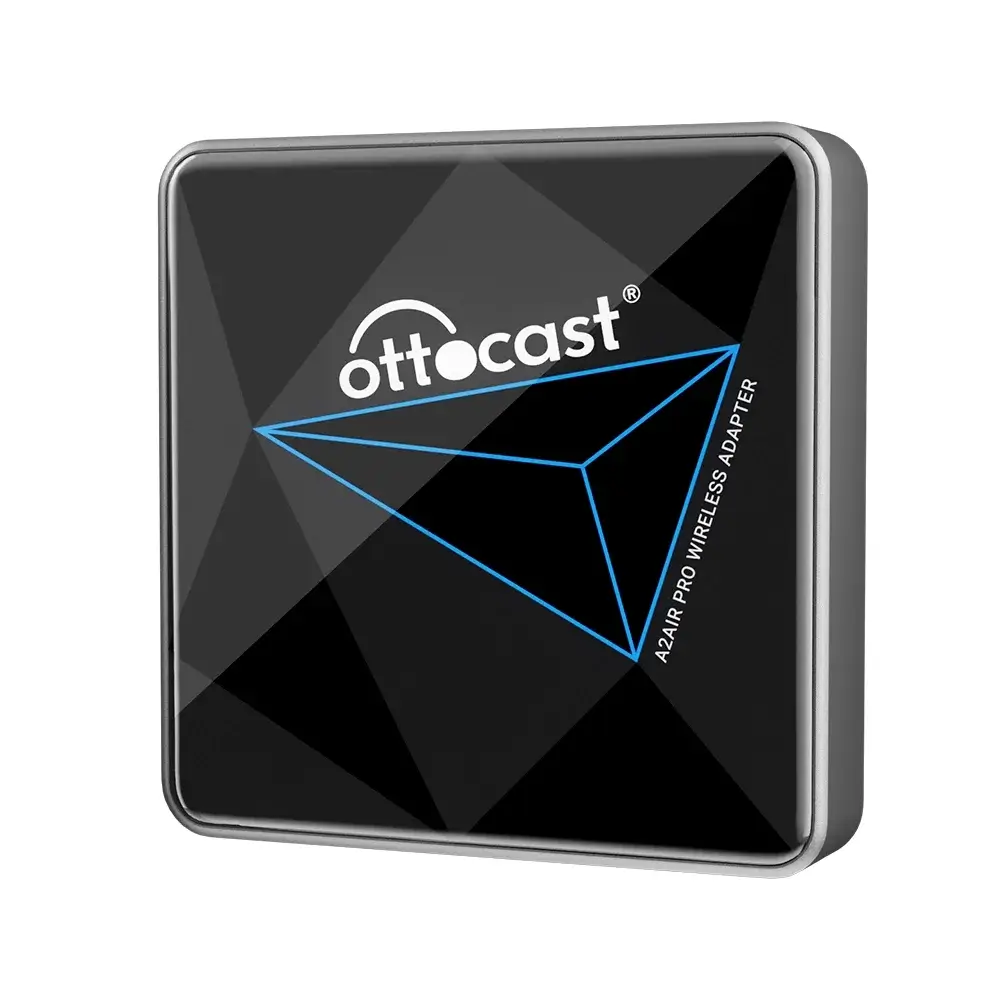
Ottocast A2 Air Pro: Seamless Wireless Android Auto Adapter
- True Plug-and-Play Simplicity
- Automatic “Get-in-and-Go” Connectivity
- Lag-Free, High-Speed Performance
- Universal Compatibility
- Future-Proof Design
Frequently Asked Questions
1. Is Skype really gone for everyone?
Yes. Microsoft officially retired the consumer version of Skype on May 5, 2025, shutting down infrastructure and support globally.
2. Can I still access my old Skype chat history?
Direct access to legacy Skype chat logs is largely unavailable following the complete shutdown, though active contacts have transitioned over to Microsoft Teams.
3. Does Teams support video calls on Android Auto?
No. While Microsoft Teams supports audio calls and meeting joins natively on Android Auto, video playback is restricted while driving due to safety regulations.
4. Is Screen2Auto safe to use?
Screen2Auto requires specific permissions and developer options to mirror your display. It should only be operated while the vehicle is safely parked.
5. What are the best alternative communication apps for Android Auto?
Officially supported alternatives include WhatsApp, Zoom, and Microsoft Teams for audio calls and messaging.
6. Do I need to root my phone to use AAStore or AAAD?
Many modern installations work using standard developer options and accessibility permissions, though functionality varies based on your specific Android version and car head unit.