
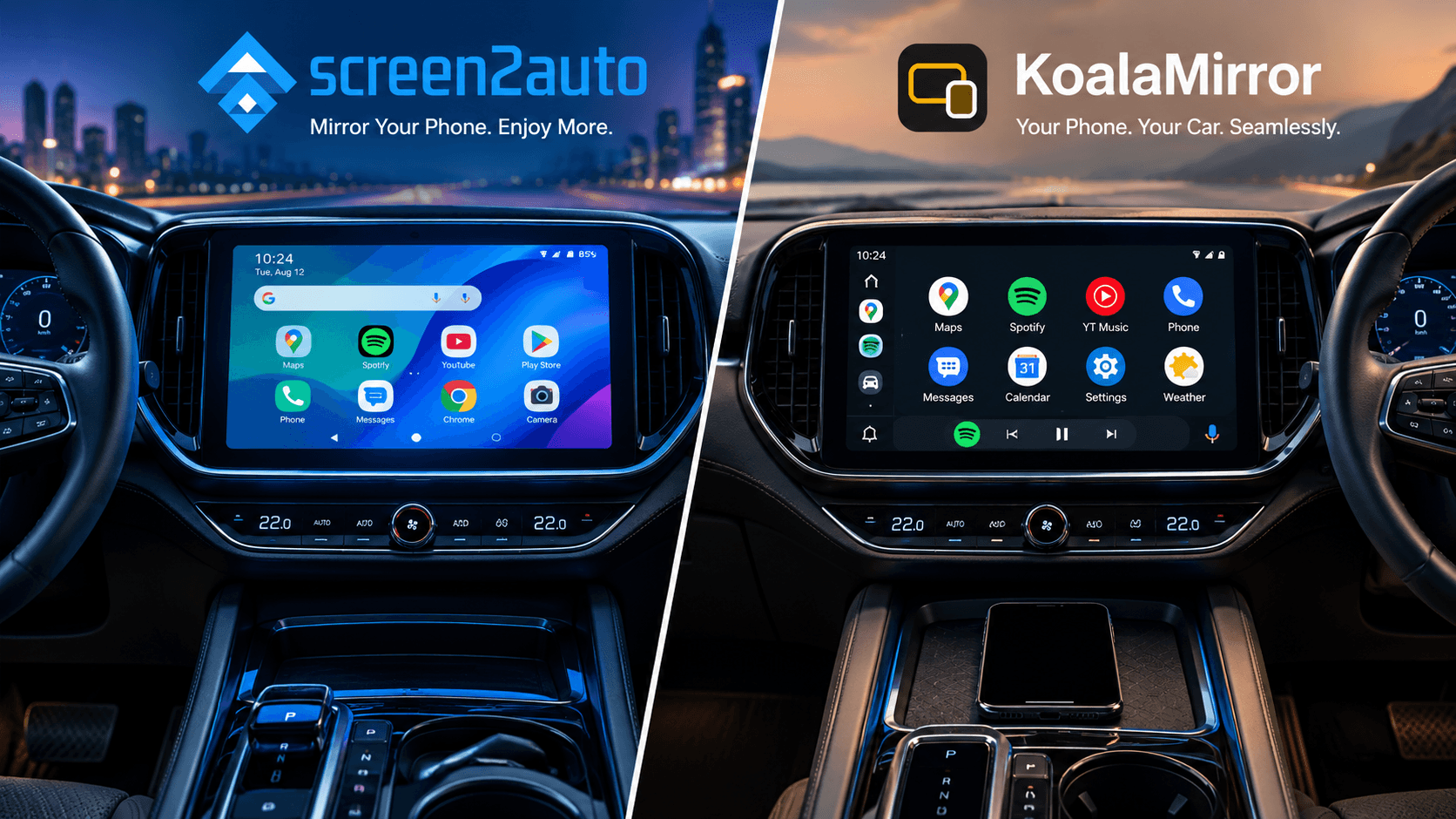
If you want to view videos, browse the web, or run unrestricted apps on your car's infotainment system.You need a custom projection tool. While there are a few legacy options like AA Mirror available on sideloading platforms, Screen2Auto and KoalaMirror represent two distinct generations of dashboard display technology.
While both tools achieve the ultimate goal of bringing full Android software to your car screen, their architectural designs, resource demands, root requirements, and hardware integrations differ significantly.
| Factor | Screen2Auto | KoalaMirror |
|---|---|---|
| Root required | No. Optional root for advanced features. | Yes. Magisk, KernelSU or APatch. |
| Phone screen | Must stay on and unlocked | Can stay locked |
| Battery use | Higher (continuous screen capture) | Lower (phone screen can stay off) |
| Heat | Higher on long sessions | Generally lower |
| Setup | Moderate. Needs app permissions. | Advanced. Needs root and module setup. |
| Best for | Users who don't want to root their phone | Rooted users who want a separate car desktop |
Feature Comparison Matrix
Compare Screen2Auto and KoalaMirror side-by-side to see which app fits your setup best.
| Feature | Screen2Auto | KoalaMirror |
|---|---|---|
| Display type | Full phone screen mirror with car launcher | Independent VirtualDisplay desktop |
| Installation | AAStore or AAAD | Root module (Zygisk) |
| App support | YouTube, Netflix, Spotify and 100+ apps | Android apps and custom launchers |
| Touch control | Yes | Yes |
| Rotary dials and steering buttons | No. Touchscreen only. | Yes, on compatible cars (paid license) |
| Source code | Closed source | Closed source |
| Pricing | See AAStore | Free Basic tier, paid license for advanced features |
Screen2Auto vs KoalaMirror: pros and cons
| Screen2Auto | KoalaMirror | |
|---|---|---|
| ✓ Pros | ||
| 1 | ✓ Works without root | ✓ Phone screen can stay locked |
| 2 | ✓ Runs YouTube, browsers and other phone apps on the car screen | ✓ Supports rotary controllers like BMW iDrive and Audi MMI |
| 3 | ✓ Touch control from the car touchscreen | ✓ Steering wheel button mapping on compatible cars |
| 4 | ✓ Easy install through AAStore or AAAD | ✓ Lower battery and heat impact |
| 5 | ✓ Supports Android 8.0 to Android 16 (device dependent) | ✓ Custom DPI scaling and navigation bar options |
| ✗ Cons | ||
| 1 | ✗ Needs Accessibility and Overlay permissions | ✗ Root required (Magisk, KernelSU or APatch with Zygisk) |
| 2 | ✗ Higher battery use while mirroring | ✗ Setup is harder than non-root apps |
| 3 | ✗ Phone can get warm on long drives | ✗ Rooting can cause security and compatibility issues |
| 4 | ✗ DRM-protected apps may show a black screen | ✗ Full-screen layout and button remapping need a paid license |
| 5 | ✗ Touch delay varies by phone and head unit | ✗ Works only on supported devices, root setups and cars |
The Verdict
If you are looking for an all-in-one, feature-rich solution to run apps like YouTube, Netflix, and custom launchers on your car dashboard, Screen2Auto is the ultimate choice.
It provides full screen-mirroring flexibility without requiring complex root modifications on most devices, making it accessible for everyday users via simple installer apps like AAStore. While KoalaMirror offers advanced secondary display capabilities for deeply rooted setups, Screen2Auto remains the most practical and universal option for seamless Android Auto streaming and app playback.
Frequently Asked Questions (FAQs)
Q: Do I need to root my phone to use KoalaMirror for Android Auto?
Yes. KoalaMirror relies on root permissions and Zygisk injection to create an independent VirtualDisplay at the OS level. It works natively with Magisk, KernelSU, and APatch root managers.
Q: Can I use physical rotary dials and steering wheel buttons with these apps?
Screen2Auto relies strictly on touchscreen inputs. KoalaMirror features dedicated driver mapping built for rotary dial controllers (such as BMW iDrive, Mazda Commander, and Audi MMI), as well as physical steering wheel button shortcuts with tap and long-press actions.
Q: How can I watch YouTube or Netflix on Android Auto without root?
For non-rooted phones, Screen2Auto installed via AAStore or AAAD allows you to mirror your mobile screen and play apps like YouTube, Netflix, or local video players directly on your car screen while parked.
Q: Why does my phone get so hot while using screen mirroring apps on Android Auto?
Screen2Auto forces your physical screen to stay on at full brightness while continuously capturing and encoding a real-time video stream. This places continuous strain on your phone's processor, leading to battery drain and device heating.
Q: Is KoalaMirror free to download?
KoalaMirror features a free Basic tier with no time limit that allows you to run your full Android desktop inside the standard Android Auto layout. A paid license unlocks full-screen car layout mode, a dedicated navigation bar (Back/Home/Recents), custom DPI scaling, and hardware button remapping.