
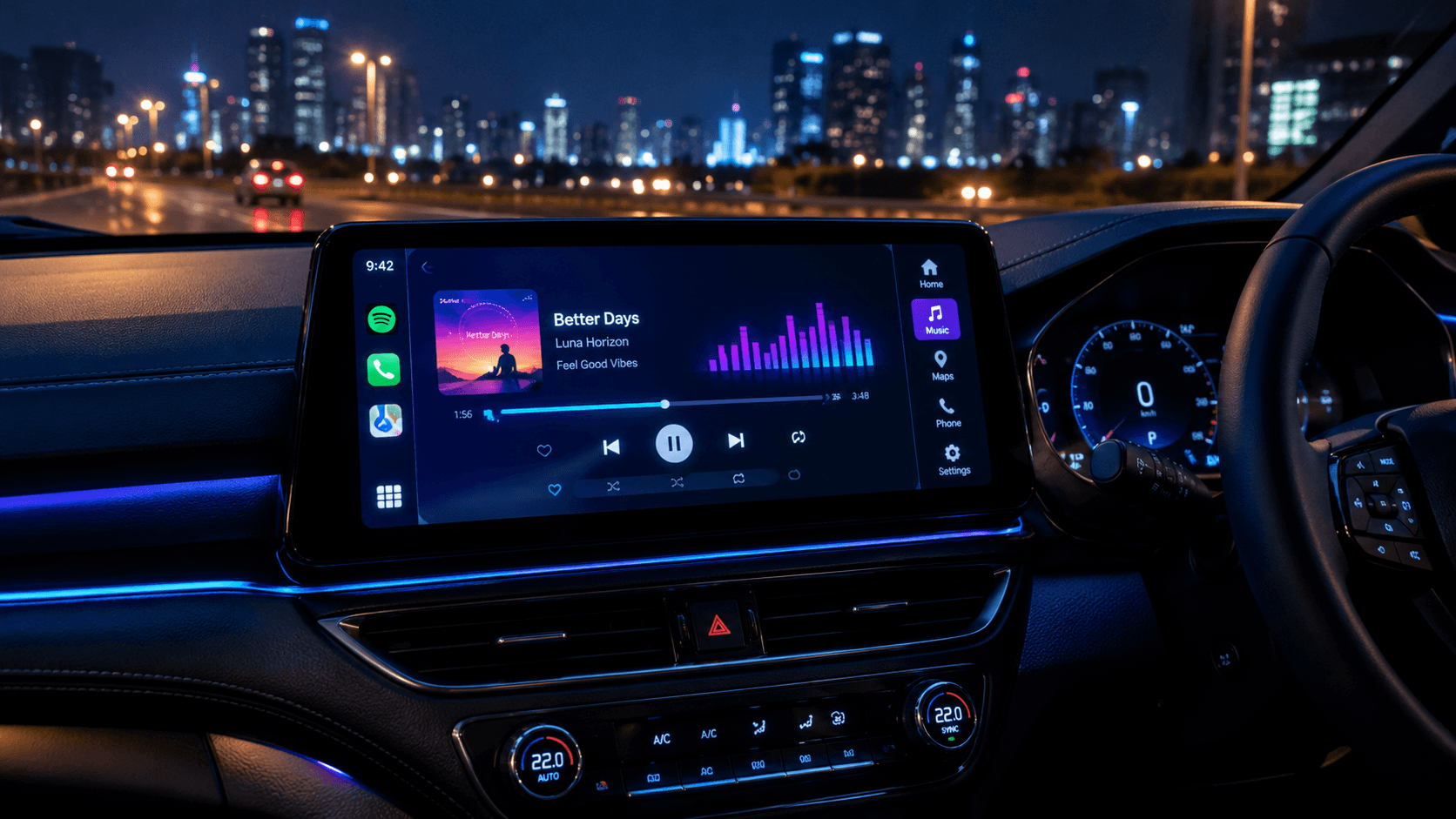
However, getting Poweramp to show up and run smoothly on your car’s dashboard using Android Auto isn't always easy. Because Google limits third-party apps by default, Poweramp might not automatically appear in your car's launcher.
If you want full control over Poweramp's equalizer and skins or if you want to watch YouTube and Netflix on your car screen you can use Screen2Auto.
What is Poweramp?
Poweramp is a high performance offline music player application designed for Android devices. Unlike Spotify or YouTube Music, which rely heavily on internet data and compressed streaming formats, Poweramp is built to play local audio files stored directly on your phone or SD card (such as FLAC, MP3, WAV, AAC, M4A, and DSD).
Key Features
- Advanced Equalizer: Features a robust 10-band graphic equalizer, separate bass and treble adjustments, stereo expansion, and custom presets.
- Hi-Res Audio Output: Supports high-resolution output drivers, allowing for crystal-clear playback on capable hardware.
- Seamless Library Management: Fast folder-based navigation, album art fetching, and tag editing.
- Android Auto Integration: Allows you to control your local music catalog safely right from your car's built-in infotainment screen.
Why Use Poweramp on Android Auto?
- Superior Sound Quality: Standard streaming services compress audio files to save bandwidth. Poweramp lets you play uncompressed FLAC and Hi-Res files, making high-end car stereo speakers truly shine.
- Zero Data Usage: Because your library lives locally on your phone, you do not need mobile data or cell service to stream music during road trips or through remote areas.
- Deep Customization: You can fine tune the audio output using Power amp's parametric and graphic equalizers to match the acoustic environment of your specific car cabin.
Can I play YouTube, Netflix, or use full mirroring with Poweramp?
- Q: Can I watch YouTube or Netflix or use Maps using Poweramp on Android Auto?
- A: No. Poweramp is only a local audio player and does not support video streaming or mapping tools.
- Q: How can I run YouTube, Netflix, or other apps on my car screen?
- A: You can use screen-mirroring and app-launcher tools like Screen2Auto. You can get it directly by downloading AAStore, which also allows you to freely download other alternative apps like AABrowse and Fermata Auto.
- A: You can use screen-mirroring and app-launcher tools like Screen2Auto. You can get it directly by downloading AAStore, which also allows you to freely download other alternative apps like AABrowse and Fermata Auto.
How to Download and Install Poweramp (Step-by-Step Guide)
To start using Poweramp on your Android device and car dashboard, visit the official website at powerampapp.com. You will see three main download options depending on your setup preferences:
1. Get Poweramp on Google Play
- The official version directly hosted on the Google Play Store.
- This is the safest, easiest, and most hassle-free option. It receives automatic updates and works seamlessly with Android Auto without needing any special system tweaks or hidden developer settings.
How to install:
- Click Get Poweramp on Google Play on the website.
- Tap Install on the Google Play Store page.
- Open the app on your phone, grant storage permissions, and play any song for a few seconds.
- Connect your phone to your car, and Poweramp will automatically show up on your Android Auto dashboard launcher.
2. Poweramp APK (Direct Download)
- The raw installation file downloaded directly from the developer's website instead of Google Play.
- Devices without Google Play Services or users who prefer manual APK sideloading.
Note for Android Auto users: If you install via APK, Android Auto hides the app by default for security. You will need to open Android Auto Settings, tap Version 10 times to unlock Developer settings, and enable Unknown sources to make Poweramp visible on your car screen.
3. Poweramp Equalizer (Standalone EQ App)
- A standalone system-wide audio processing app available as Get Poweramp Equalizer (Play Store) or Equalizer APK.
- Fine-tuning audio for other streaming apps like Spotify or YouTube Music.
Important: This is not a standalone music player app it is purely a sound equalizer processing tool.
Poweramp Android Auto Troubleshooting Overview
| Troubleshooting Issue | The Cause | The Fix | Verification |
|---|---|---|---|
| 1. Poweramp is Missing from the Car App List | If you installed Poweramp via an APK file downloaded directly from powerampapp.com instead of the Google Play Store, Android Auto hides sideloaded media applications by default. |
|
Poweramp will now populate inside the Android Auto Customize launcher settings list. |
| 2. "App Not Ready" Error on the Car Screen | Poweramp's background media service is asleep or failed to complete its initialization handshake with the head unit. |
|
Tapping the Poweramp icon on your car display loads your album art and playlist library instantly without throwing error prompts. |
| 3. Random Disconnections or Reboots | Worn, damaged, or charge-only USB cables disrupt data transmission, causing Android Auto to crash and rebuild its app manifest without third-party apps. | Replace your cable with a short, high-quality, data-rated USB cable from the AAHacks Shop. If using a wireless adapter, ensure its firmware is fully updated. | Confirm a stable connection persists over a 15-minute drive without dropping back to the vehicle's stock radio screen. |
Frequently Asked Questions
Q1 : Does Poweramp support hi-res audio files on Android Auto?
Yes. Poweramp handles internal 64-bit processing for FLAC, DSD, and ALAC files, streaming high-resolution audio natively through your vehicle's audio system.
Q2 : Can I use the Poweramp equalizer app with streaming services like Spotify?
Yes. For streaming users, installing the standalone Poweramp Equalizer app from the Play Store applies Poweramp's processing engine globally across other music apps over Android Auto.
Q3: Does Poweramp consume mobile data in the car?
No. Poweramp plays local files stored directly on your phone or SD card, making it entirely functional offline.