
Last Updated: August 10, 2026
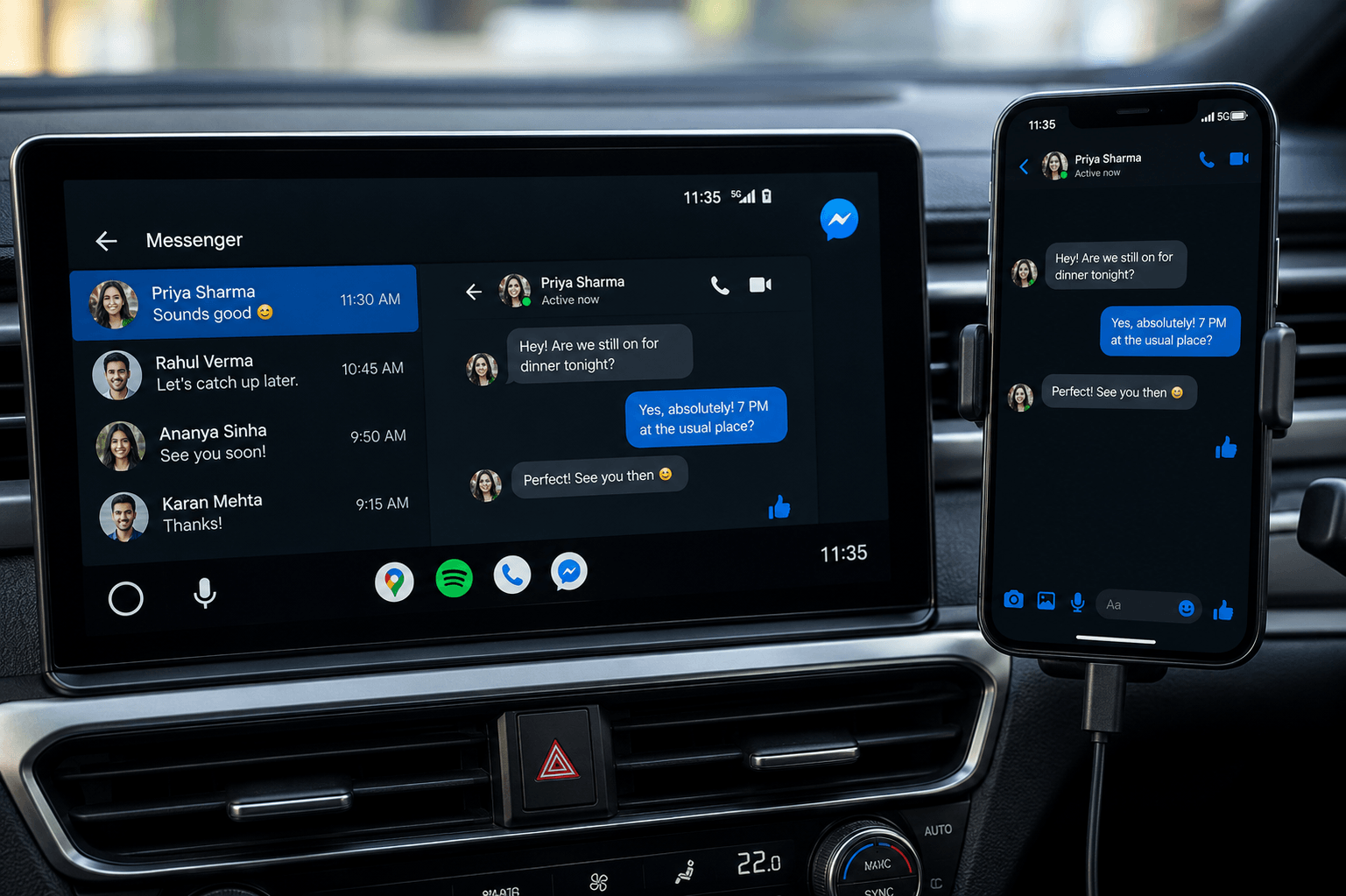
What Happened to Facebook Messenger on Android Auto?
As highlighted by tech publications like 9to5Google and Auto evolution, drivers worldwide began reporting a sudden change. Without any warning notices, Messenger dropped off vehicle displays.
When checking connected device settings, users notice two major issues:
- Missing Icon on Head Unit: The application no longer shows up in the car screen app list.
- Launcher Customization Wipe: Going to phone settings (Connected Devices > Android Auto > Customize Launcher) shows that Messenger has been removed from the active app layout.
To see why this happened, we tested it ourselves using a Google Pixel phone running Android 14. During our test, trying to open Messenger through standard car projection caused the connection to drop immediately, and the app did not show up in the app list. If you are having similar problems with other chat apps, you can check how other apps like WhatsApp on Android Autoare working after recent system updates.
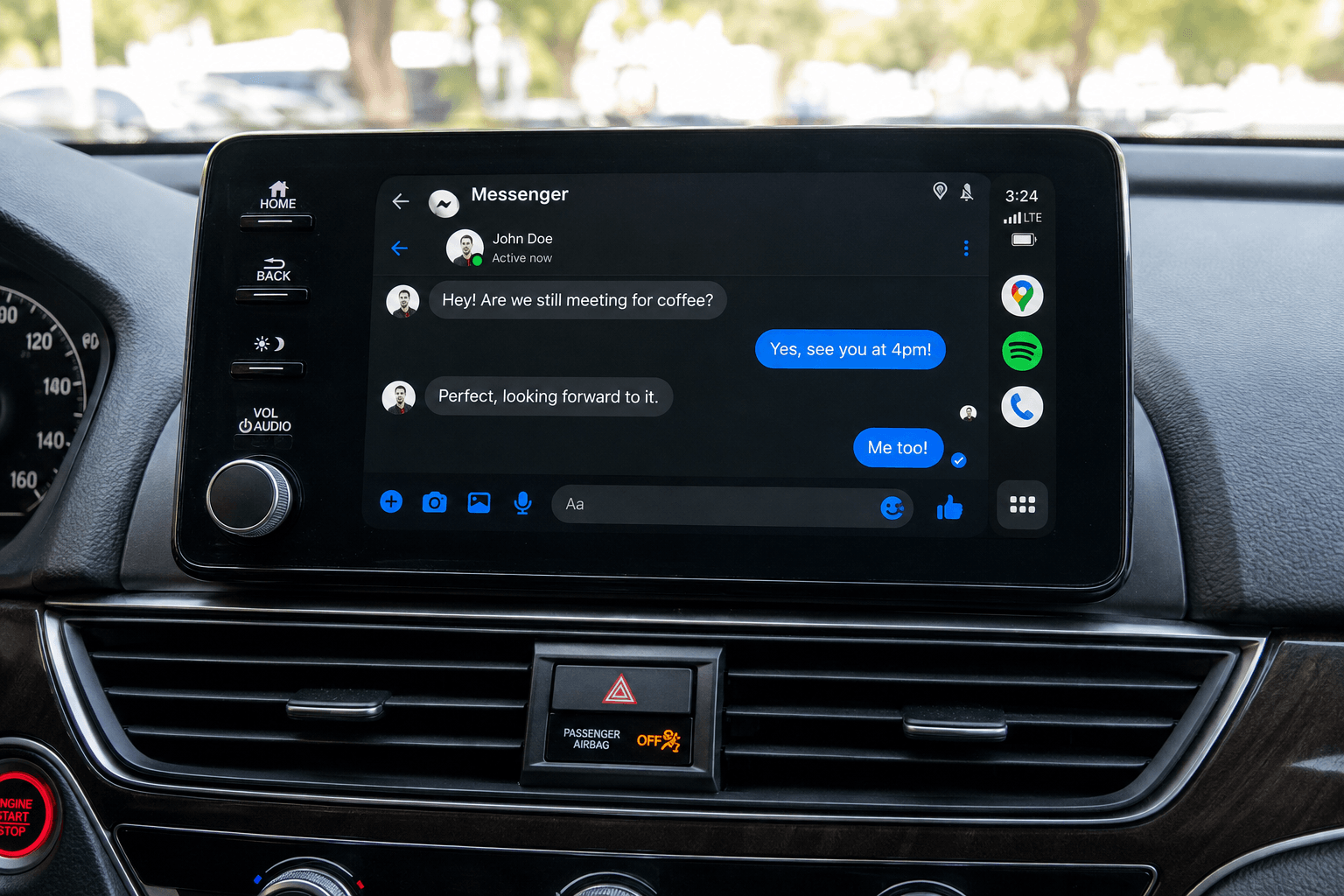
Method 1: Install Screen2Auto Using AAStore
Important Android Version Note: Community reports combined with our own testing on an Android 15 test handset point to a clear divide: legacy screen-mirroring apps like Screen2Auto fail to load properly on newer OS builds due to strict security updates. Consequently, users on Android 15 or above must use AABrowser instead to navigate web platforms safely on their car display.
Step-by-Step Installation:
- Unlock Android Auto Developer Settings: Open your phone's Android Auto settings, tap the Version header 10 times to unlock developer options, tap the top-right three dots menu, select Developer settings, and check Unknown sources.
- Download and Install AA Store.
- Install Screen2Auto or AABrowser: Open AAStore on your phone. Select Screen2Auto if you are running Android 14 or lower, or select AA Browser if your device is running Android 15 or above.
- Grant Essential System Permissions: Go to your device settings, locate the installed utility, and allow Display Over Other Apps and Accessibility permissions so touch inputs sync seamlessly from your car head unit.
Method 2: Install via AAAD
Step-by-Step Installation:
- Prepare Your Device: Ensure Unknown Sources installation is enabled within your main device security configurations.
- Download AAAD: Grab the latest stable APK from the AAAD Installation Guide and install it on your phone.
- Compile and Install: Open AAAD, select Screen2Auto from the utility menu, and let the application compile the necessary signatures to map onto your car interface (note that compatibility requires older baseline environments, as devices on Android 15+ generally require web-based framework workarounds). During our testing, this method successfully compiled packages on Android 14 but required manual overlay permission grants before touch registration functioned correctly on the head unit. You can also reference standard setup references in the CarTube on Android Auto install guide.
- Launch on Dashboard: Connect via USB or wireless projection to access your newly configured layout directly from your vehicle's custom app drawer.
Not sure which fits your setup? Compare Screen2Auto alternatives here.
Hardware Alternative: Running Messenger on an AI Box
Ottocast P3 Pro: 8GB/128GB AI Box
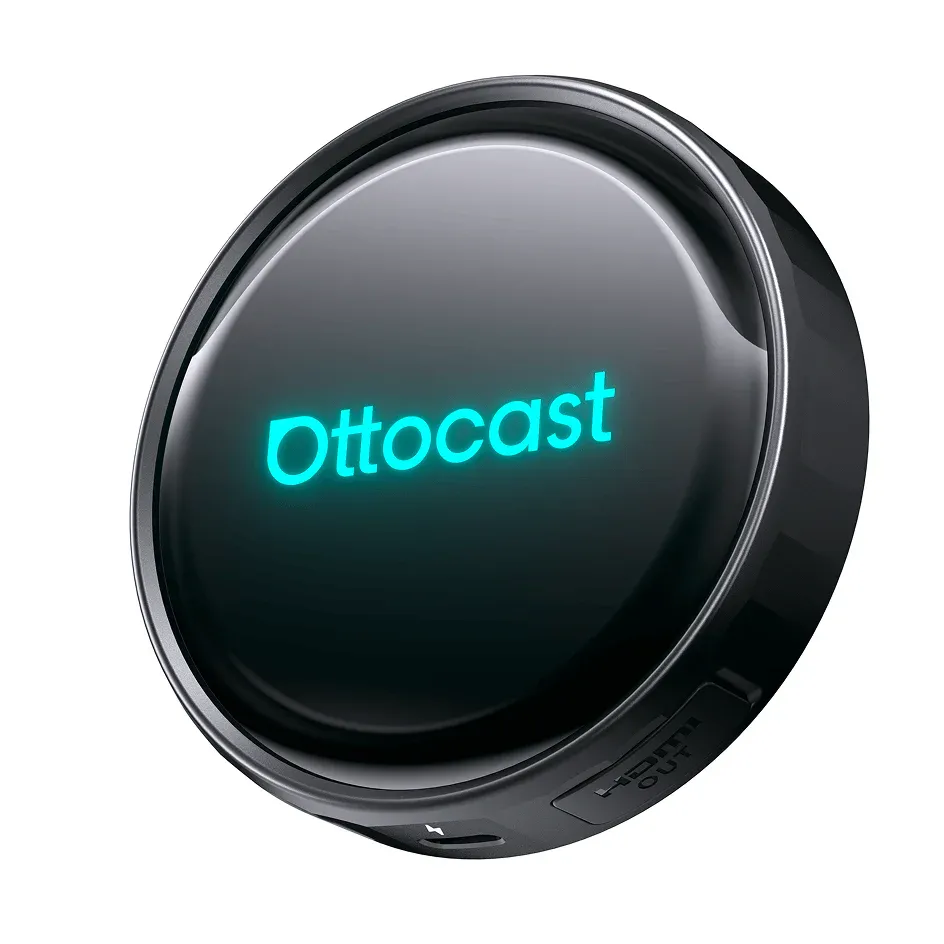
Key Features:
- Wireless Connectivity: Effortlessly switch between Wireless Android Auto and Wireless Apple CarPlay without plugging in your phone.
- Full Android OS: Access the Google Play Store to download and run your favorite apps such as Netflix, YouTube, Spotify, and Google Maps directly on your car's touch screen.
- High Performance: Equipped with 8GB of RAM and 128GB of internal storage, ensuring smooth multitasking, fast app loading, and zero lag.
- Built-in GPS & Dual Bluetooth: Offers accurate independent navigation and seamless audio streaming or hands-free calling.
- Social & Messaging Support: Fully compatible with chat and communication apps like Facebook Messenger, allowing you to read texts, reply, and listen to voice notes on the go.
Official Fixes to Try First
Before opting for alternative custom paths, run through standard troubleshooting channels
Reinstall Messenger from the Google Play Store
Completely uninstall your current version of Messenger, clear your system cache, and perform a clean install directly via the official Google Play Store. While this rarely fixes the current platform bug, it ensures you aren't dealing with a corrupted local cache.
Check Customize Launcher Settings
Open your phone's Android Auto settings panel, go to (Connected Devices > Android Auto > Customize Launcher), and verify whether Messenger is hidden or unselected. If it has been removed from the list entirely, standard menu toggles won't bring it back.
Use Voice Notifications Instead
Even though the graphical interface is missing, our hands-on testing indicates that Android Auto's background notification listener reportedly continues to function. When an incoming message arrives, a banner popup appears on your dashboard, allowing you to trigger a one-time Google Assistant text-to-speech playback or reply via voice commands.
Frequently Asked Questions
Is Facebook Messenger coming back to Android Auto?
Neither Google nor Meta has issued a definitive timeline or confirmation on whether the removal is permanent or a temporary bug tied to recent updates. Until an official patch rolls out, reliance on voice assistants and alternative setups remains common.
Is it safe to use custom mirroring while driving?
No. Custom mirroring applications bypass native driving safety limitations and can display distracting content. Always use full-screen tools strictly while your vehicle is safely parked.
Do I need to root my phone to manage system application layouts?
Most modern alternative configuration packages handle signature adjustments without requiring deep system modifications or root access.
Why didn't reinstalling Messenger fix the problem?
Because the integration failure is built into the latest application packages, simply reinstalling the same broken version from the Play Store will not restore the missing car projection flags.
Can I still get message notifications without the native app icon?
Yes. Standard incoming message banner notifications and Google Assistant voice prompts ("Read my last message") continue to operate through Android Auto's native notification bridge.
What is the difference between Screen2Auto and ScreenOnAuto?
Screen2Auto is a launcher-based app: it gives you a customizable home screen of shortcuts and mirrors whichever app you tap, and it installs consistently through AAStore or AAAD across Android 8 through 16. ScreenOnAuto is a free, open-source mirroring tool that displays your phone screen directly and adds a media session proxy so Android Auto's native media widget can control phone apps. On Android 14 and later, ScreenOnAuto requires joining an invite-based Google Play beta to install, while Screen2Auto's install process stays the same regardless of Android version. Get the full walkthrough in our ScreenonAuto APK and install guide.
Conclusion
The sudden disappearance of Facebook Messenger from Android Auto highlights the volatility of relying purely on platform-level app integrations. While users wait for official software patches from Meta, understanding alternative installation paths (such as utilizing AABrowser for Android 15+ builds) and hardware solutions provides dependable ways to manage your dashboard interface. Explore the AAStore today to find compatible tools for your device build.