
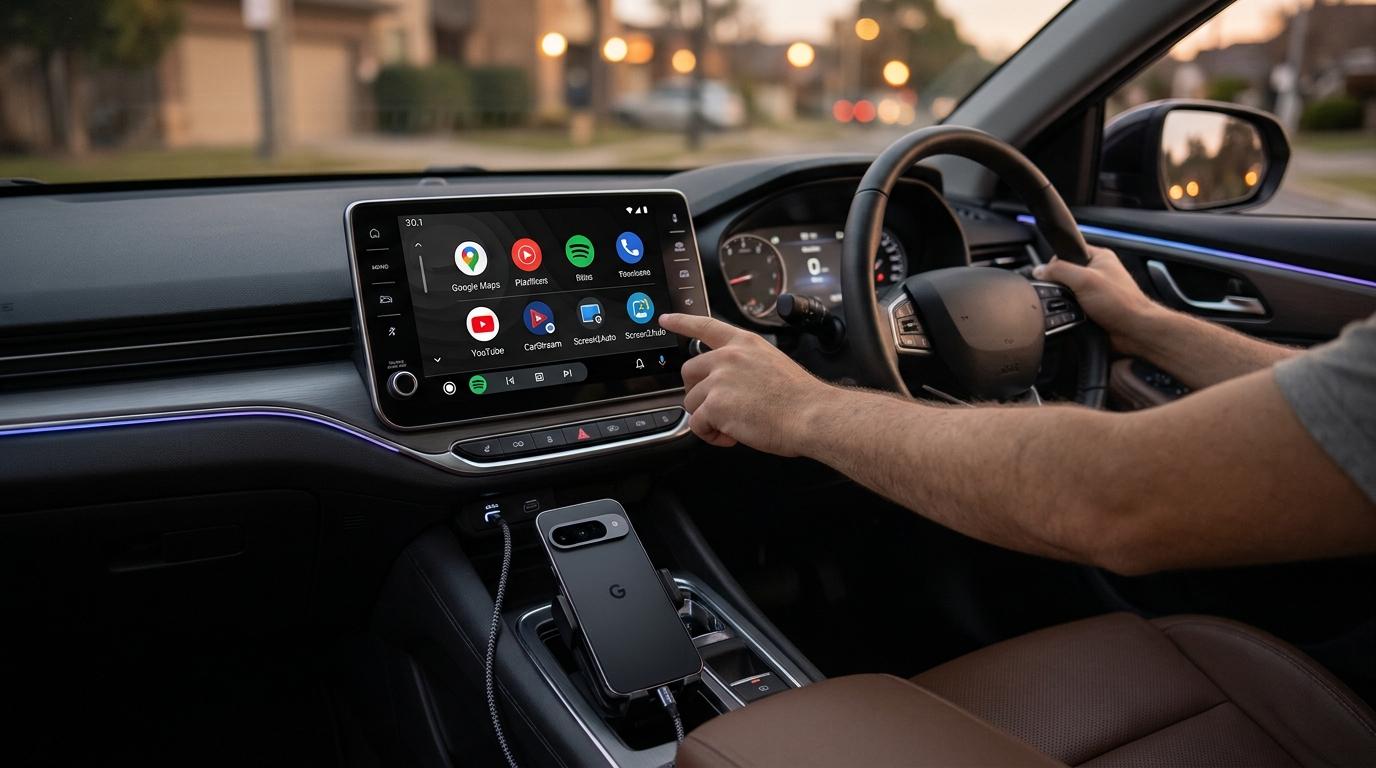
If you recently updated your phone to Android 17 or Samsung One UI 9, you might have noticed something frustrating your favorite car screen mirroring apps stopped working. Popular tools like Screen2Auto, Fermata Auto, AABrowser, Carestream and traditional AA Mirror APK utilities might close randomly, disappear from your car launcher, or stop responding when you touch your car screen display.
Don't worry, your phone isn't broken! Android 17 introduced extra safety rules for apps installed outside the Google Play Store. In this simple, step by step guide, we will walk you through what changed in Android 17. How to install apps using AAStore or AAAD, and how to fix touch controls and black screens fast.
Understanding Android OS 17 vs. Android Auto App (17.x / 18.x)
To fix mirroring issues quickly, it helps to understand the difference between your phone's operating system and the Android Auto app in your car.
- Android 17 / One UI 9 (Your Phone's OS): This is the main software running on your phone (like a Google Pixel or Samsung Galaxy). Android 17 introduced new security protections such as Advanced Protection and Restricted Settings to keep sideloaded apps from accessing your screen without permission.
- Android Auto 18.0 / 18.1 (The Car Connection App): This is the app on your phone that connects to your car's dashboard display screen. Google updates Android Auto separately through the Google Play Store. While Google controls built-in car features from their servers, screen mirroring depends entirely on your phone's Android 17 settings.
Best Phone Mirroring Apps for Android Auto on Android 17
Drivers use a few popular third-party tools to mirror their Android phone to their car screen, watch YouTube videos while parked, or browse the web on their car display:
| App Name | What It Does | Android 17 Status | Main Installer |
|---|---|---|---|
| Screen2Auto | Full phone screen mirror with car touch controls | Works with quick settings fix | AAStore (Recommended) |
| Fermata Auto | Plays YouTube, local videos, and web browser pages | Works great | AAStore |
| AABrowser | Easy-to-use web browser made for car displays | Works great | AAStore |
| AA Mirror | Classic, lightweight phone screen mirror app | Works via manual setup | AA Store |
| Carstream | Dedicated YouTube player for car dashboard displays | Works with developer settings | AA Store |
Installing Mirroring Apps: AAStore vs. AAAD (Alternative Store)
Because Android Auto screen mirror apps aren't listed on the official Google Play Store, you need a special installer app to put them on your phone so your car recognizes them:
1. AAStore (Primary App Store)
AAStore is the easiest app store for downloading non official car apps like Screen2Auto, Fermata Auto, and AABrowser. It configures hidden files during installation so Android Auto automatically shows the app icon on your vehicle display screen.
2. AAAD - Android Auto Apps Downloader (Backup Solution)
If AAStore gives you connection errors or fails to download on your phone, AAAD is the perfect alternative solution. AAAD lets you pick your favorite mirroring app and install it with a single tap all above metion non offical car apps.
What are the key Android 17 Changes Affecting Screen Mirroring
Android 17 made three major security updates that affect how phone mirroring apps work in your car:
1. "Allow Restricted Settings" Block
When you install an app outside the Play Store on Android 17, Google grays out its Accessibility permissions by default. Because apps like Screen2Auto need accessibility permissions to register your touches on the car screen, you have to manually choose Allow restricted settings in your phone options.
2. Advanced Protection Blocks Car Touch Input
Android 17 includes a security feature called Advanced Protection. When turned on, it blocks outside apps from controlling your phone screen. This means your phone screen will project onto your car display, but touching the car screen won't do anything until you turn Advanced Protection off.
3. Screen Sharing Permission Prompts
To protect your privacy, Android 17 asks for your permission every single time an app tries to mirror your phone screen. Whenever you plug your phone into your car and launch Screen2Auto or AA Mirror, you must tap "Start Now" or "Share entire screen" on your phone display.
Feature Comparison: Android 16 vs. Android 17
| Setting / Feature | Android 16 | Android 17 / Samsung One UI 9 |
|---|---|---|
| App Installers | AAStore / AAAD / KingInstaller | AAStore / AAAD |
| Developer Settings | Simple unknown sources toggle | Tap Version string 10 times to unlock |
| Touch Control Setup | Grant accessibility permission | Grant accessibility + Disable Advanced Protection |
| Screen Mirror Permission | Tap "Allow" once during setup | Tap "Start Now" prompt on phone every connection |
| Samsung Galaxy Support | Standard permission toggles | Requires Allow Restricted Settings unblock |
Step-by-Step Setup Guide for Android 17
Here is how to set up phone screen mirroring on any phone running Android 17 or One UI 9.
Step 1: Turn On Android Auto Developer Settings
- Open Settings on your phone and search for Android Auto.
- Scroll to the very bottom of the menu and tap the Version box 10 times in a row until a message says Developer Mode is unlocked.
- Tap the three dots in the top-right corner and open Developer settings.
- Check the box for Unknown sources to allow third-party car apps.
- Tap Application Mode and change it to Developer.
Step 2: Download & Install via AAStore or AAAD
Option A: Use AAStore (Recommended)
- Download and install AAStore from its official site.
- Open AAStore and tap the app you want (such as Screen2Auto, Fermata Auto,Carstream or AABrowser).
- Tap Install and confirm the installation.
Option B: Use AAAD (Alternative Solution)
- Download and open AAAD (Android Auto Apps Downloader) on your device.
- Grant standard storage permissions when asked.
- Choose Screen2Auto, Fermata Auto, or AABrowser from the menu to download it immediately.
Step 3: Unblock Restricted Settings Permissions
- Open Settings > Apps on your phone and tap your new car app (for example, Screen2Auto).
- Tap the three dots menu in the top-right corner of the screen.
- Tap Allow restricted settings and enter your phone lock PIN or fingerprint.
- Now, open the app on your phone and turn on the toggles for Display over other apps and Accessibility Service.
Step 4: Turn Off Advanced Protection for Touch Support
- Go to Settings > Security & Privacy on your phone.
- Scroll down until you find Advanced Protection.
- Toggle it to Off so your car touchscreen can send touch inputs back to your phone.
Simple Fixes for Common Android 17 Mirroring Problems
| Problem | Why It Happens | How to Fix It |
|---|---|---|
| App icon missing from car screen | Unknown sources is turned off | Open Android Auto Developer Settings, check Unknown sources, and make sure the app is checked under Customize Launcher. |
| Car screen touch doesn't work | Advanced Protection or accessibility is blocked | Turn off Advanced Protection in security settings, then go to Settings > Apps > [App Name] and select Allow restricted settings. |
| Black screen on car display | Resolution mismatch or DRM protection | Lower the output resolution inside app settings. Note: Video apps like Netflix or Disney+ stay black on purpose because of copyright DRM protection. |
| Notifications are silent in car | Android Auto 18.0 bug | This is a known bug in Android Auto 18.0. Clear app cache under Settings > Apps > Android Auto or update to the latest bug fix build. |
| No sound from car speakers | Wrong audio channel selected | Open your app's internal settings and switch audio output to Android Auto / Bluetooth Stream. |
| Wireless connection drops | Battery saver is closing apps | Turn off battery optimization for both Android Auto and your screen mirroring app in phone battery settings. |
Frequently Asked Questions
What installer apps work best on Android 17?
AAStore is the best main installer app for Android 17. If AAStore gives you any download errors, AAAD is an excellent alternative app downloader for getting Screen2Auto, Fermata Auto, or AABrowser onto your phone.
Do I need to root my phone for car screen mirroring on Android 17?
No! You do not need root access. Screen mirroring, video streaming, and touch controls work on regular non-rooted phones once you unlock Android Auto developer mode and allow restricted settings.
Why is the accessibility toggle grayed out on Android 17?
Android 17 automatically grays out accessibility switches for any app downloaded outside the Google Play Store. To fix this, go to Settings > Apps > [Your App Name], tap the three dots in the top corner, and select Allow restricted settings.
Can I watch Netflix or Amazon Music on my car screen?
While your full phone screen will project to your car, copyright-protected apps like Netflix, Amazon music , and Hulu show a black screen with audio only. However, you can stream non-DRM videos using Fermata Auto or built-in web browsers without any issues.
Is AA Mirror APK still working on Android 17?
Yes, classic AA Mirror can still work on Android 17, but it requires manual installation using KingInstaller and manual permission grants. Most drivers prefer newer apps like Screen2Auto or Fermata Auto because they are easier to set up.
Does Screen2Auto work on Italian car models (Fiat, Alfa Romeo, Lancia)?
Yes! Screen2Auto and Fermata Auto work seamlessly on Uconnect and Android-based infotainment systems found in Italian vehicles like Fiat 500, Alfa Romeo Tonale/Giulia, and Jeep models. As long as your car head unit supports wired or wireless Android Auto, Screen2Auto will mirror your device regardless of the car manufacturer's built-in infotainment brand.
How do I run YouTube videos on my car screen while parked?
Android Auto blocks video playback for driver safety. To watch YouTube on android auto, you can either install dedicated standalone apps like CarStream or Fermata Auto via installers like AAStore or AAAD, or mirror your phone screen using Screen2Auto. Note that video streaming apps will only work properly when the car is parked or idling.
Can I use Screen2Auto to mirror Italian TV apps (RaiPlay, Mediaset Infinity, DAZN)?
Apps like RaiPlay or YouTube work smoothly using Fermata Auto or Screen2Auto. However, subscription sports services like DAZN or certain premium channels enforce DRM protection, which may result in a black video player screen while audio continues through your car speakers. Using Fermata Auto's integrated web browser is often the best workaround for streaming web media.
Is screen mirroring legal to use while driving in Italy and Europe?
Under the Italian Highway Code and European Union transport safety rules, drivers must not operate interactive displays or watch video content while the vehicle is in motion. Screen mirroring apps like Screen2Auto and Fermata Auto should strictly be used while parked or by passengers to avoid traffic fines or safety risks.
Why does my phone language (Italian / European locales) affect AAStore or Screen2Auto?
In some cases, specific language translation packs inside older APKs might misplace permission menu buttons. If your menu options appear misplaced while setting up in Italian (Impostazioni > Applicazioni), temporarily switching your system language to English during setup can help you locate "Consenti impostazioni con restrizioni" (Allow restricted settings) and grant required accessibility toggles easily.
Can I use Waze or TomTom GO as my primary navigation app on Android Auto instead of Google Maps?
Yes, both Waze and TomTom GO are officially supported by Android Auto. To make Waze or TomTom your default, open the Android Auto settings on your phone, navigate to Customize Launcher, and set your preferred app at the top of the list. You can also use voice commands like "Hey Google, navigate home using Waze
Wrapping Up & Next Steps
Mirroring your phone screen to your car on Android 17 only takes a few quick setting adjustments. Once you turn on Allow restricted settings and turn off Advanced Protection, you can easily mirror apps, stream videos while parked, and control everything directly from your car screen.