
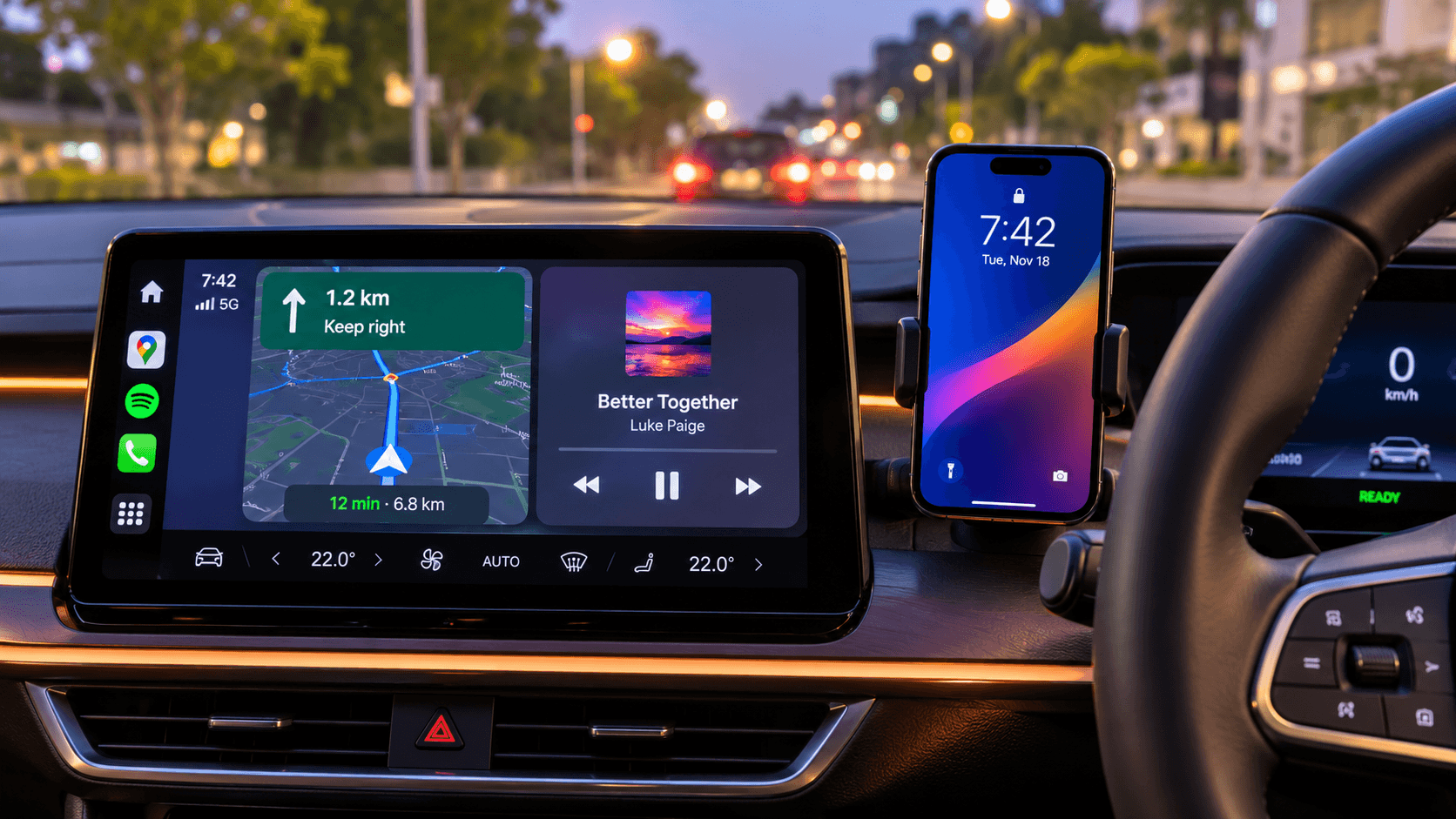
Pick Screen2Auto if: You use a phone running Android 8.0 or above (including Android 14 or older), want a 100% free launcher inside Android Auto, or want access to 100+ apps across streaming, music, navigation, and messaging. You can install Screen2Auto through AAStore or via AAAD without root access.
Pick AA Anything if: Your phone runs Android 15 or later and you want to patch and re-sign specific installed apps such as VLC, Firefox, stock trackers, or utilities so they appear on Android Auto without root or a PC.
Use both if: You have an Android 15 or later phone and want to patch specific apps like VLC with AA Anything while keeping Screen2Auto installed as an Android Auto launcher.
AA Anything vs Screen2Auto
If you are comparing aa anything vs screen2auto for android auto screen mirroring and app access, this table summarizes the exact details from both websites:
| Feature | AA Anything | Screen2Auto |
|---|---|---|
| How it works | Adjusts and re-signs apps already stored on your phone | Works as a launcher inside Android Auto to run phone apps |
| Android version | Android 15 or later only (hard requirement) | Android 8.0 (Oreo) and above (Android 10+ recommended) |
| Root required | No root, no bootloader unlock, and no computer | No root required on most Android devices |
| Connection | Wired USB instructions; wireless not directly addressed in docs | Supports both wired USB and wireless Android Auto |
| Supported apps | VLC, Firefox, stock trackers, and everyday utilities | 100+ apps (YouTube, Netflix, Spotify, Waze, WhatsApp, etc.) |
| DRM & security checks | Blocked (apps using hardware DRM, Play Integrity, or signature checks cannot work) | Advertised as supporting YouTube, Netflix, Prime Video, and Disney+ |
| Install route | Official GitHub Releases (github.com/kododake/AAAnything) or Obtainium | AAStore or AAAD |
| Updates | Re-patch the app in place inside AA Anything after Android updates | Automatic via AAAD/WheelPal, or manual APK download |
What is AA Anything?
AA Anything is an Android app by developer Kododake (who also created AA Browser) that adjusts and re-signs apps already on your phone so they can appear on an Android Auto display. Built strictly for Android 15 or later, it runs entirely on the phone without root access, bootloader unlocking, or a computer.
First released in October 2026 (with v1.0.2 published on October 17, 2026), aa anything leaves your car's software untouched while making eligible phone apps visible in the car. Here are the key facts from aa-anything.com,
- How it works: It takes an app already installed on your phone, adjusts it, and signs it with keys unique to your installation so it runs on your device only.
- Android 15 or later only: This is a hard requirement. Phones running older Android versions are not supported.
- No root or PC needed: All patching happens directly on your smartphone.
- Free tier plus Pro: Media players such as VLC are free for personal, non-commercial use. Broader app compatibility requires a paid Pro subscription
- App limits: Apps using hardware DRM, Play Integrity, signature checks, or strict security restrictions cannot be projected ruling out subscription video services and many banking apps.
How to get AA Anything
For complete setup instructions and screenshots, visit our guide on how to add any app to Android Auto with AA Anything:
- Download safely: Get the latest APK from the official GitHub Releases page or via Obtainium (see our safe AA Anything download guide).
- Run the built-in setup: Open AA Anything on your Android 15+ phone and follow its on-screen shortcuts to enable Android Auto developer mode and Unknown sources.
- Patch a free app first: Choose an installed app such as VLC and tap Patch & Install to verify it works on your car's head unit before buying Pro.
- Connect while parked: Park safely, plug your phone into your car, and open the patched app from the Android Auto launcher.
If you want to know how to add screen2auto you can follow these guide : Install Screen2auto.
Troubleshooting both apps
| Issue | AA Anything Fix | Screen2Auto Fix |
|---|---|---|
| App missing in car | Make sure Unknown sources is enabled in Android Auto developer settings. | Verify Unknown sources is checked in Android Auto developer settings. |
| App will not open after phone update | Open AA Anything and re-patch the app in place (do not uninstall it) so your data and logins stay intact. | Update Screen2Auto automatically via AAAD/AA store or install the latest APK. |
| App blocked / will not project | Check if the app uses hardware DRM, Play Integrity, or signature checks, which cannot be patched. | Ensure you are using Android 10 or higher for the best experience. |
Which one is right for you?
Use this quick guide based on the specifications from both websites:
| If you want to... | Choose |
|---|---|
| Use a phone running Android 14 or older (down to Android 8.0) | Screen2Auto |
| Run a completely free tool with no paid Pro tier | Screen2Auto |
| Patch individual apps like VLC or Firefox on Android 15 or later | AA Anything |
| Use a tool with explicit wireless Android Auto support listed | Screen2Auto |
| Avoid re-patching individual apps after Android OS updates | Screen2Auto |
FAQ
Does AA Anything replace Screen2Auto?
No. AA Anything adjusts and re-signs single installed apps on Android 15 or later, whereas Screen2Auto acts as an Android Auto launcher supporting Android 8.0 and above.
Can you use AA Anything and Screen2Auto together?
On a phone running Android 15 or later, both tools operate on the smartphone over standard Android Auto communication without altering your car's software. Because Android Auto only displays one active app window at a time, switching between a patched AA Anything app and the Screen2Auto launcher will switch your active car display.
What if you are on Android 14 or older?
Because AA Anything strictly requires Android 15 or later, phones on Android 14 or earlier cannot run it. Instead, install Screen2Auto through AAStore or via AAAD, which supports Android 8.0 and above.
Can I use AA Anything on Android 14?
No. AA Anything has a hard requirement of Android 15 or later. Older Android versions are not supported.
Do I need root for AA Anything or Screen2Auto?
No. AA Anything needs no root, bootloader unlock, or computer, and Screen2Auto works without root access on most Android devices running Android 8.0 or higher.
Can I watch Netflix with AA Anything or Screen2Auto?
AA Anything cannot project apps protected by hardware DRM or Play Integrity checks, which rules out subscription video apps. Meanwhile, screen2auto.com lists Netflix, YouTube, Prime Video, and Disney+ among its supported apps for parked or passenger use.
Is AA Anything free?
AA Anything has a free tier (which covers media players like VLC for personal, non-commercial use) and a paid Pro subscription.
Where do I download Screen2Auto?
You can install Screen2Auto through AA Store, AAAD, via manual APK download from screen2auto.com.
Is aa-anything.com the official AA Anything site?
No. aa-anything.com is an independent, unofficial guide site run by AutoPal LLC and is not affiliated with or endorsed by Kododake.
Bottom line
When choosing between aa anything vs screen2auto, match the tool to your phone and preferences. AA Anything is built specifically for Android 15 or later users who want to patch and re-sign individual apps like VLC or Firefox without root or a PC. Screen2Auto is a free Android Auto launcher that supports Android 8.0 and above, includes wireless support, and lists 100+ supported apps.
Ready to get started? Install Screen2Auto through AAStore for a free, no-root setup, or visit our sibling site for the full AA Anything walkthrough. Always use both tools only while safely parked or for passengers.